
dubstech
Participant
September 24, 2021
해결됨

How to export PNG & JPG or save Illustrator files with different dimensions, aspect ratios or sizes?

  • September 24, 2021
  • 4 답변들
  • 5639 조회

Hi Community,


I want to know the different ways to save my designs in Adobe Illustrator.

I need to save my work in three different sized image files.. could be .PNG or .JPEG.. whatever works! 1080px by 1080px at a 1:1 aspect ratio, 1080px by 566px, with an aspect ratio of 1.91:1, 1080px by 1350px with a 4:5 aspect ratio.


{Renamed by MOD}

이 주제는 답변이 닫혔습니다.
최고의 답변: Anshul_Saini

Hi there,


Thank you for reaching out. In addition to the suggestion share above, you may try the following workflows:
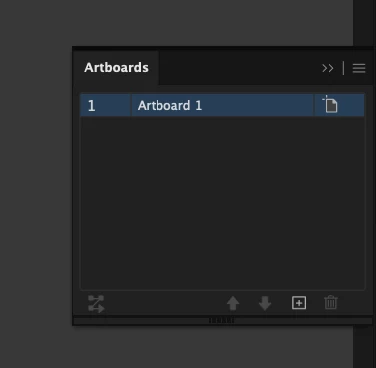
  1.  Creating an Artboard of three dimensions and copy-paste the content. Then, resize and export it to PNG or JPEG.
  2.  Create multiple Artboards with different dimensions within the document. You can change the Artboard dimensions using the following methods:

    1st Method:
    - Select the Artboard you want to resize on the Artboard panel.


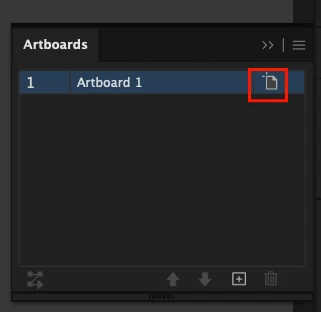
    - Click on the artboard tool icon. 


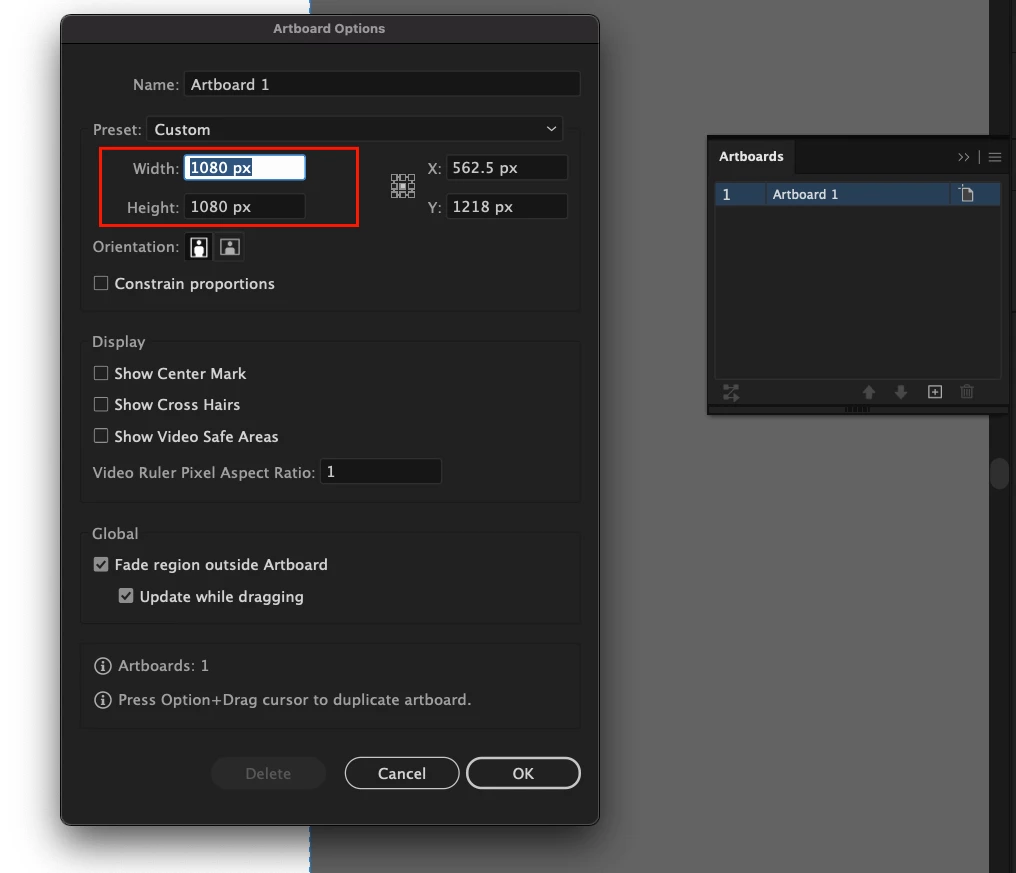
    -  A window will pop up. That’s the Artboard Options window. Change the Width and Height values accordingly.


    2nd Method:
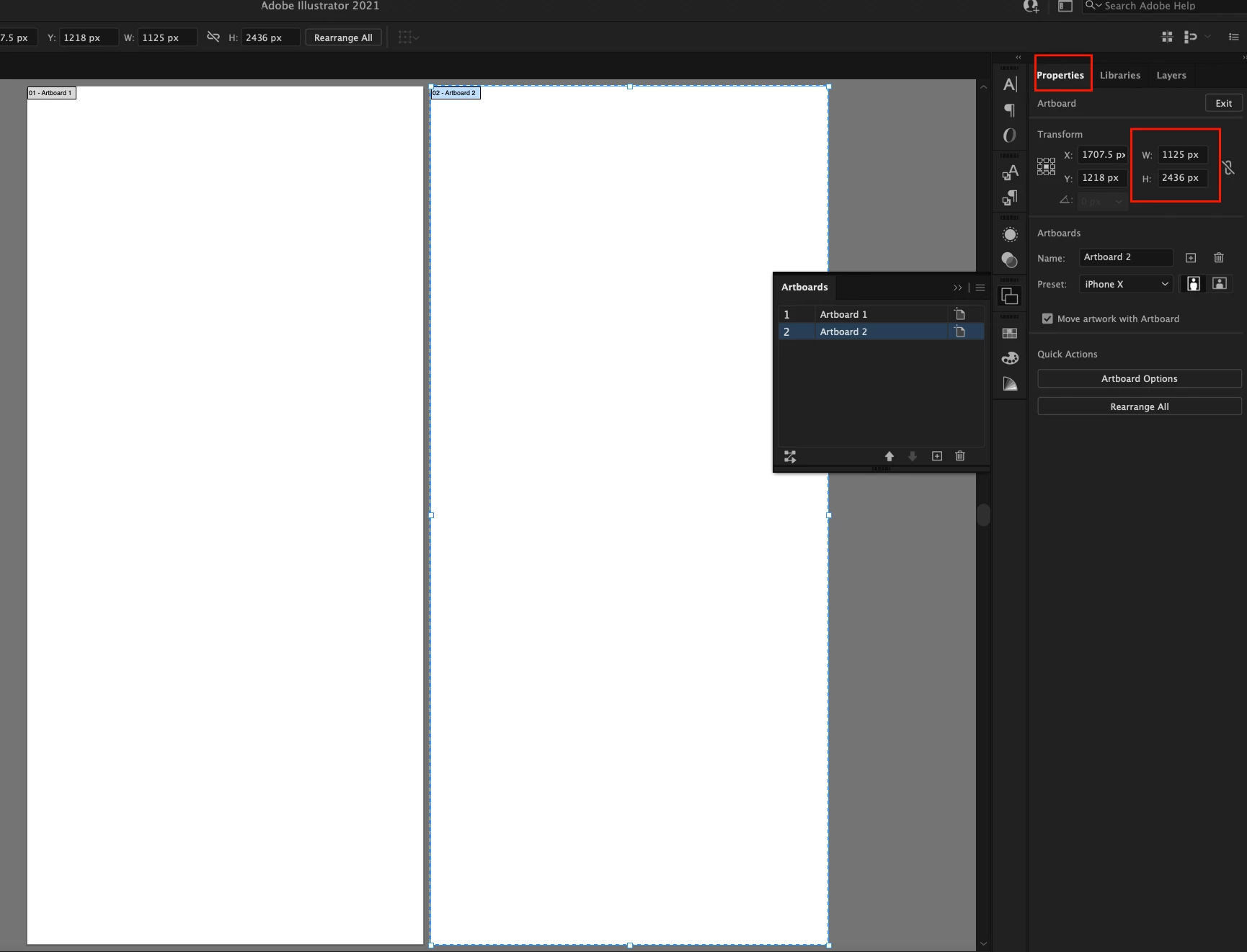
    When you click on the Artboard tool, you can change the artboard size from the Artboard panel under Properties.

    Step 1: Click on the Artboard tool in the toolbar.

     

    Step 2: Select the Artboard you want to resize. You will see the blue bounding box.
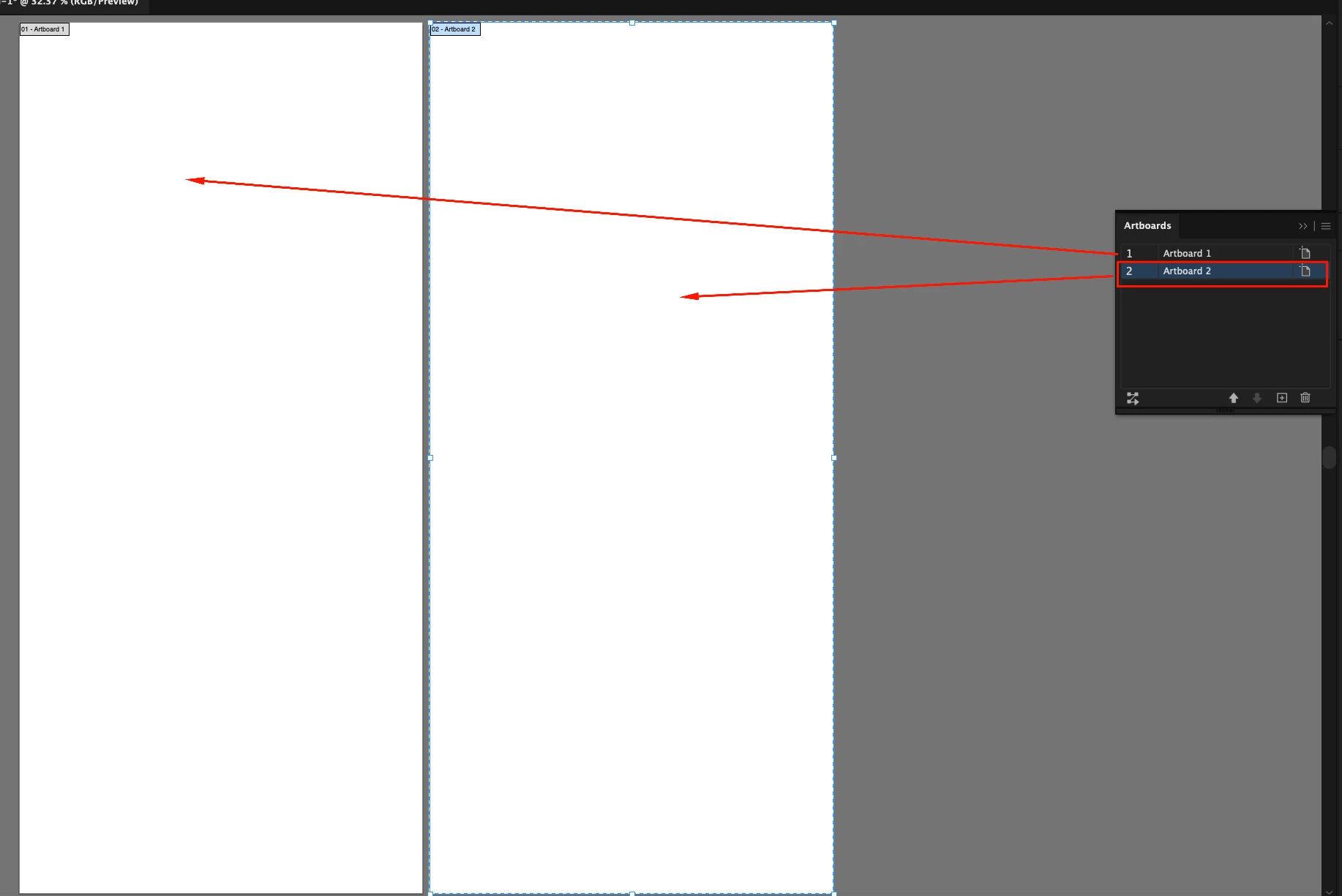

    Step 3: Change the artboard size W (width) and H (height) in the Artboard panel on the right-hand side of the Illustrator.
     

    I hope it helps!


Thanks & Regards,

Anshul Saini

4 답변

Anshul_Saini
Community Manager
Community Manager
September 24, 2021

Hi there,


Thank you for reaching out. In addition to the suggestion share above, you may try the following workflows:

  1.  Creating an Artboard of three dimensions and copy-paste the content. Then, resize and export it to PNG or JPEG.
  2.  Create multiple Artboards with different dimensions within the document. You can change the Artboard dimensions using the following methods:

    1st Method:
    - Select the Artboard you want to resize on the Artboard panel.


    - Click on the artboard tool icon. 


    -  A window will pop up. That’s the Artboard Options window. Change the Width and Height values accordingly.


    2nd Method:
    When you click on the Artboard tool, you can change the artboard size from the Artboard panel under Properties.

    Step 1: Click on the Artboard tool in the toolbar.


    Step 2: Select the Artboard you want to resize. You will see the blue bounding box.


    Step 3: Change the artboard size W (width) and H (height) in the Artboard panel on the right-hand side of the Illustrator.


    I hope it helps!


Thanks & Regards,

Anshul Saini

dubstech
dubstech작성자
Participant
October 2, 2021

I tried the second workflow you suggested.


It worked! I can export a .PNG without my artwork fitting to the bounds of the artboard.


Thanks

John Mensinger
Community Expert
Community Expert
September 24, 2021

Correct answers about size/aspect ratios already given, I'd want to remind you that for those you aren't "saving" your work, you're exporting it. Your working project file should be saved in Illustrator's native .ai format.

manal shanableh
Legend
September 24, 2021

best solution is to create 3 artboards with spectific sizes you want.


we can export assets with diffferent sizes but the same aspect ratio.


drag your artwork to assets panel and check the scales 

dubstech
dubstech작성자
Participant
October 2, 2021

I've exported 3 .PNG files with this method. 


The only problem now is exporting a .PNG without my design extending to the edge.


I like how I can now choose different sizes during my export step


Thanks

Michael Bullo
Community Expert
Community Expert
September 24, 2021

Are you trying to export out a single piece of artwork at 3 different aspect ratios?


Does the artwork need to extend to the edge of the image for each aspect ratio? If so, you might want to copy and adjust the artwork to two additional Artboards. Then export out images for each of the Artboards.

dubstech
dubstech작성자
Participant
October 2, 2021

I've learned how to export with additional Artboards.


This will be useful as I grow however, I want my artwork to not extend to the edge of the image.


Thanks