dubtechno
Participating Frequently
October 12, 2017
Question

How to extract only black\grey color as shape?

  • October 12, 2017
  • 7 replies
  • 5579 views

Hello guys,

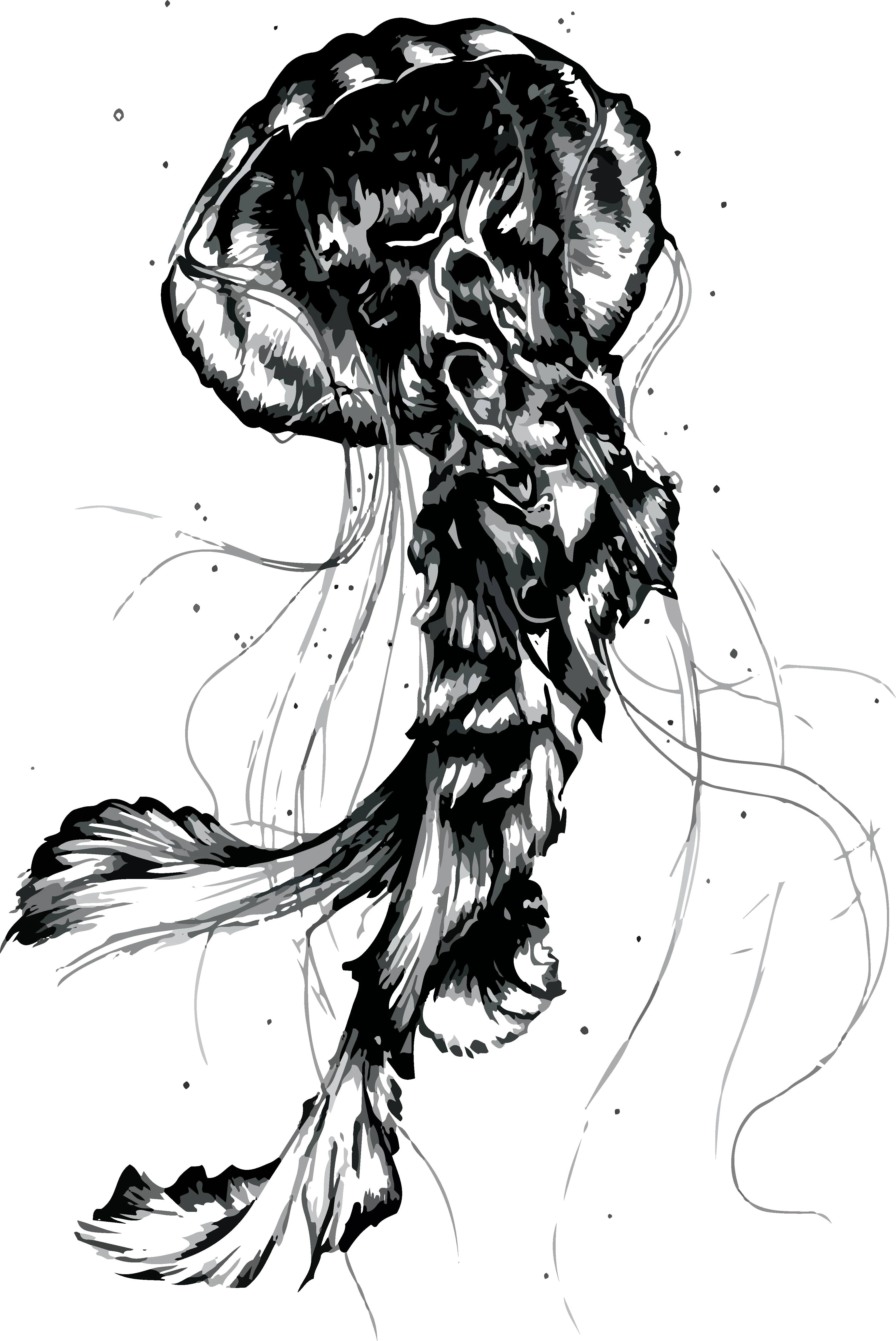
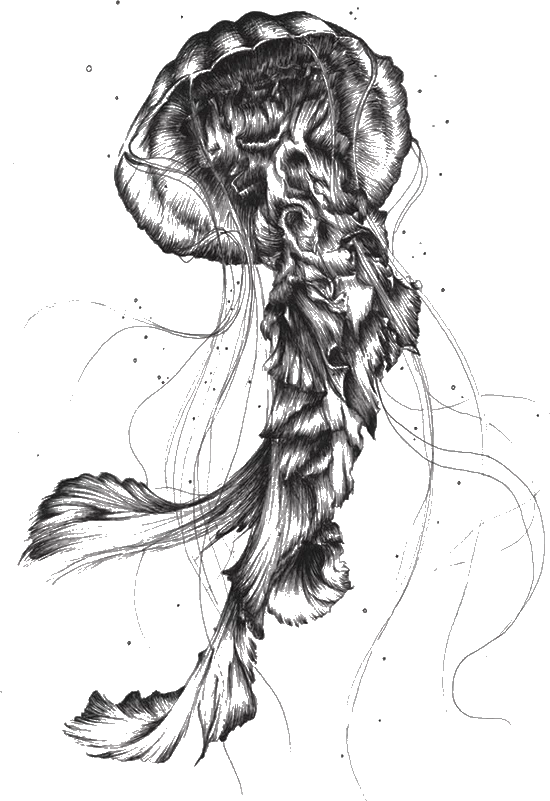
I have an image of jellyfish, I want to extract only black/grey color to create high quality shape, how it can be done? I've tried image tracing but I dont like quality of shape.

    This topic has been closed for replies.

    7 replies

    kphotopage
    Legend
    October 14, 2017

    Dubtechno, do you absolutely need this detailed drawing to be vector?

    My first choice would be to use Photoshop and separate.

    Make that transparent layer a Smart Object.

    You can resize as you wish without any degradation.

    K

    Ton Frederiks
    Community Expert
    Community Expert
    October 14, 2017

    kphotopage  wrote

    You can resize as you wish without any degradation.

    That is not true for pixel based smart objects.

    You can make them smaller, but  not larger without degradation.

    kphotopage
    Legend
    October 14, 2017

    I would agree with you Ton.

    I only assumed Dubtechno wanted the same size or to resized smaller.

    Wanted to separate the white background and still retain all the fine details . . . thus my reason for using Photoshop.

    I did ask the question, did it have to be vector.

    Dubtechno did NOT state the intended use.

    Print or web, large or small. ????

    I did try Illustrator’s Image Trace. Custom settings. Did not like.

    Very nice drawing if you did that yourself Dubtechno!

    K

    dubtechno
    dubtechnoAuthor
    Participating Frequently
    October 13, 2017

    here it is

    Ton Frederiks
    Community Expert
    Community Expert
    October 13, 2017

    If that is the best resolution you have, then it is going to be difficult (if not impossible, but maybe some wizard will disagree). to separate the backround from the image.

    dubtechno
    dubtechnoAuthor
    Participating Frequently
    October 13, 2017

    This is what I want, only with that jellyfish. I just dont get it good quality, can it be done somehow different? I want that all whites would be transparent and blacks as shape.

    Ton Frederiks
    Community Expert
    Community Expert
    October 13, 2017

    Your image (as you posted it) does not contain white. it is transparent.

    Make sure that the partsv you want to keep are a shade of gray instead of transparent or white.

    dubtechno
    dubtechnoAuthor
    Participating Frequently
    October 13, 2017

    Guys, I have played with these values all day, I just don't get result I want, I dont need white background, I need that it would be transparent, but when I hit "Ignore White" it becomes very messy, try it on dark background and you'll see.

    dubtechno
    dubtechnoAuthor
    Participating Frequently
    October 13, 2017

    Is it possible to extract this object as black shape? With opacity that creates shadows, highlights and same quality like in second photo?

    Ton Frederiks
    Community Expert
    Community Expert
    October 13, 2017

    You can improve the tracing when you play a bit with the options.

    Larry G. Schneider
    Community Expert
    Community Expert
    October 12, 2017

    Try using Image Trace in Grayscale with a low number of values.

    Myra Ferguson
    Community Expert
    Community Expert
    October 12, 2017

    If you mean you'd like to select all instances of one color, you can select it, go to Select > Same > Fill Color.