


Illustrator 2020 crash/lock after running for a couple hours with Photoshop open on Windows machine
 So I posted about this previously but having gotten a solution and the thread has gone stale as I hadnt replied for a couple weeks and I really want to figure out a solution.
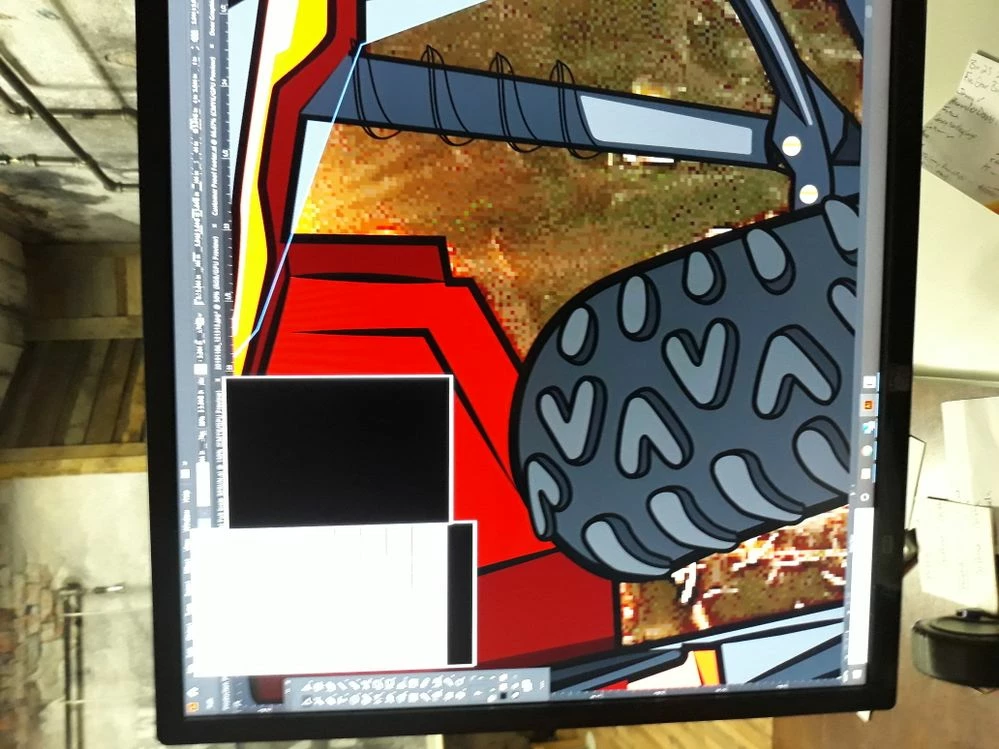
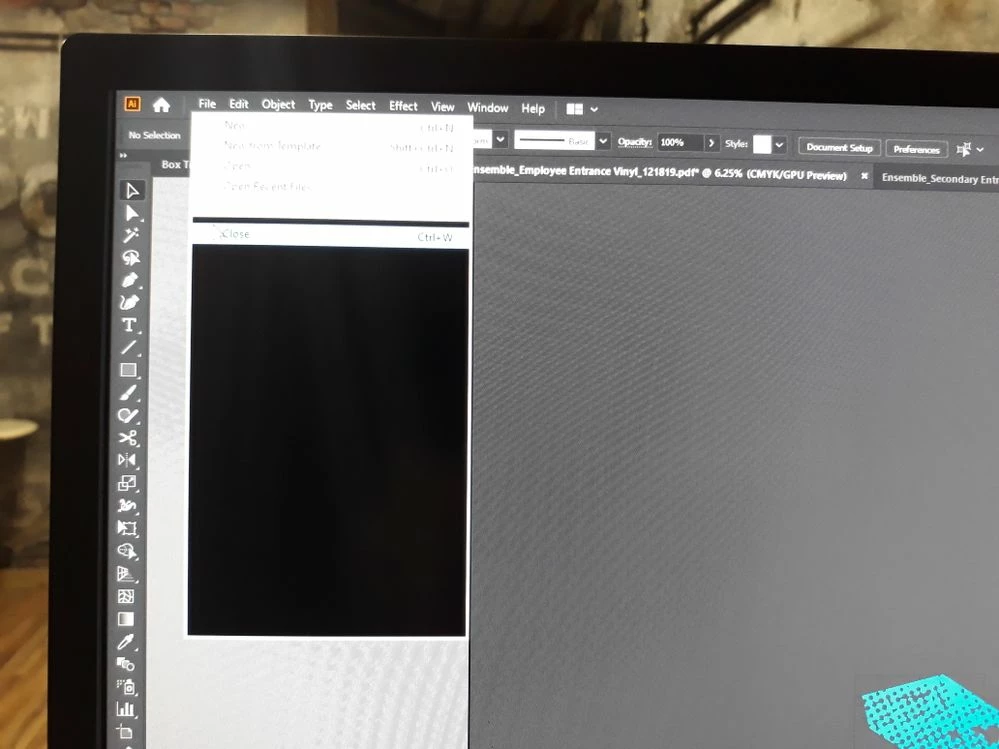
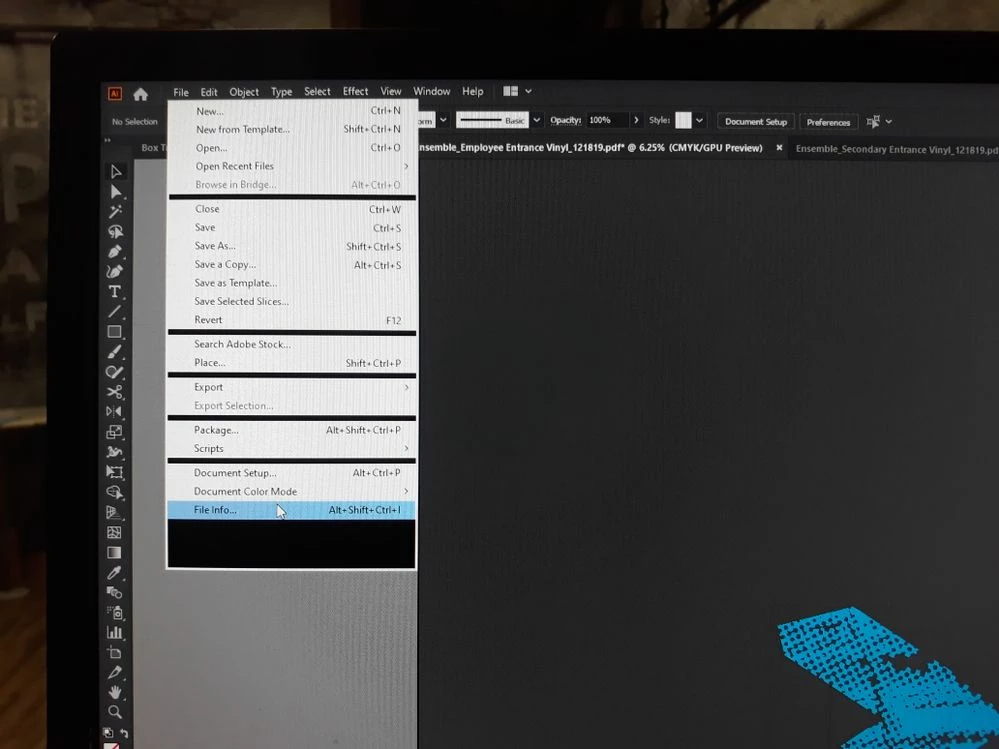
After a few hours of using illustrator and opening and saving multiple files for production set up or creative design illustrator will start acting odd by my toolbar not showing dimensions or my swatch and stroke not showing the correct colors and then when I realize what's going on I will try to save and the drop down panel will be blacked out until I highlight over each button like "save" "save as" etc. I attached a few images for reference.
Ive also noticed this tends to happen when Im running photoshop as well. Ive also been having problems with photoshop running extremely slow once the file gets larger and Ive been wanting to upgrade my RAM or get a larger SSD card but I am not sure if that will fix it. I am running a IBuyPower desktop computer, the specs are as follows:
Processor: Intel Core i7-8700 CPU @ 3.20 GHz
RAM: 16 GB
System: 64 Bit Operating System, x64 Based Processor
I am not running any third party apps or anything else. I think Ive covered everything but let me know if you have any questions as I really want to figure out how to go about upgrading my system or anything else to enhance my performance especially with photoshop. Thanks so much!
{Renamed by MOD}
 AdChoices