Participant
February 15, 2018
질문

Illustrator CC 2018 Crashes On Startup

  • February 15, 2018
  • 6 답변들
  • 3472 조회

Running W10 (W7 upgraded) with latest updates for CC.

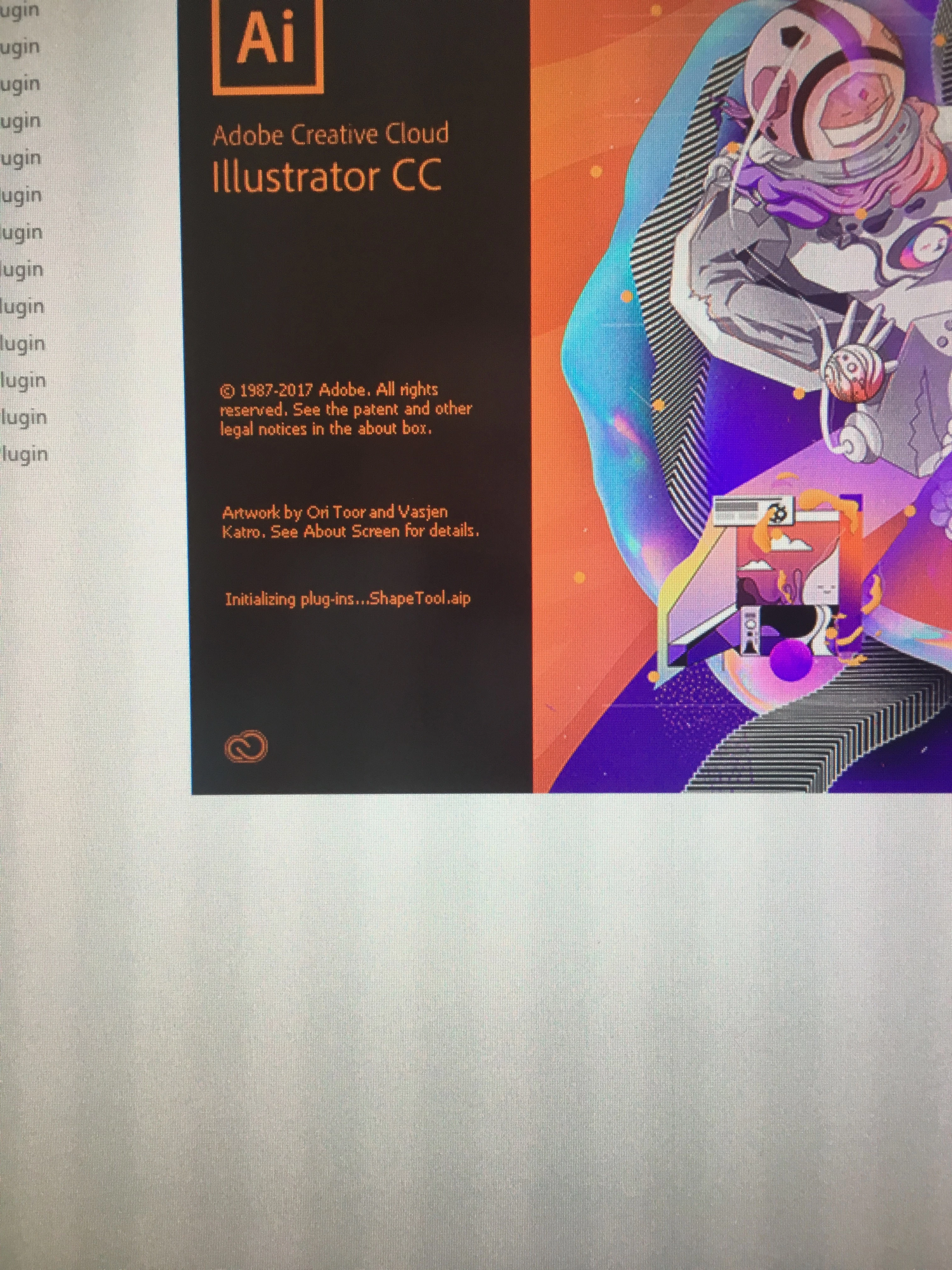
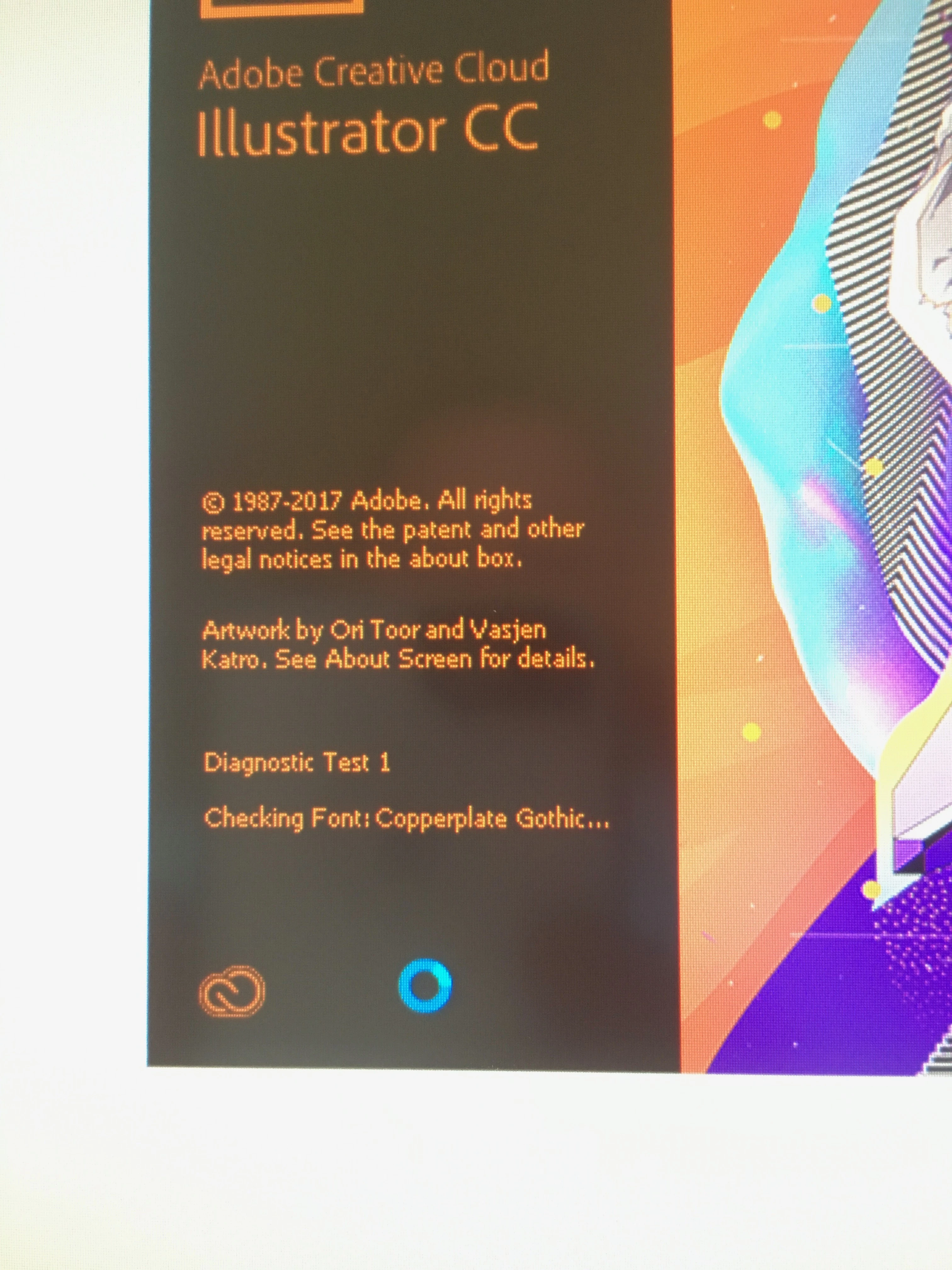
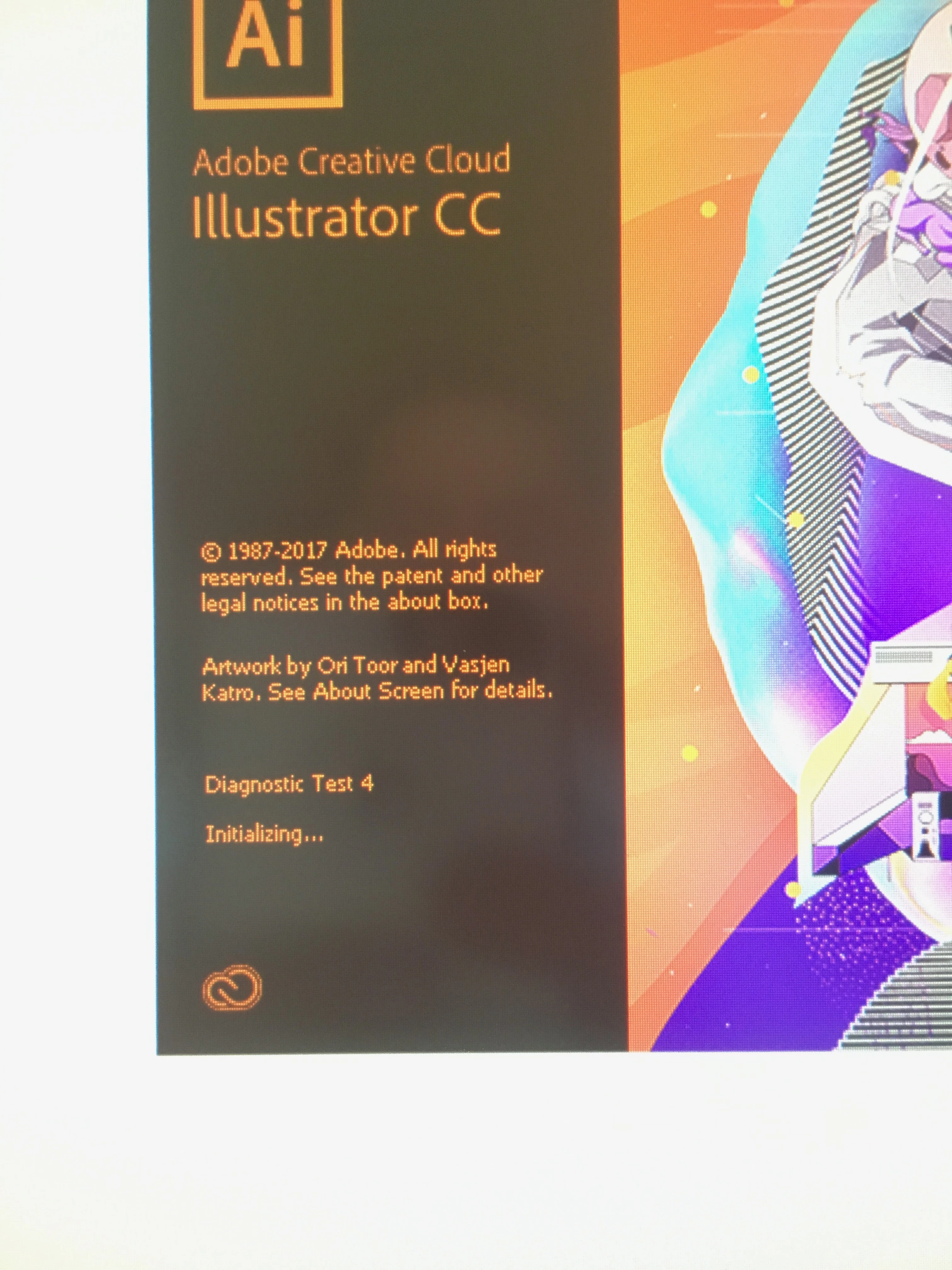
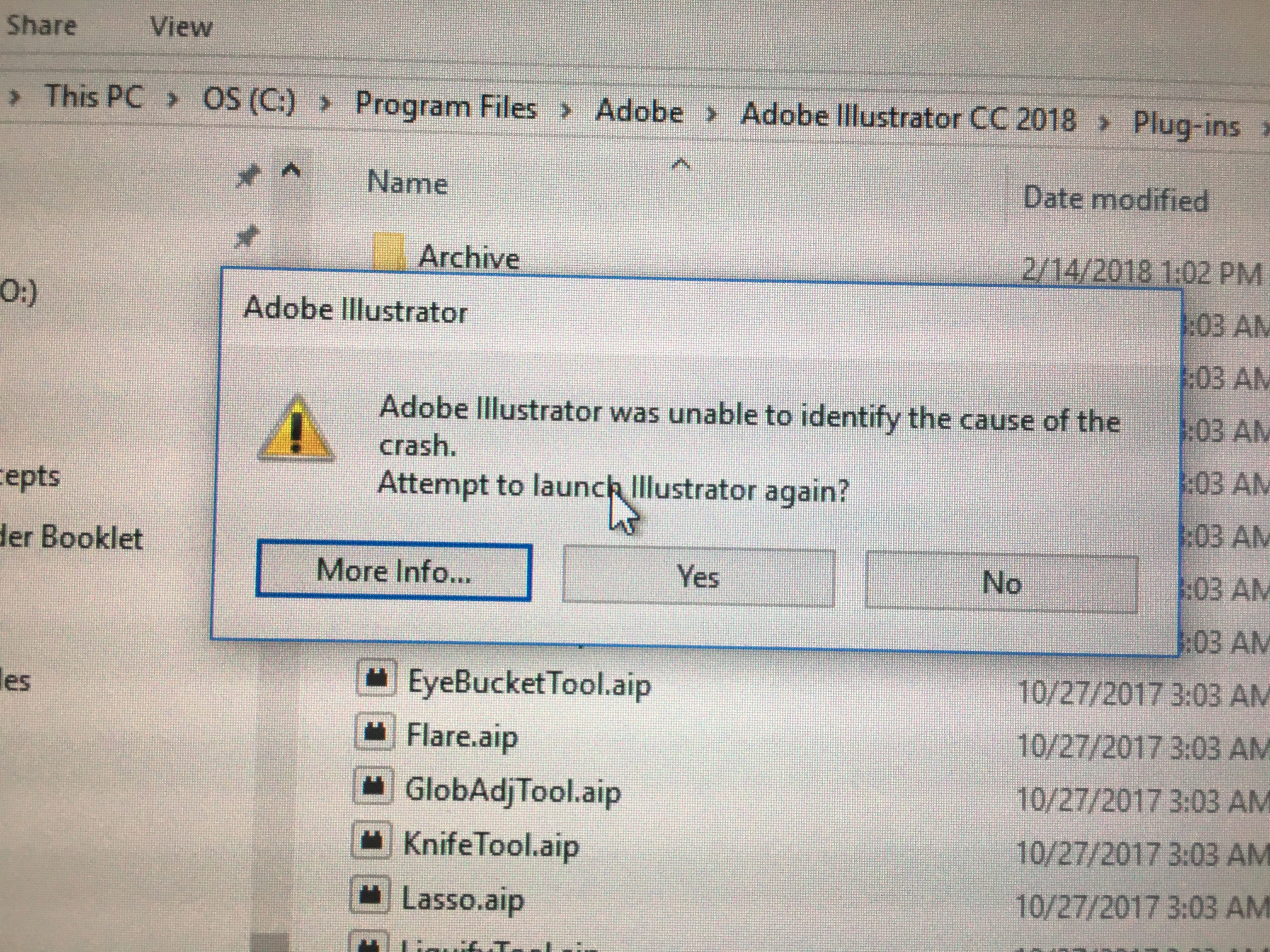
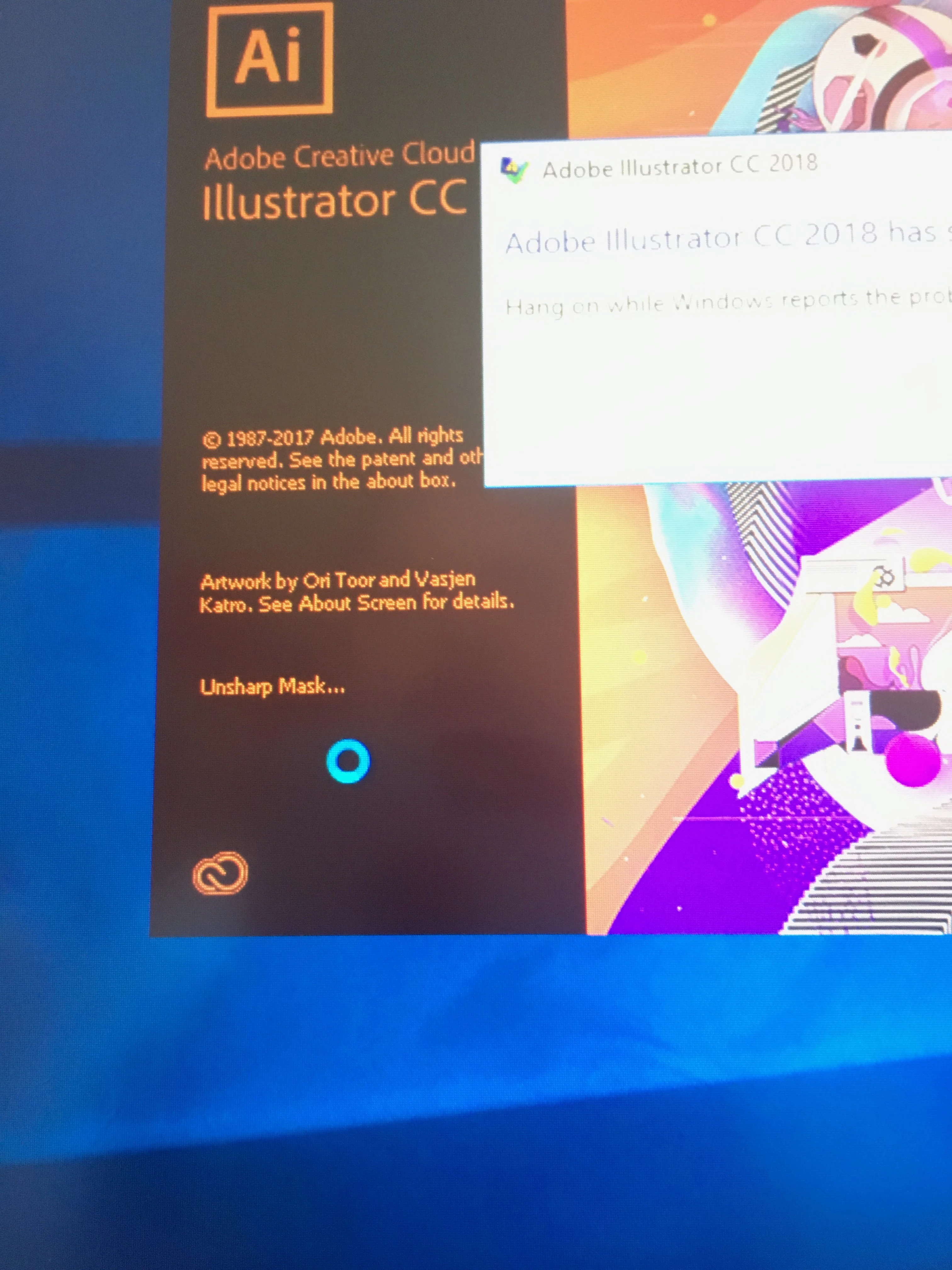
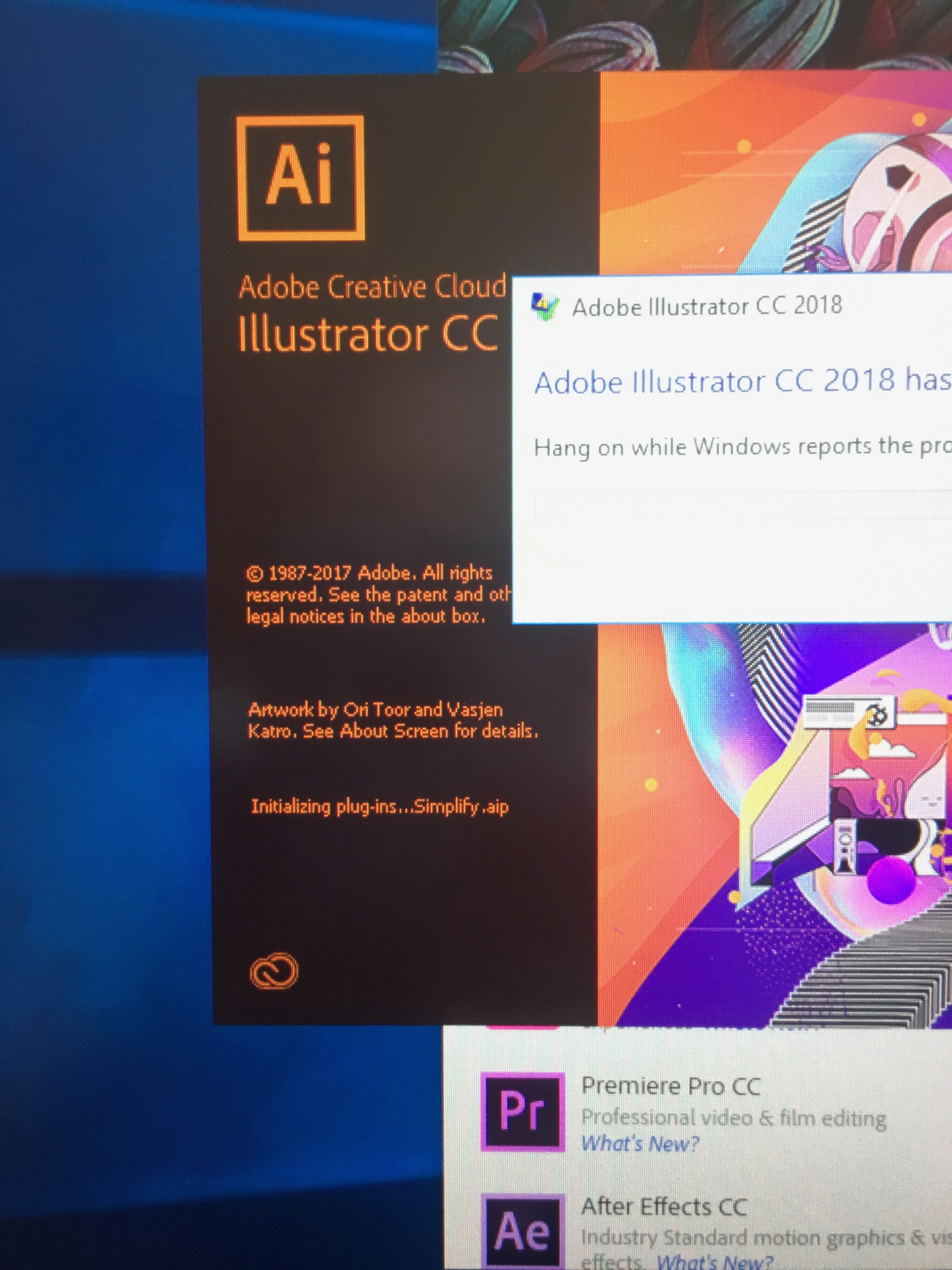
Illustrator crashes every time it is opened.  It seems to be random as to what plug-in or file it errors out at (see below).  I've attached some images below if that helps.

Here is what I've done so far and no luck.

1. Uninstalled and reinstalled entire suite several times (removing profile options as well).

2. Tried the Adobe printer suggestion in this thread: Illustrator CC 2018 crashes at load screen

3. I've run the Adobe Creative Cloud Cleaning Tool, no luck there.

4. I've let Adobe run it's self diagnostic tool (pic below) which is loads and runs after several crashes.  This is suppose to find and fix the problem on it's own but it doesn't.

At this point I don't know what to do so any help would be much appreciated.
이 주제는 답변이 닫혔습니다.

6 답변

Participant
January 10, 2019

I had the same issue.  It turned out to be an issue with my printer configuration.  My default printer was set to use a wireless HP multifunction machine, and Illustrator crashed on both my Windows 10 machine and a my MacBook Pro, running High Sierra.  When I changed my default printer to AdobePDF, the problem went away.

Participant
August 24, 2018

Have you had any luck with this issue?

i have the same problem and have tried the same solutions you posted to no avail.

pablo_strauss
Participant
March 9, 2018

This is going to sound pretty weird and I can't assure it will work, but I had a very similar problem (Ran Illustrator, crashed on every startup when the splash screen said something about the Fonts) and not even downloading older versions would do the trick.

I read something online about problems with printers and, sure enough after uninstalling the only printer I had previously set up with no success, Illustrator (CC 2017 at that point) ran like butter. I updated it to its current version and it's still working.

Maybe it has something to do with the way W10 handles Printer drivers? I have a relatively fresh installation of W10 (No longer than 2 weeks old), so it really caught my attention when the printer wouldn't work from the getgo and Illustrator wouldn't even start up.

Participant
August 20, 2018

Thanks for the tip pablo. have gotten frustrated over the past days with illustrator cc crashing on launch. after uninstalling the printer, it now opens without a hitch.

Monika Gause
Community Expert
Community Expert
February 15, 2018

Please contact customer care. You need someone to look into your system:

Contact Customer Care

Known Participant
February 15, 2018

Any chance you're using a public network? Illy will crash on me 9 out of 10 times when I'm working remotely from the library. The second I plug in my hotspot, the program opens.

Participant
February 15, 2018

Honestly, your best bet is to switch to something like SketchApp. Illustrator is garbage software.