


Participant
June 28, 2025
해결됨

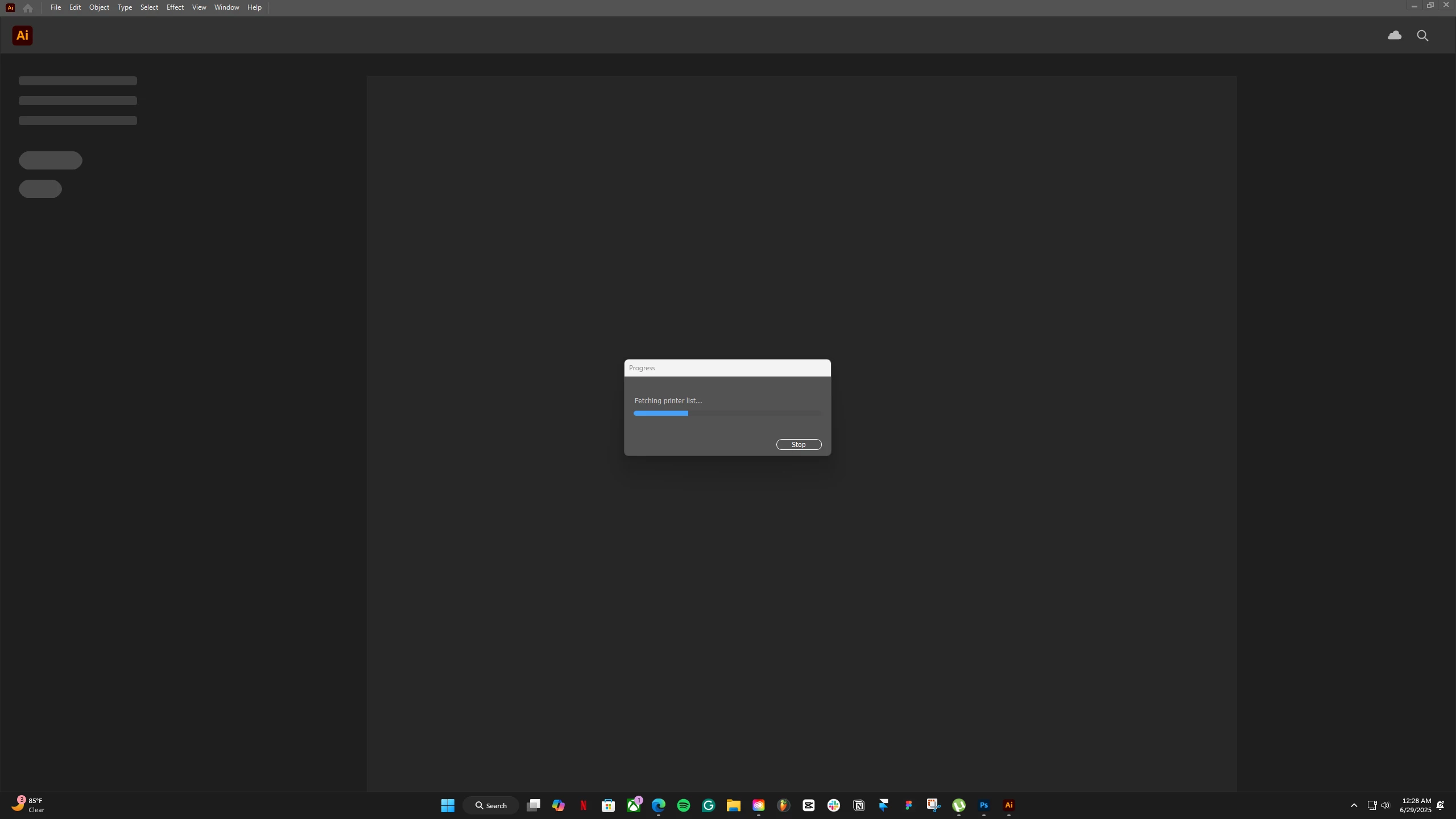
My app is not loading "fetching printer list"

  • June 28, 2025
  • 4 답변들
  • 2959 조회

Hey guys, I am losing my mind as I have tried everything to get my AI to work, it still won't.
The momentI opennup my app or anyAI file, it is stuck like this, Left it for 4 hours, still was in thislop. I am gettng close tomy deadline. Please help.
최고의 답변: seb-c

What actually worked was resetting my router and PC Strangly! 

4 답변

Participant
August 4, 2025

I've also had the same problem since my Illustrator updated and I'm on Windows. I've made sure my default printer is switched off because I don't have a printer, restarted my laptop and router, and also uninstalled and installed Illustrator; but nothing seems to work. Is there anything else that I can do?? 😞

Monika Gause
Community Expert
Community Expert
August 4, 2025

Switching off the printer is often not a good idea. Illustrator likes to find one. Can you set up a PDF printer?

Participant
August 4, 2025

I don't know what happened but something shifted in my computer and I was able to see Adobe PDF printer, thank you for the help!

Participant
July 31, 2025

I'm having this same problem and i dont own any printer nor do i have anything on my network. 

I have uninstalled and re installed Same problem 

I've only got this problem since updating the App - the version im running of illorstrator is - 29.7 and im on windows 11 

PLEASE can somebody help as im unable to work currently! 

Monika Gause
Community Expert
Community Expert
July 31, 2025

@seb-c  schrieb:

I'm having this same problem and i dont own any printer nor do i have anything on my network. 

I have uninstalled and re installed Same problem 

I've only got this problem since updating the App - the version im running of illorstrator is - 29.7 and im on windows 11 

PLEASE can somebody help as im unable to work currently! 


Setting up a PDF printer does not work for you?

seb-c답변
Participant
July 31, 2025

What actually worked was resetting my router and PC Strangly! 

Participant
July 11, 2025

Same thing is happening with me. It just won't open. Has been crashing for 2 days now. My version is up to date.

Community Manager
July 11, 2025

Hello @april013,

I am sorry to hear about your experience. Could you confirm the version of the OS/Illustrator installed on your device, along with a screenshot / a small screen recording of the problem, so we can better assist you?

Also, try setting a default printer as Monika suggested, and then relaunch Illustrator to see if it helps.

Looking forward to hearing from you.
Anubhav

Participant
July 28, 2025

Was there a solution for this yet? I'm having the same issue. Illustrator 29.6.1
(already tried uninstalling and re-installing app)

Monika Gause
Community Expert
Community Expert
June 28, 2025

Are all the printers available?

Are all the printers you have set up in the system turned on?

Are you connected to a printer queue?


You could try and reset the default printer in Windows. Windows likes to mess with that when updating itself.