Participating Frequently
October 18, 2017
해결됨

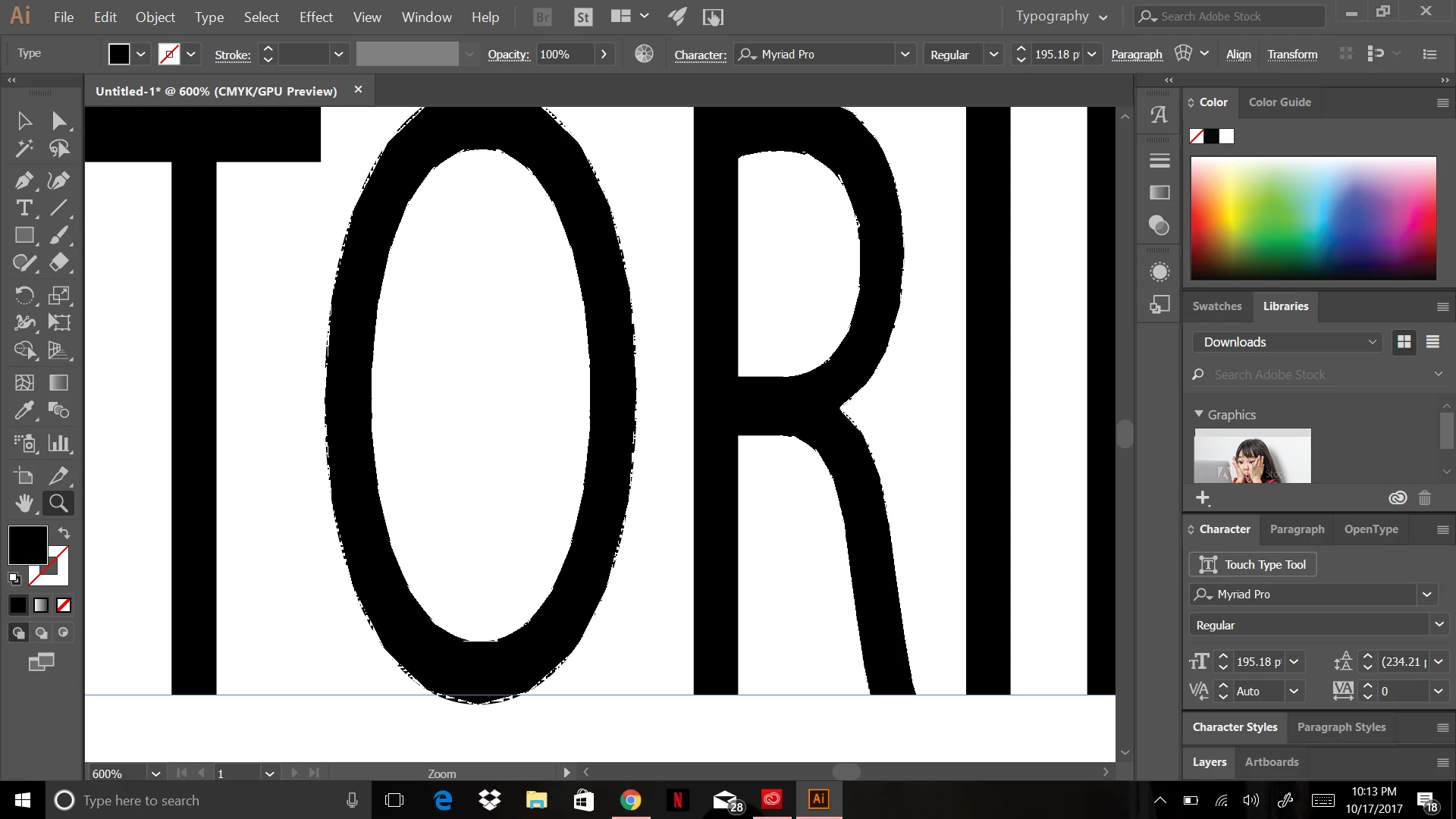
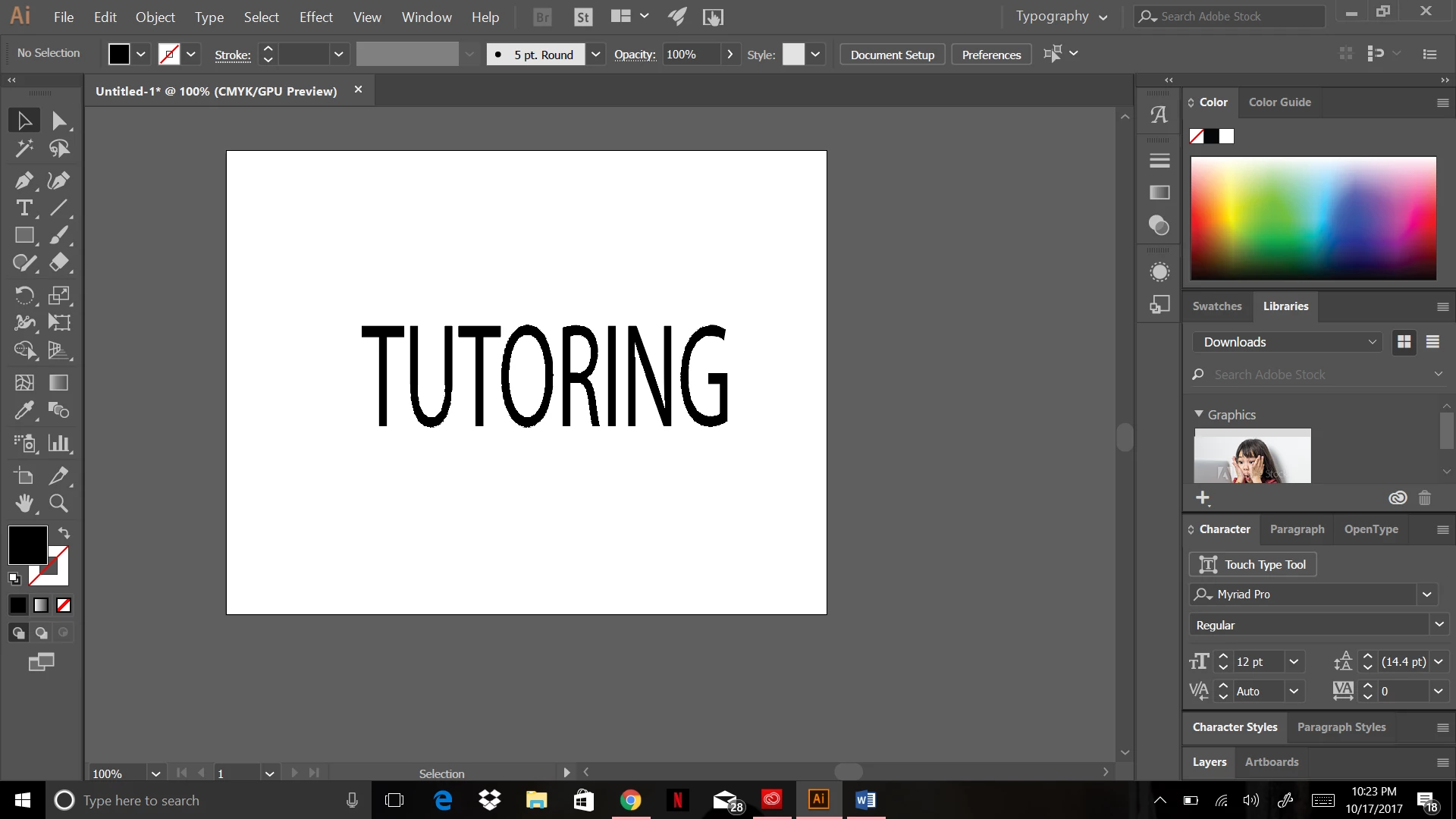
My text has a weird outline I can't get rid of. Please help.

  • October 18, 2017
  • 3 답변들
  • 2308 조회

I've watched a ton of youtube videos, read through a bunch of different forums, restarted my computer, but I can't seem to figure out how to get this outline off of my text. Please refer to the pictures I have posted. Thanks in advance for the help.
    이 주제는 답변이 닫혔습니다.
    최고의 답변: Mylenium

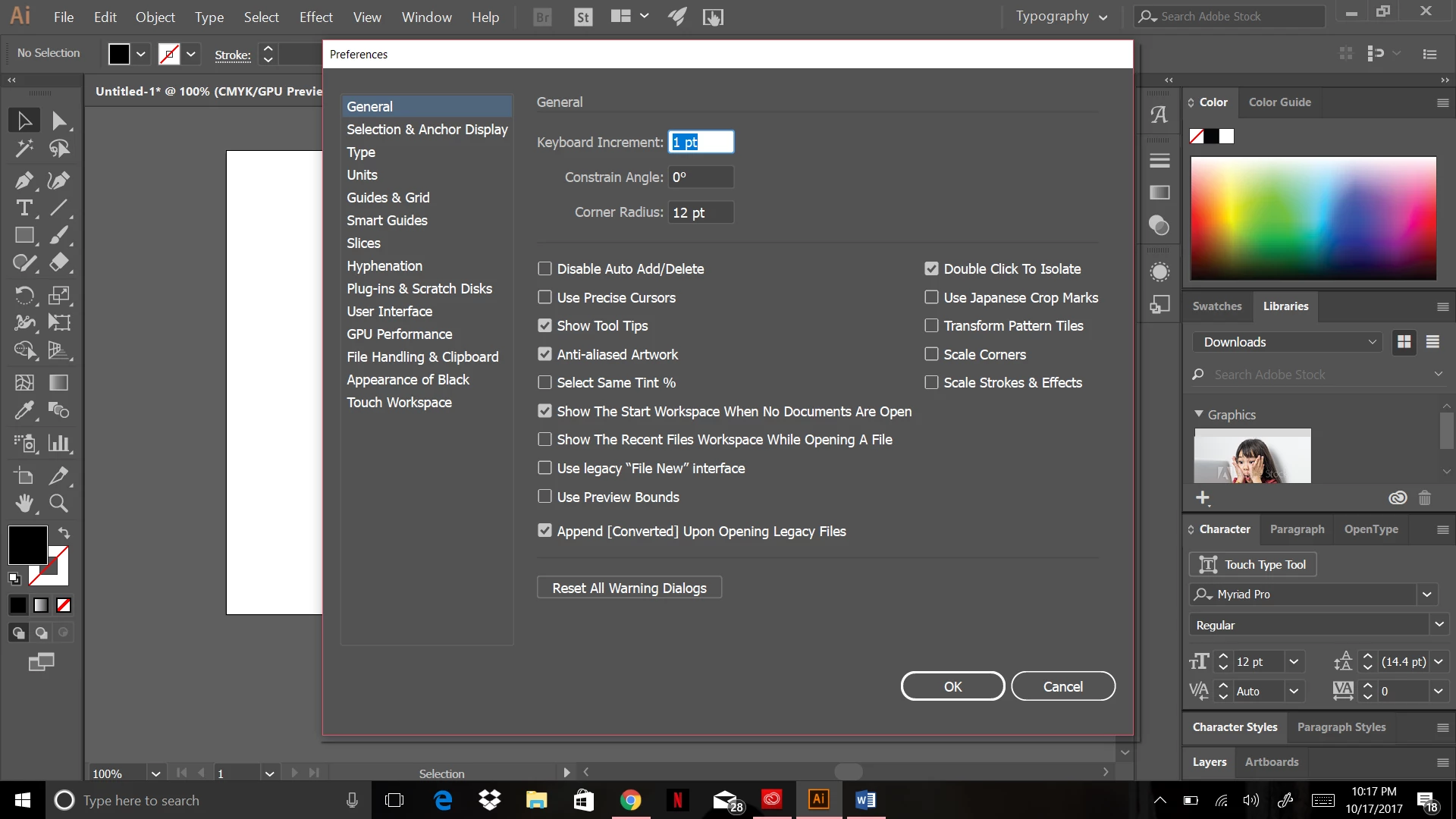
    Update your graphics driver or turn off hardware acceleration in the preferences.

    Mylenium

    3 답변

    angie_taylor
    Legend
    October 19, 2017

    It seems that many of the issues users are having in both AI and PS are down to GPU acceleration. Perhaps it may be a good idea for Adobe to think about disabling it as a default preference? What do others think about this?

    Doug A Roberts
    Community Expert
    Community Expert
    October 19, 2017

    i think it depends on the proportions affected. we see this a lot on the forums, but we have no idea what proportion of users work fine, because they don't post.

    angie_taylor
    Legend
    October 20, 2017

    That's very true

    Jacob Bugge
    Community Expert
    Community Expert
    October 18, 2017

    imanij.

    In addition to what Lutz said, you may toggle between GPU and CPU with Ctrl/Cmd+E, or you may disable the GPU Performance by clicking the Rocket Icon in the App bar, or on the top of the menu bar, and deselecting the GPU Performance check box; you may also uncheck GPU Performance in your Preferences.

    This is what GPU is about:

    https://helpx.adobe.com/illustrator/kb/gpu-performance-preview-improvements.html

    Participating Frequently
    October 19, 2017

    Thank you so much! Once I disabled the GPU Performance, my text went back to normal. Much appreciated!

    Jacob Bugge
    Community Expert
    Community Expert
    October 19, 2017

    You are welcome, imanij.

    Mylenium
    Mylenium답변
    Legend
    October 18, 2017

    Update your graphics driver or turn off hardware acceleration in the preferences.

    Mylenium

    Participating Frequently
    October 19, 2017

    Thanks for the suggestion. My driver was up-to-date. I had to disable the GPU Performance, and then my text went back to normal.