Inspiring
December 22, 2016
Answered

new pattern settings

  • December 22, 2016
  • 2 replies
  • 1823 views

I am finishing up a pattern, using a tutorial that can be found here. https://design.tutsplus.com/tutorials/create-a-cute-winter-seamless-pattern-in-adobe-illustrator--vector-19474

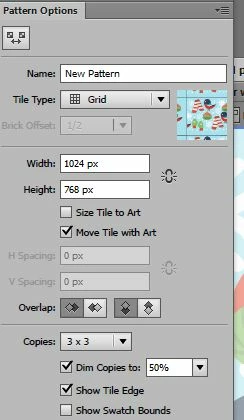
I am about to save but I want to be sure and chose the right settings.  Attached is a screenshot of the settings box.  Can you tell me what some of these settings mean and how they will affect my pattern?  I have already chosen 1024 X 768 as my size.
    This topic has been closed for replies.
    Correct answer jane-e

    It wasn't in the pattern swatch list, but it was saved in the file folder. But the trouble was, it saved a copy without all the tiny images I had painstakingly put on it.  So I have to start over anyway and try to get those images to stay on.  I found some good videos for this so I'm going to get this right!

    Thanks


    You can draw everything on your artboard, then select it and either:

    1. Drag the artwork into Swatches (the old way)

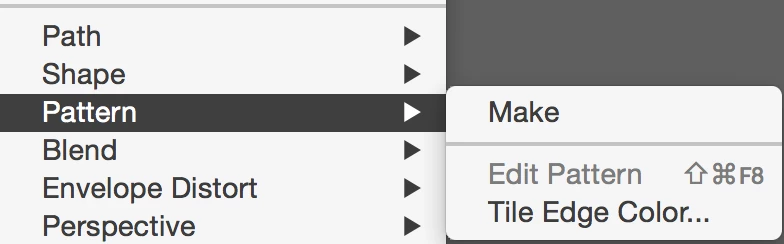
    2. Object > Pattern > Make

    You can add other things later when you are in pattern edit mode.

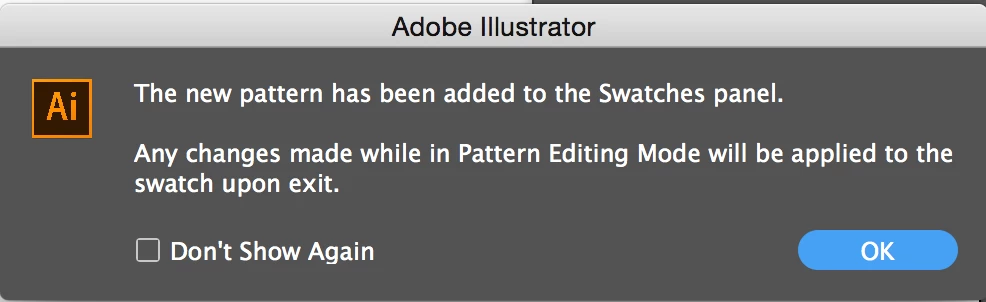
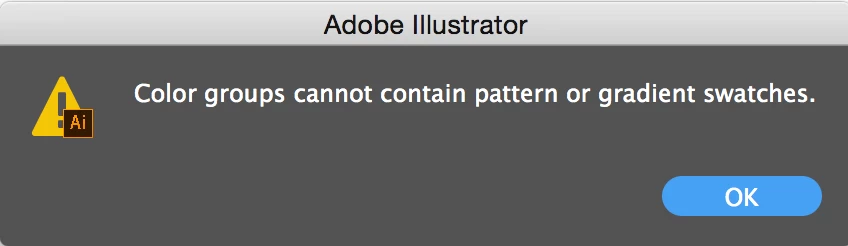
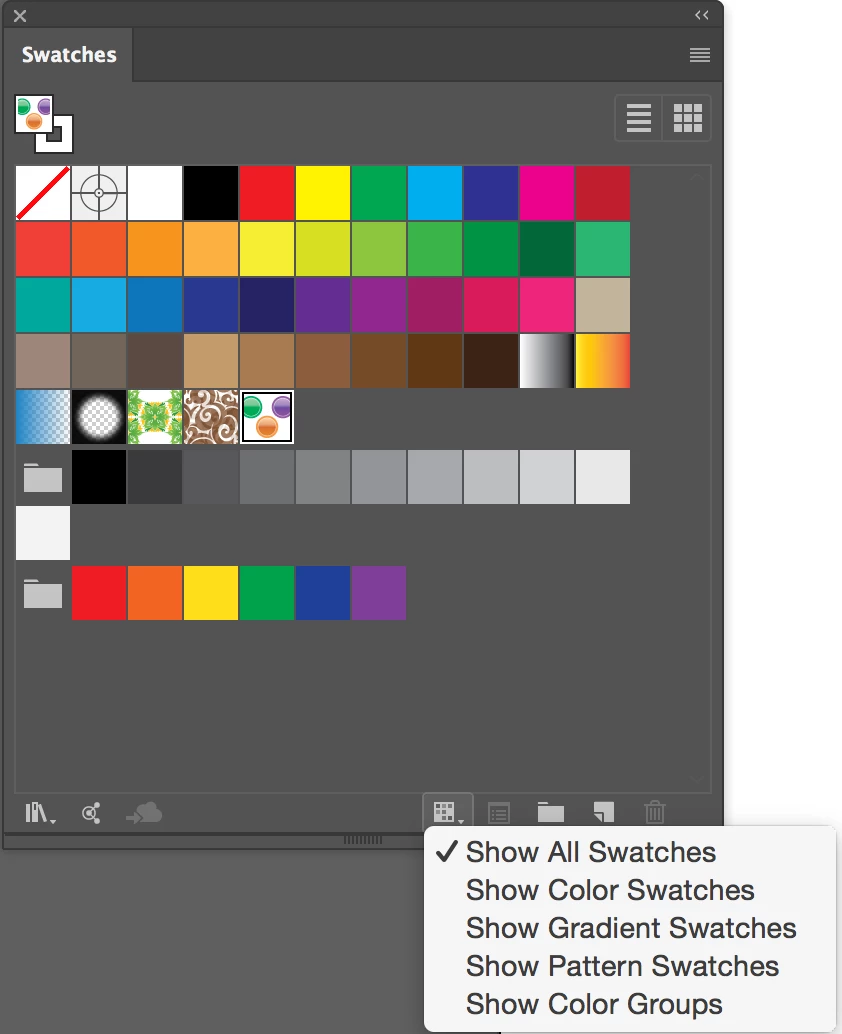
    Either way you create it, it instantly goes into Swatches and cannot go into a folder (color group) if it is a Pattern Swatch. This document has three Pattern swatches.

    2 replies

    jane-e
    Community Expert
    Community Expert
    December 23, 2016

    Give the pattern a name and click Done at the top left.

    Test the pattern by applying it to a shape. If you need to tweak it, double-click it and come back and play with the settings.

    jane-e
    Community Expert
    Community Expert
    December 23, 2016

    coldwetnozz,​
    Is this working for you now?

    Monika Gause
    Community Expert
    Community Expert
    December 22, 2016

    Please read the documentation:

    How to create and edit patterns in Illustrator

    pslane1Author
    Inspiring
    December 23, 2016

    What about the settings "Dim copies" and "Show tile edges".  I 'm concerned about those 2.

    Thanks

    jane-e
    Community Expert
    jane-eCommunity ExpertCorrect answer
    Community Expert
    December 24, 2016

    It wasn't in the pattern swatch list, but it was saved in the file folder. But the trouble was, it saved a copy without all the tiny images I had painstakingly put on it.  So I have to start over anyway and try to get those images to stay on.  I found some good videos for this so I'm going to get this right!

    Thanks


    You can draw everything on your artboard, then select it and either:

    1. Drag the artwork into Swatches (the old way)

    2. Object > Pattern > Make

    You can add other things later when you are in pattern edit mode.

    Either way you create it, it instantly goes into Swatches and cannot go into a folder (color group) if it is a Pattern Swatch. This document has three Pattern swatches.