Exit
  • Global community
    • Language:
      • Deutsch
      • English
      • Español
      • Français
      • Português
  • 日本語コミュニティ
  • 한국 커뮤니티
0

Outlining and simplified illustration

Participant ,
Feb 27, 2018 Feb 27, 2018

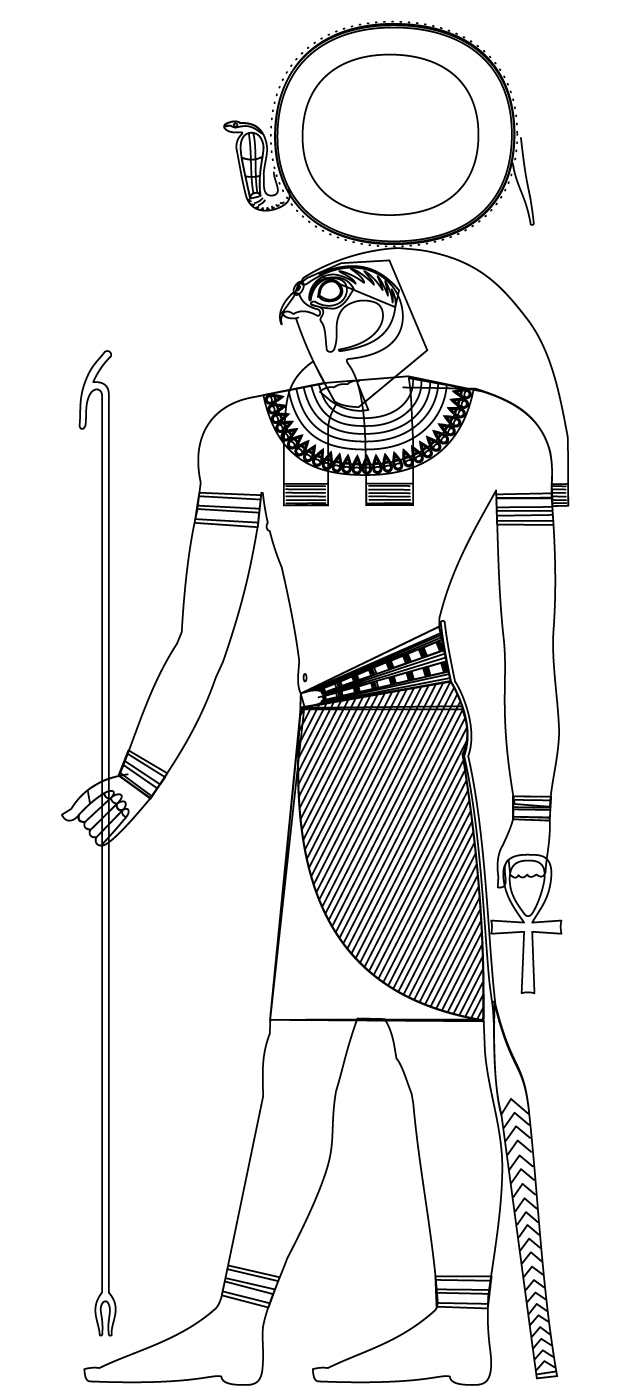
So, I'm trying to turn a colored illustration to a simplified outlined shape as to use in the light background of a page with text.

This is my starting image                              This is the outlined I made so far by removing the colors
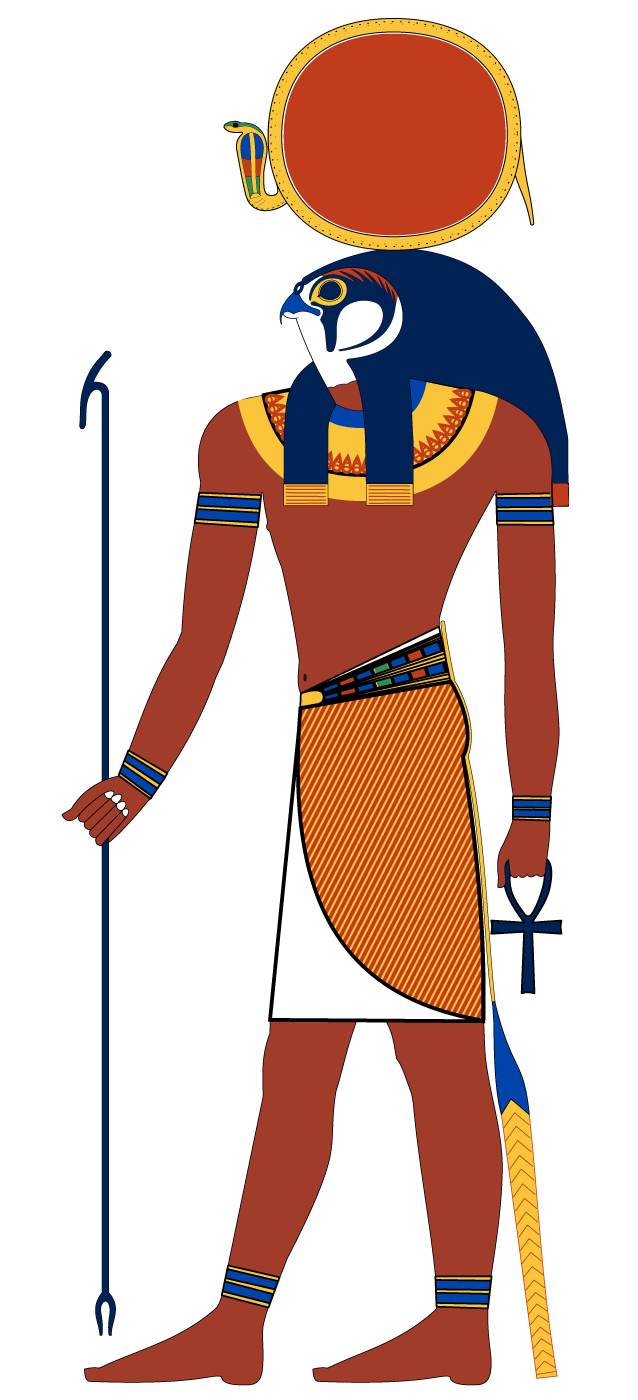
Re-Horakhty_original.jpg          Re-Horakhty.jpg

As you can see, there are shapes overlapping each other.

I'd like to remove the interior of these overlapping shapes as to have a more correct illustration.

I've tried playing around with different selection options but can't manage.

Any tip would be very appreciated.

Thank you

575
Translate
Report
Community guidelines
Be kind and respectful, give credit to the original source of content, and search for duplicates before posting. Learn more
community guidelines

correct answers 1 Correct answer

LEGEND , Feb 27, 2018 Feb 27, 2018

I would suggest leaving the color in place, but change all the fills to White (or Black in some cases). Then convert the artwork to a Symbol and set the symbol instance to "multiply". Converting to Symbol is not required, it is just a handy way to work with a piece of this complexity.

Translate
Adobe
Community Expert ,
Feb 27, 2018 Feb 27, 2018

You will have to either

- create white shapes that just overlap the underlying ones

- use the live paint tool or the shapebuilder tool in orer to delete all that stuff (will be a pain in the rear to do so, because of all the detail)

- edit the single paths with scissors tool or whatever is appropriate

See the documentation on the tools respectively about editing paths.

Translate
Report
Community guidelines
Be kind and respectful, give credit to the original source of content, and search for duplicates before posting. Learn more
community guidelines
LEGEND ,
Feb 27, 2018 Feb 27, 2018

I would suggest leaving the color in place, but change all the fills to White (or Black in some cases). Then convert the artwork to a Symbol and set the symbol instance to "multiply". Converting to Symbol is not required, it is just a handy way to work with a piece of this complexity.

Translate
Report
Community guidelines
Be kind and respectful, give credit to the original source of content, and search for duplicates before posting. Learn more
community guidelines
Participant ,
Feb 28, 2018 Feb 28, 2018
LATEST

Hey rcraighead,

Thank you for the tip. It worked perfectly.

Translate
Report
Community guidelines
Be kind and respectful, give credit to the original source of content, and search for duplicates before posting. Learn more
community guidelines