Illustrator does not have automatic page numbering. You can manually type the numbers in a printable area. If you have InDesign, if is better suited for books with pages (as opposed to artboards), margins, columns, headers, footers, page numbers and more. You will be very frustrated if you continue in Illustrator.
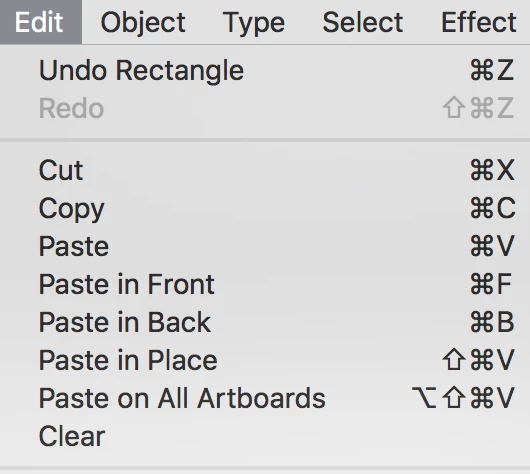
To create a border, draw it on one page, then cut it. Go to Edit > Paste on All Artboards. To edit it, manually delete it from every artboard and repeat. In InDesign, you would put it on a Master Page and it would show up on all pages using that master.
Do not think of artboards as pages. They are artboards.
How to set up multiple artboards in Illustrator
The number of artboards depends on the size. If the page size if 8.5x11, for example, you can get 420 artboards.
My advice? (I have to give it.) Don't create a book in Illustrator. Use InDesign.






 AdChoices