


Pixellate->Crystalize effect has too small of a cell size, and can't scale up
I am trying to do a simple crytallized background. I start with a gradient, and apply crystallize effect.
The crystallize has a maximum cell size of 300. My artboard is 2000x1500 px
After applying crystallize, I tried to scale to get larger cell sizes. (right click->transform->scale) but after the resize of the object the crystallize effect gets applied again and results in the same, small, cell size.
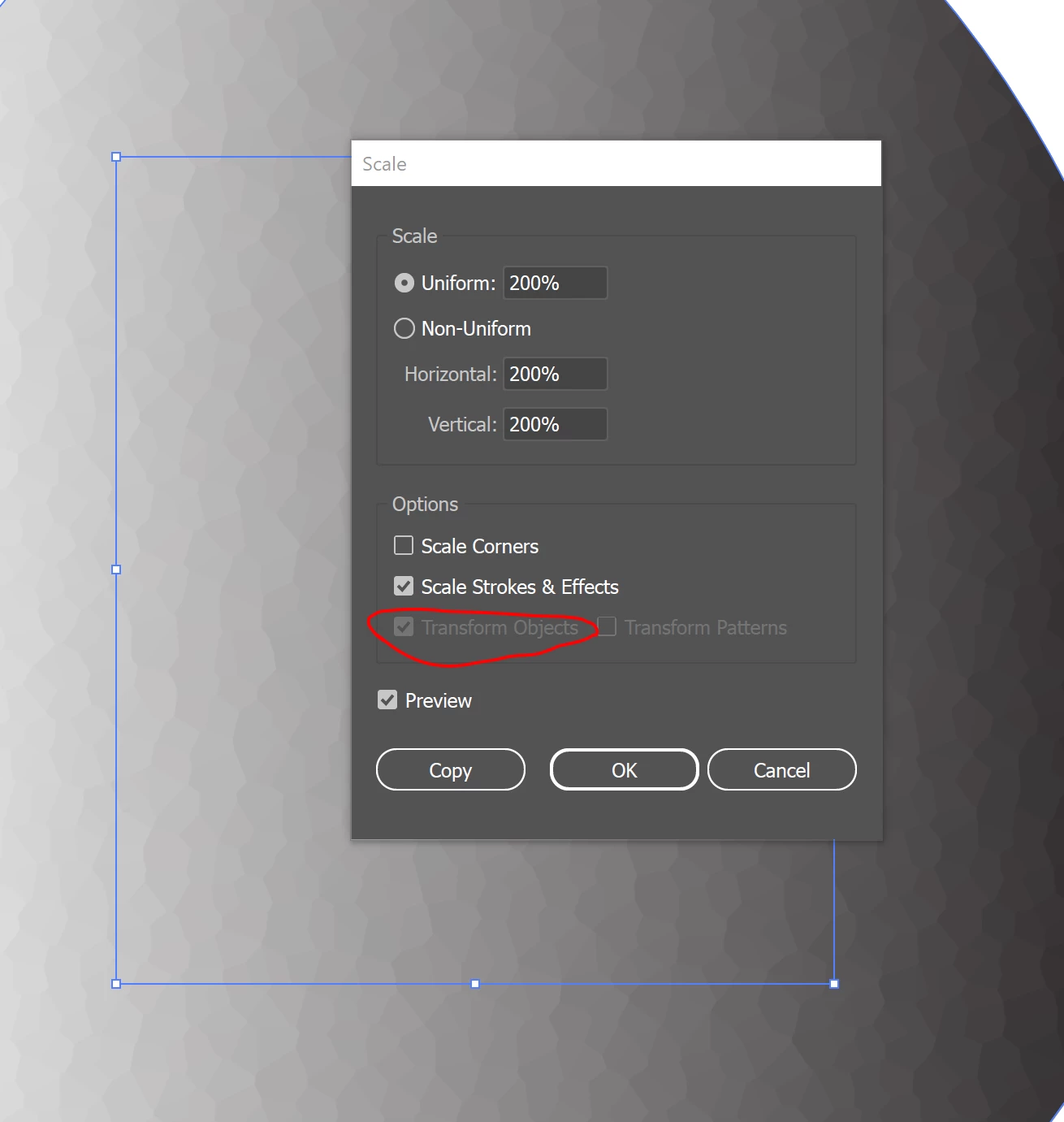
I also tried with various transform options in the selection tool, but none of them resulted in preserving the relative sizes of the cells after transform.
If I rasterize the object, scale works fine as a raster but I want to keep this as a vector.
I'm trying to achieve a look like this example: https://www.shutterstock.com/image-vector/abstract-background-design-low-poly-style-1989786896
How can I make the cell sizes larger as a vector?
 AdChoices