lucyw.art
Participating Frequently
May 6, 2025
해결됨

"unable to save your file for auto-back up" Illustrator 2025

  • May 6, 2025
  • 2 답변들
  • 1194 조회

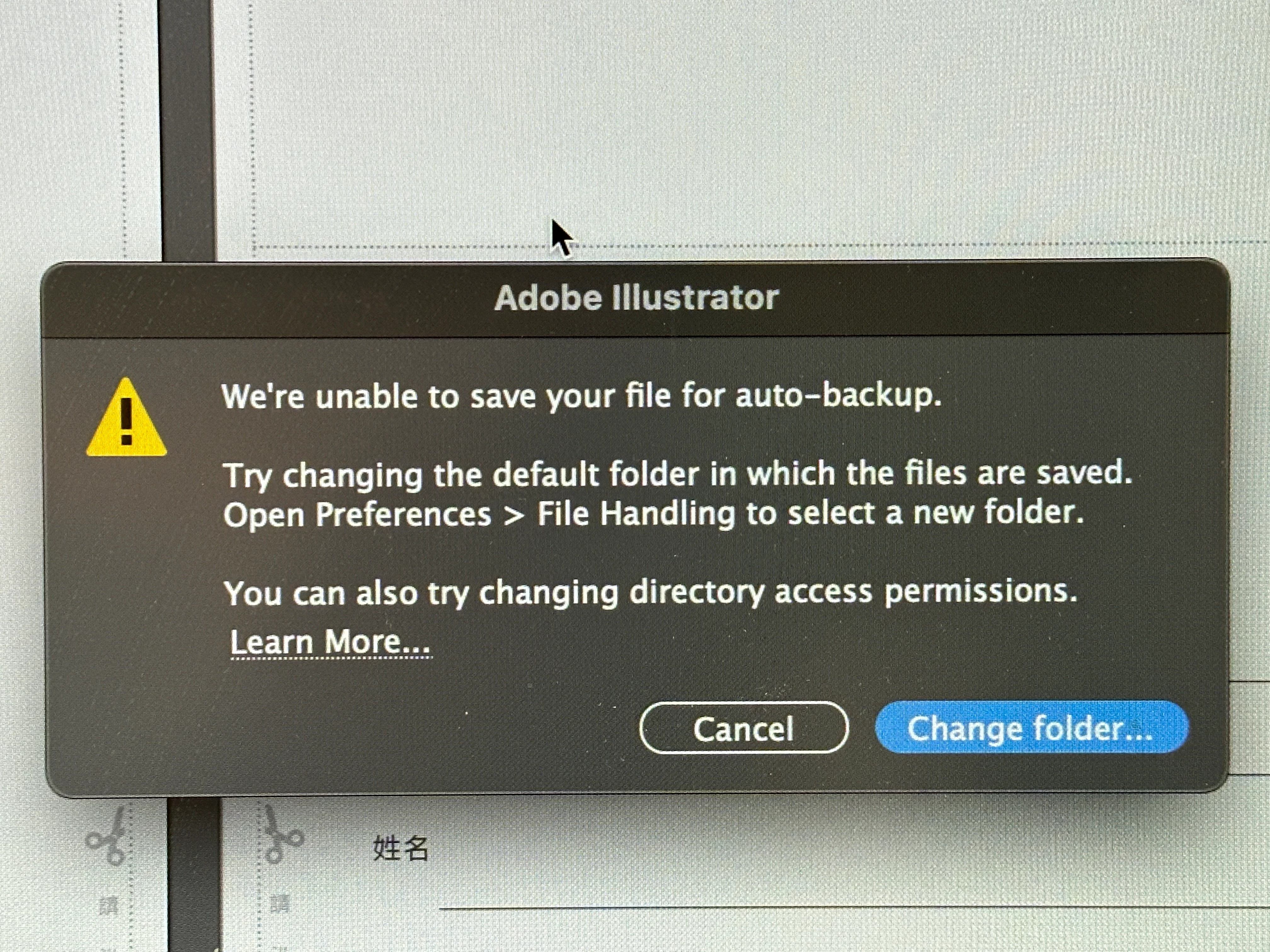
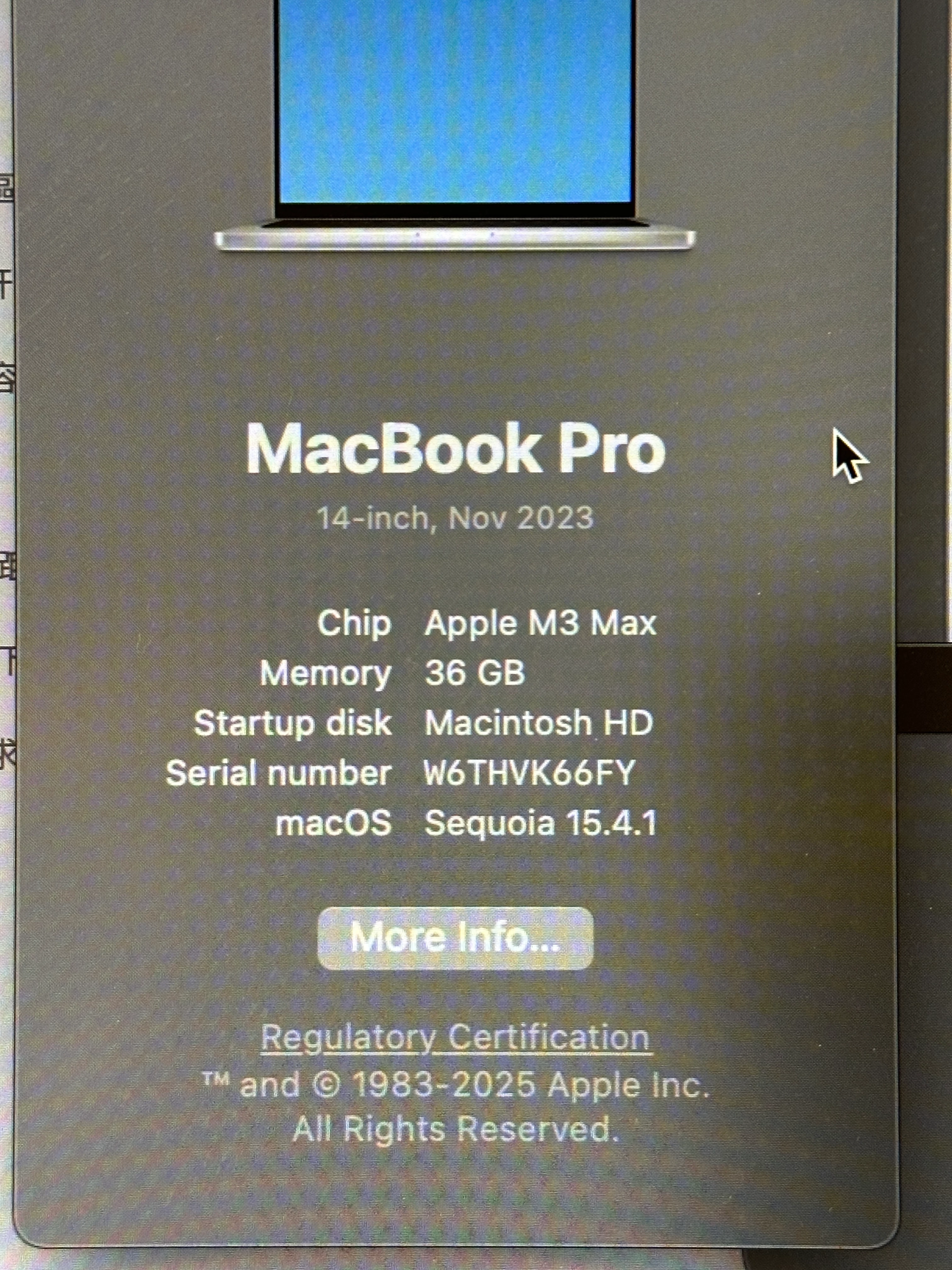
Hi everyone, just started this week, when I started using Illustrator, this error shows up "We're unable to save your file for auto-back up." And it sugguests me to change folder. I tried to find the default folder in both System Library, and User folder, the Shared folder, Adobe folders, etc. No where could I find what's suggested online. Has anyone has the similar problem? How did you solve it? What folder did you put for the new folder? Thank you so much!!
 

최고의 답변: derekwatson

The default data recover folder is ideal but You could also create an Adobe folder in Documents if you prefer

2 답변

Monika Gause
Community Expert
Community Expert
May 9, 2025

Please do not forget that although being called like that this is not a backup solution.


You still have to save your files regularly and make your own backups. And while you are inside your system preferences anyway: turn on Time Machine.


The file recovery function in Illustrator should never be your only way of saving and/or back upping your files. It's the icing on the cake when everything else is working.

derekwatson
Community Expert
Community Expert
May 9, 2025

I agree! I have a Time Machine drive, a weekly clone backup and a continuous Backblaze backup! You can never be sure!!

Derek Watson
derekwatson
Community Expert
Community Expert
May 9, 2025

It is definitely a permissions issue, I have seen this in the past. You could try checking and changing permission as in the help post below or select a new folder in your Documents FOlder or even and external drive.
https://support.apple.com/en-gb/guide/mac-help/mchlp1203/mac

Derek Watson
Community Manager
May 9, 2025

Hello @lucyw.art,

I hope Derek's suggestions helped resolve the problem. If not, please check if Illustrator has Full Disk Access (https://adobe.ly/4d8LujP) and share your observations.

Looking forward to hearing from you.
Anubhav

lucyw.art
lucyw.art작성자
Participating Frequently
May 9, 2025

Thanks Anubhav! I tried, but "Active Protect" isn't an option and doesn't exist in my setting panel. I did however turn on the allowance for AdobeCreative Desktop.