

Recolor artwork, vectorize images, and style text in a single click.

Starting with Illustrator 27.0 release, you now have a set of quick actions in the Discover panel to run the most popular workflows in just one click.
Quick Actions consolidate a series of steps that are required to perform common tasks into a single click to help you quickly add Neon effect to text, convert Sketch to Vector, apply retro text effect, and more!
Check out this tutorial by Monika Gause to learn more about Quick Actions in Illustrator
To apply Quick actions to your objects, do the following:
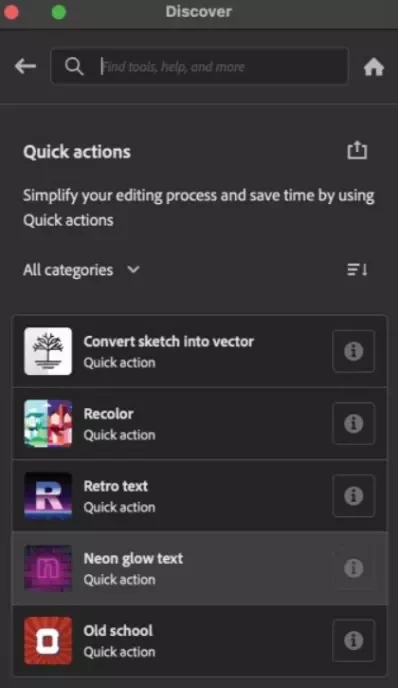
In the Discover panel, select Browse > Quick actions to open the list of quick actions.
Select an object, and then select a quick action.
Click Apply and Illustrator will quickly apply the action on the selected object.
Let’s learn more about these workflows:
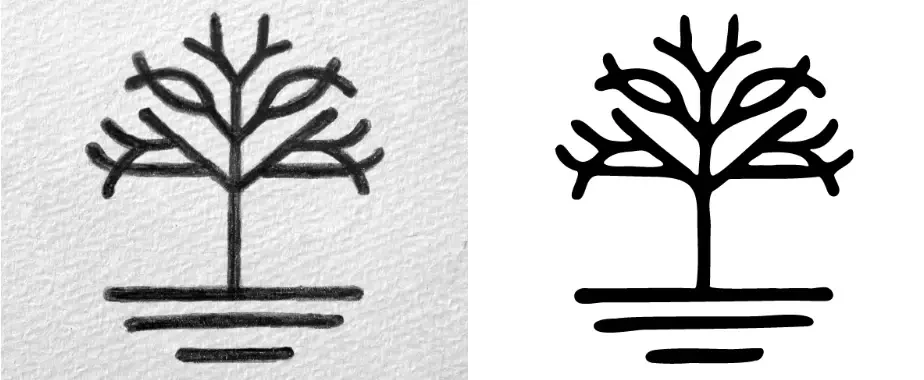
- Convert Sketch to Vector: Converts hand-drawn sketches to vector artwork.
-
Recolor: Applies a random color theme to your artwork.

-
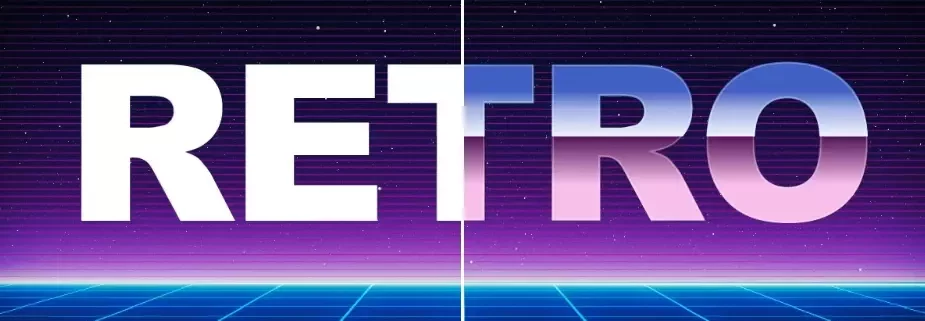
Retro text: Apply retro effects to selected text.
-
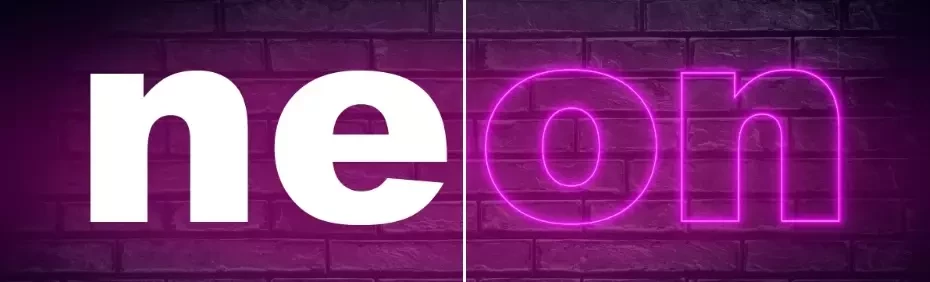
Neon glow text: Gives your text a neon glow effect.
-
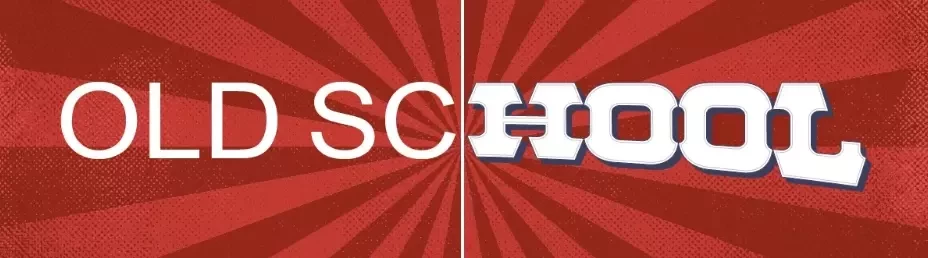
Old school: Gives your text an old-school look.
Share Your Feedback
Try out these quick actions and let us know your opinions here. Also, please share suggestions for commonly used complex workflows you'd like to see as quick actions. You can also add these suggestions to our UserVoice page.
If you found this announcement helpful, click 👍 Like.
Use ⭐ Subscribe to stay informed about future updates.
You may also share this post with others who might benefit from these enhancements.
 AdChoices