
Shape Mode Scripting continued - Unite equivalent script?
I'm trying to work out how to achieve the same result as using the Pathfinder Shape Modes Unite tool via script. It's one of the few pathfinder tools not available via `executeMenu()`
So if I have two overlapping circles and unite them I end up with a single 'flattened' item of a single path with no internal paths, which differs from creating a CompoundPath which preserves the internal details for later editing - in this case, I'm deliberately trying to discard the internal details to get a clean united shape!
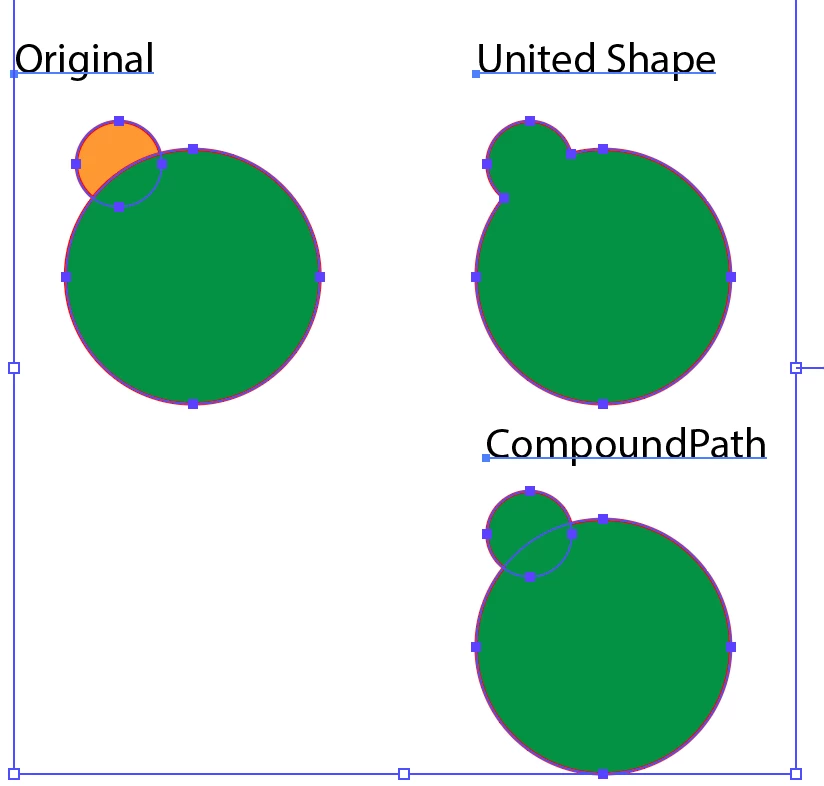
A similar question was posed here https://community.adobe.com/t5/illustrator/shape-mode-scripting/m-p/11206350?page=1 and that was resolved for the minus front operation and also has some good examples of doing it with compound paths, but not anything on doing it in a way that mimics Unite.
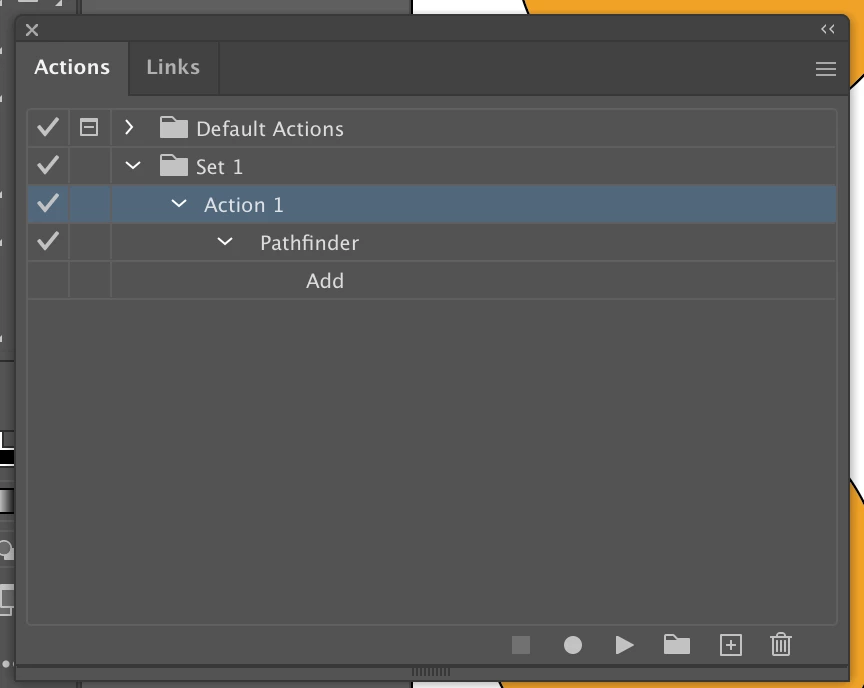
I could record an action and replay that via a script, but it's super slow to replay and a bit of a hack!
Has anyone done this before? Thanks!
 AdChoices