Known Participant
February 17, 2018
Answered

Trim lines

  • February 17, 2018
  • 3 replies
  • 1677 views

Hi,

So I made a shape with lines, but I want to cut them so they align nicely with the shape (hexagon).
What is the best way to do this?
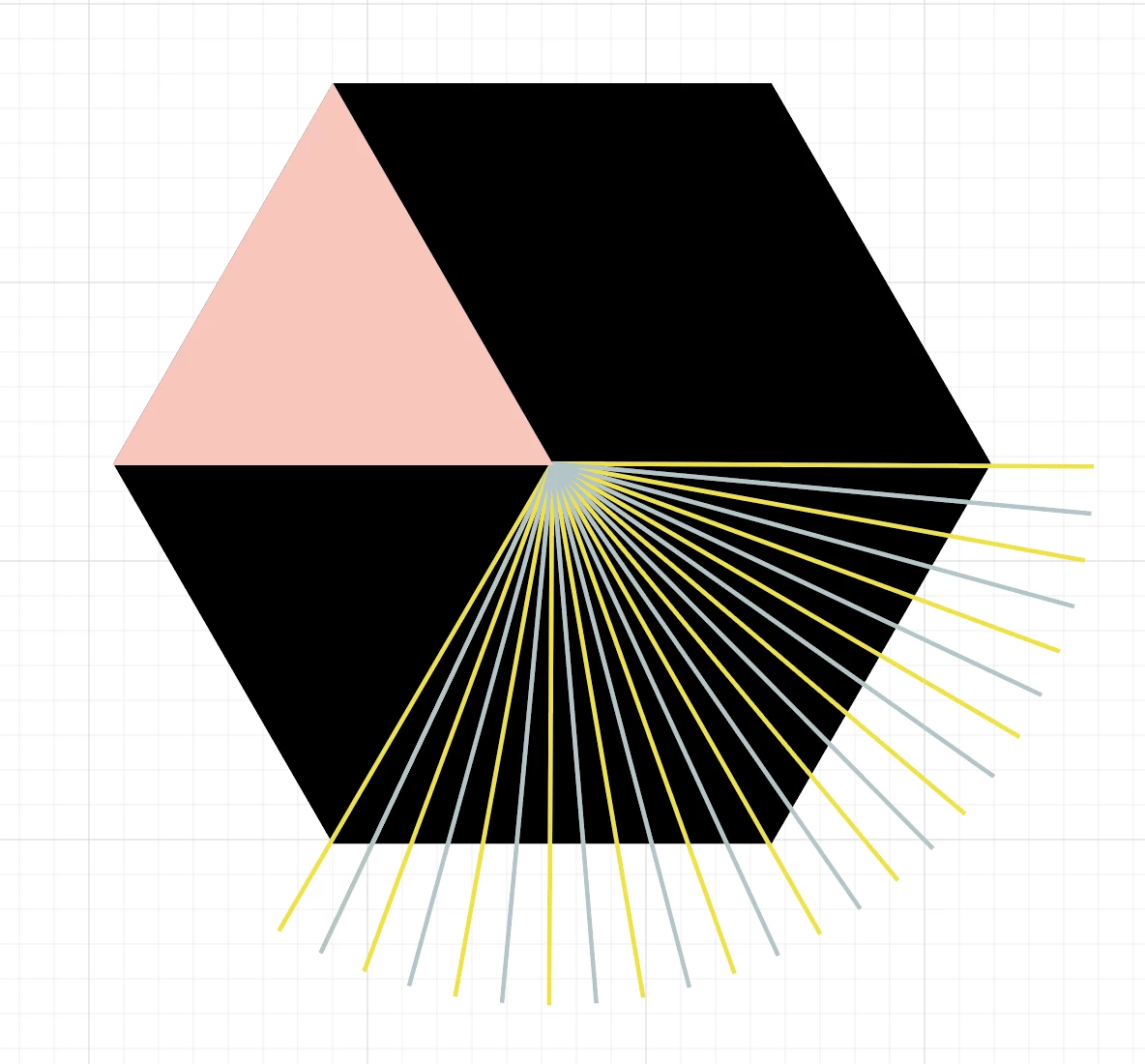
Also for example with this one:

    This topic has been closed for replies.
    Correct answer Omar.Fathy

    If Monika Gause​ answer doesn't work so you can use this:

    1- select all of your lines.

    2- Go to Object>Path>Outline stroke

    4- Select all lines and shapes

    5- Select the Shape Builder Tool

    6- Alt+Click + Drag the line shape you don't need.

    3 replies

    Omar.Fathy
    Community Expert
    Omar.FathyCommunity ExpertCorrect answer
    Community Expert
    February 18, 2018

    If Monika Gause​ answer doesn't work so you can use this:

    1- select all of your lines.

    2- Go to Object>Path>Outline stroke

    4- Select all lines and shapes

    5- Select the Shape Builder Tool

    6- Alt+Click + Drag the line shape you don't need.

    tonyharmer
    Community Expert
    Community Expert
    February 17, 2018

    Hey there

    You could also select the hexagon and the lines, pick up the Shape Builder Tool, and alt/option drag across the lines that you want to trim away.

    Hope that helps.

    Known Participant
    February 17, 2018

    Thanks for your tip Tony. I just tried it but doesn't seem to work unfortunately

    Monika Gause
    Community Expert
    Community Expert
    February 17, 2018

    "The best" depends upon what you need to do with the artwork.

    In most situations a clipping mask should do what you need. You could select all the lines, then Edit > Cut, then select the black shape, go into Draw inside mode by pressing Shift+D twice. Then paste in Place

    Known Participant
    February 17, 2018

    Hi Monica,
    Thank you for your answer. The clipping mask gives the same result as the other option you suggested.
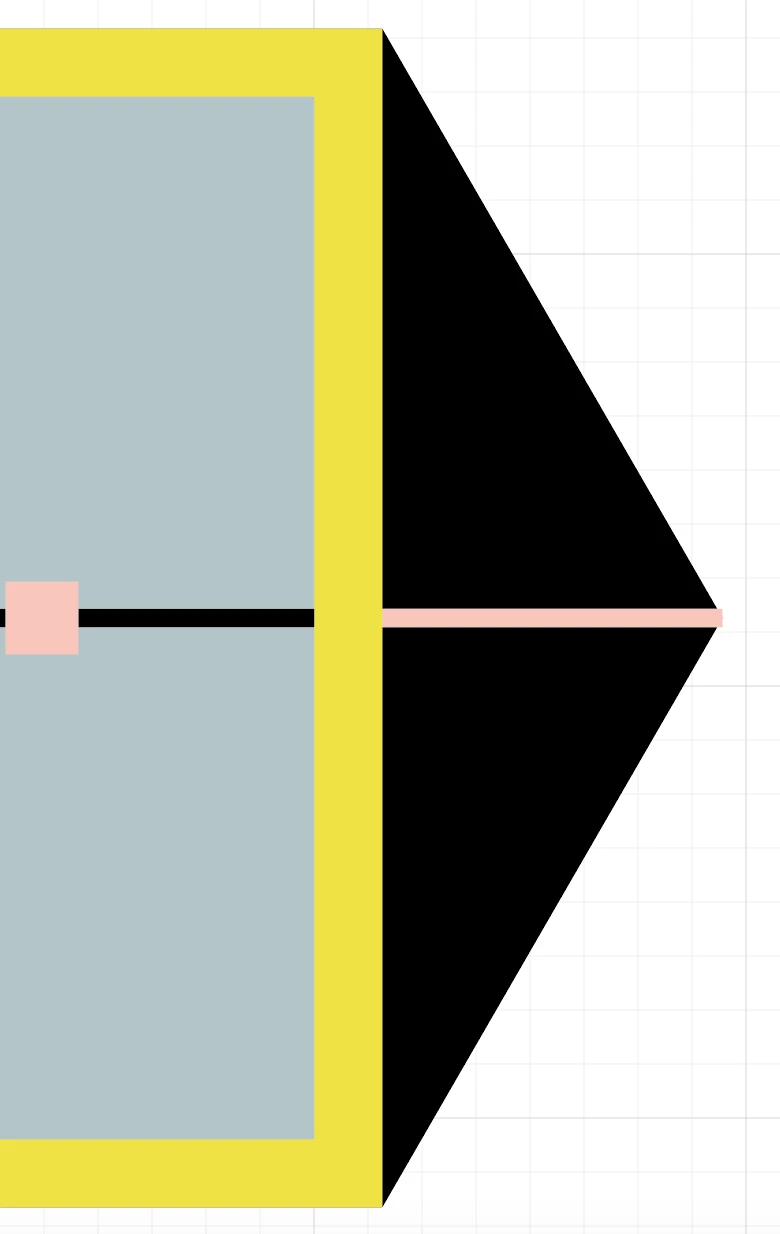
    The lines are trimmed, you only can see they where there when you hoover over with your mouse (see image below).
    Any ideas or solutions for that?

    Thank you so much!

    Monika Gause
    Community Expert
    Community Expert
    February 17, 2018

    When you cut away live strokes, you will get those overlapping corners. So you would have to first outline the strokes and then use the shapebuilder tool (or similar). That's why I asked what you need this for.

    Usually clipping masks are not an issue.