Participant
June 26, 2018
Answered

Using envelope distort on multiple objects

  • June 26, 2018
  • 3 replies
  • 960 views

Hey there,

I'm trying to use the envelope distort for the first time. I was pretty successful in achieving the result I wanted but now I realized that I have about 100 other graphics (group of objects) that I need in the same kind of distortion.
I read about editing the content inside etc. but I can't seem to find a way to solve my problem. Is there really no way to use the envelope as a kind of template to change other grahics in the same way?
If not, are there other ways?

(I work with the program in german so there may be an easy solution that I haven't figured out because of the translation of the functions or methods etc.)

Thanks for your help!

This topic has been closed for replies.
Correct answer intelligent_neighborsFA21

Hello Nadine,

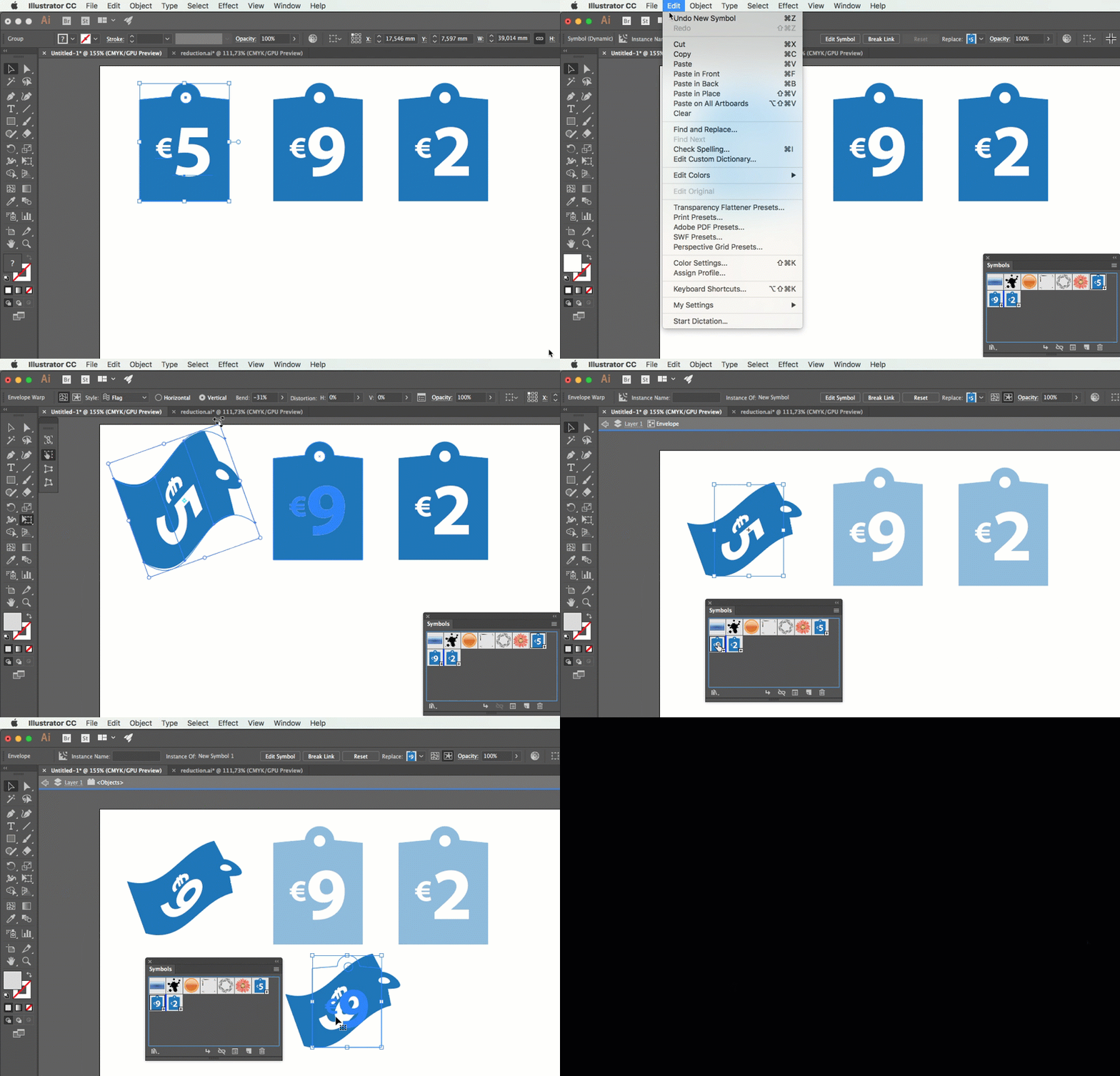
For your convenience, I've made a short Gif-movie that will explain it.

3 replies

Monika Gause
Community Expert
Community Expert
June 26, 2018
tromboniator
Community Expert
Community Expert
June 26, 2018

Or, another way:

Peter

Inspiring
June 26, 2018

Hello Nadine,

For your convenience, I've made a short Gif-movie that will explain it.

Participant
June 27, 2018

thepatje​ Wow" Thanks for putting in that much work, that was really helpful. Especially if I wanna use it on many objects.

tromboniator Thats how I thought it should work but I thought I need to get rid of the old object before I could combine it with a new one so I went nuts when I couldn't get rid of it but never tried t just ignore the old one. Thanks for opening my mind to just try things before assuming it won't work that way.

@Monika Gause  I went through the hassle to reinstall all the adobe programs to get the english version. It's just easier this way. But the link is still useful, thanks for that.