Copy link to clipboard
Copied
Hi,
I've just updated to Illustrator CC on a new laptop for work, and there are a number of visual glitches within it.
The first one being the "New document" dialog box is all messed up, and is pretty much blank unless I expand it to fill the entire screen, then I Can see a few buttons.
It opens blank by default, then if i resize the window of the dialog box, some buttons and elements show up, but completely messed up.
The workaround (which I shouldn't have to do) is to use the legacy create new dialog box.
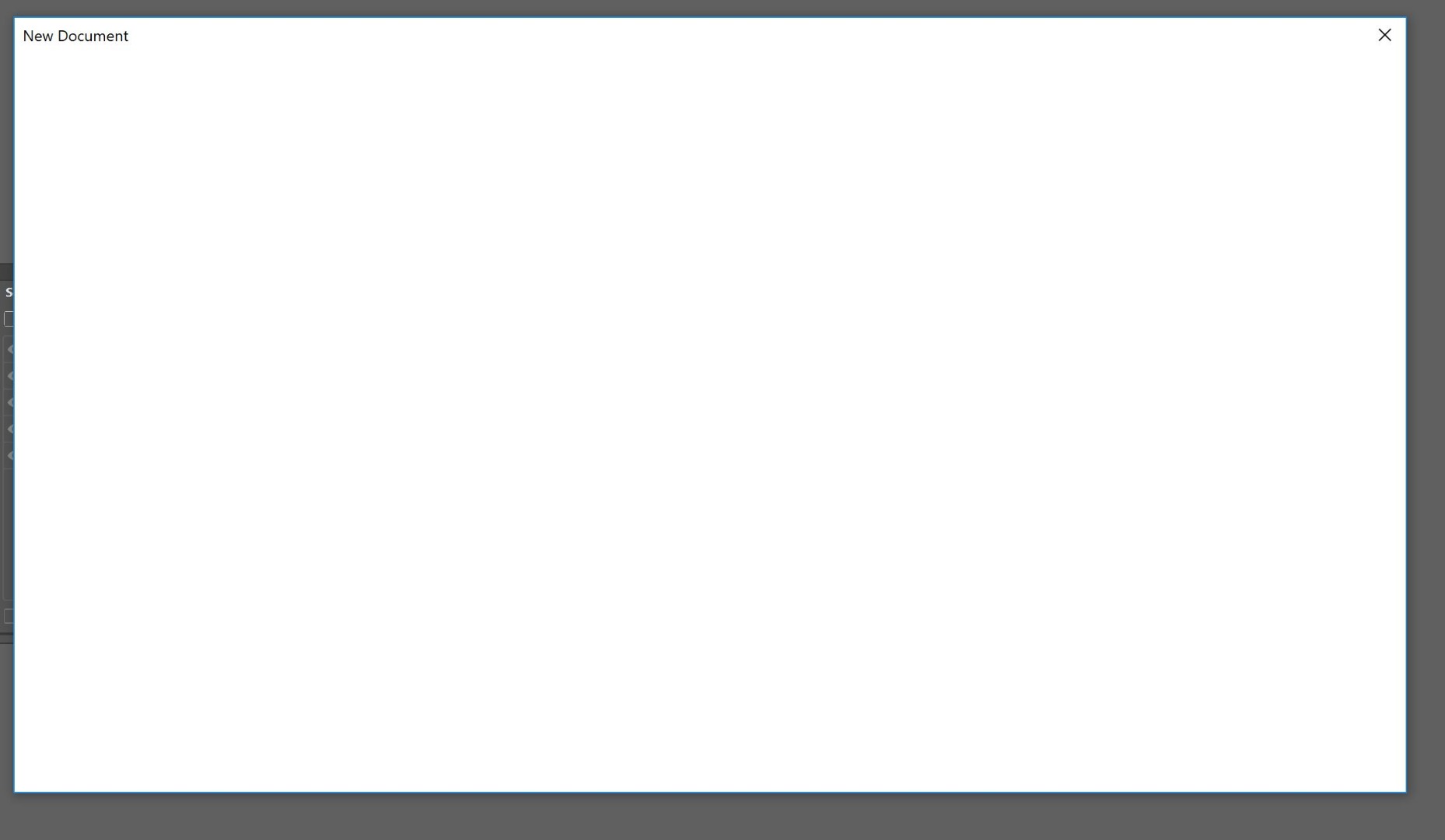
below is after "resizing" via the corner of the window
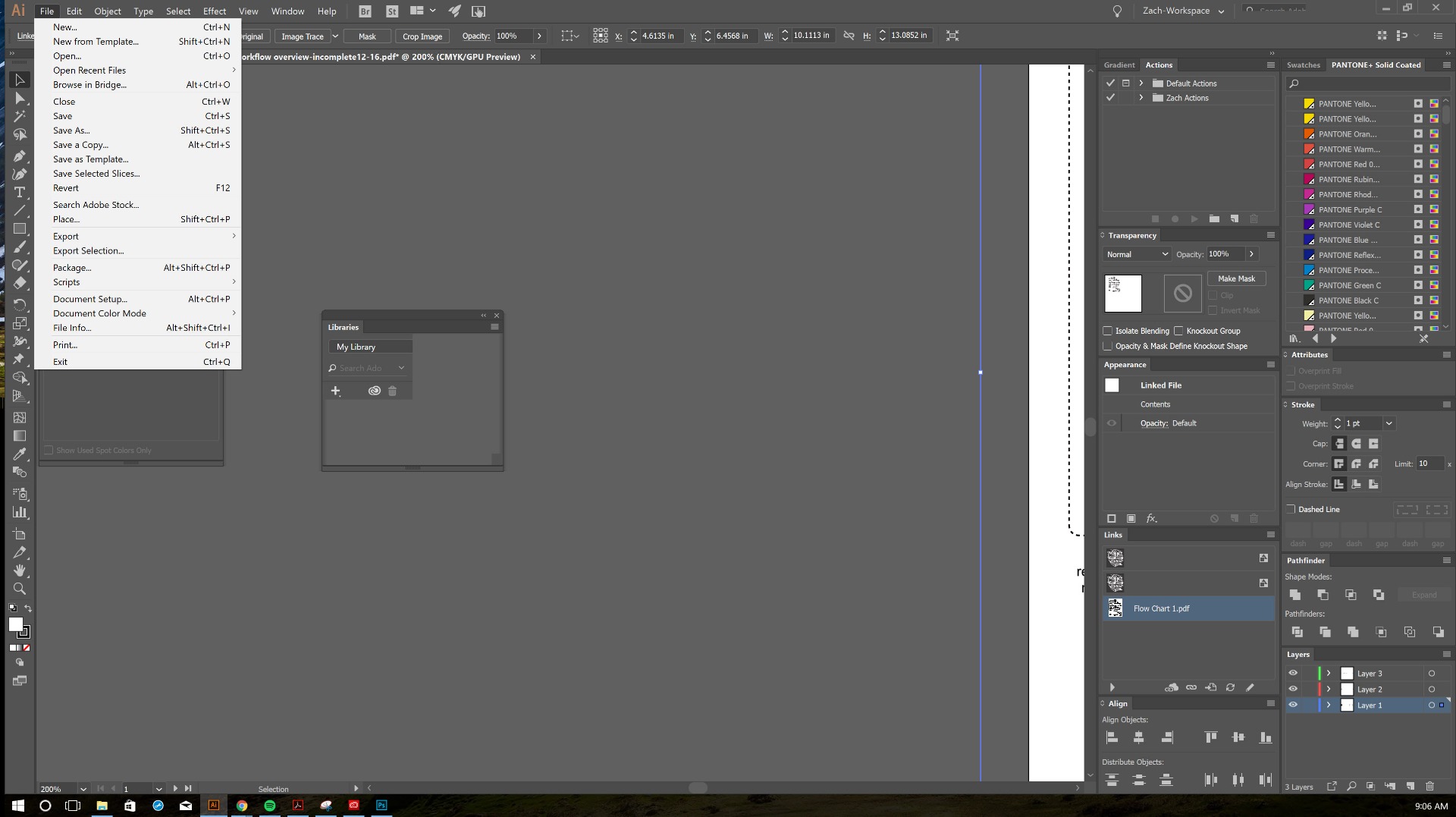
The second issue is GIGANTIC Menus in illustrator - I think this has something to do with the application/windows scaling and the adobe scaling. They look fine on the 4k Laptop screen, but I work with 2 monitors. The Illustrator application scales everything up and down between the different screen resolutions when moving the application from one screen to another perfectly, but the menus always seem to remain at the size for the 4 k screen
below is the 1080p monitor
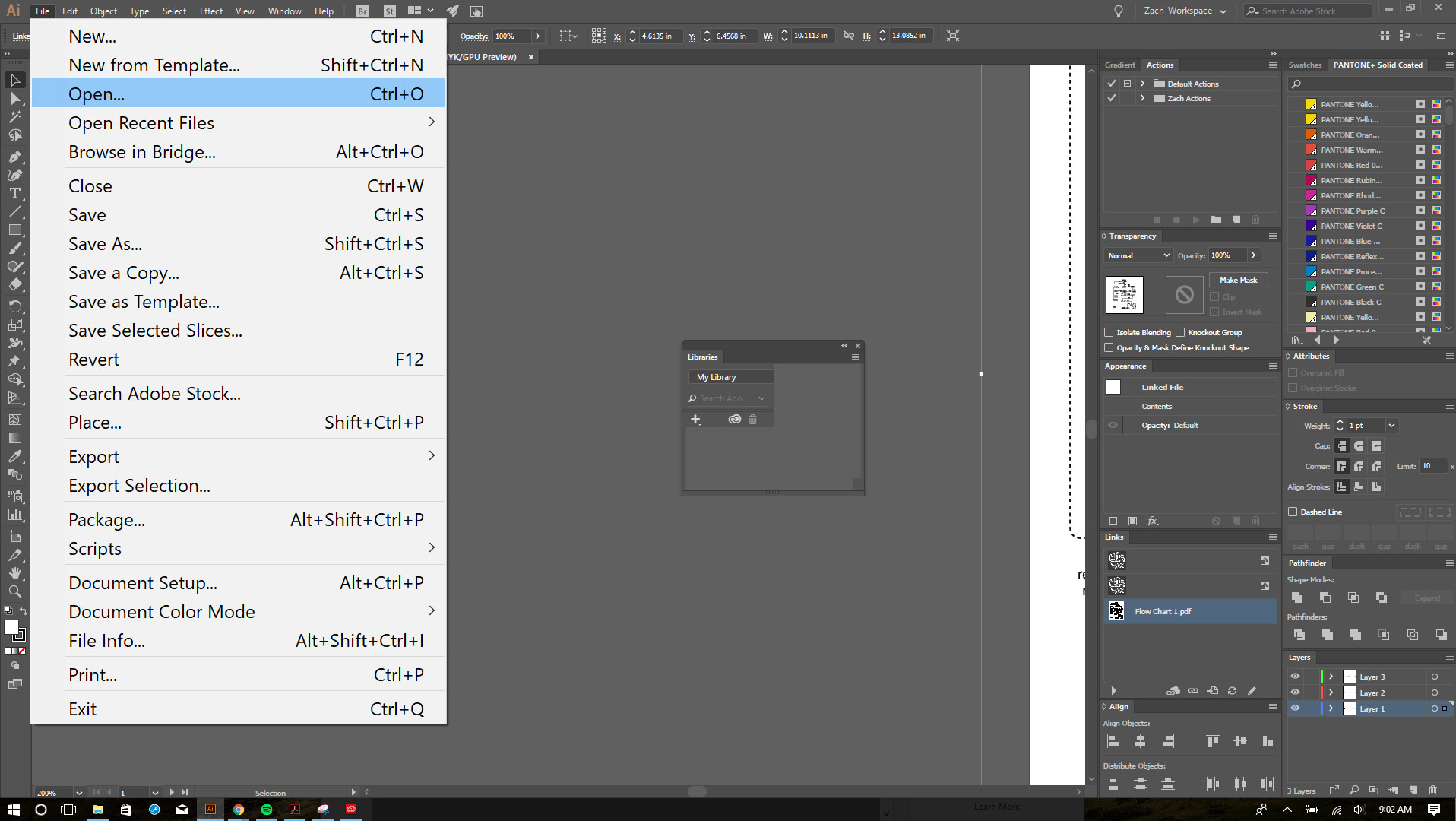
below is the 4k laptop screen
the third issue is the "Libraries" panel does not display correctly, it just looks like it's glitched out, on the 4k screen and the 1080 screen.
below is the libraries window after resizing the the panel via the corner
are there any solutions for these issues? Is adobe aware?
any hope is appreciated

Copy link to clipboard
Copied
Please contact support:
Copy link to clipboard
Copied
I have the same issue. I followed the Contact Customer Care link you provided. After answering a series of questions, it led me back to the Community Forums with no resolutions.
Copy link to clipboard
Copied
I spent an hour with support for them to give me "Adobe doesn't support running multiple different resolution monitors at the same time"
If I disconnect my external display, everything works fine. If I connect my external display and select to "mirror" the desktops, everything works fine *but it defeats the purpouse of having the second display. Once I set to extend the monitors in windows, Everything in illustrator scales for whatever display it is sitting on besides the objects I was complaining about in my post. I asked if it was an error or issue that would be addressed since every other panel in the application works fine with the two different display resolutions and got the "we have limited support for external monitors and devices".
My only choice is to probably get a third monitor to boot straight into, and disable the laptops screen, relog into windows, and then use the two uniform monitors that will not require application scaling. Kinda cruddy....
Copy link to clipboard
Copied
I have elements disappearing when I resize the window WITHOUT the second display attached. It's making it impossible to work.
I've used an older version of Illustrator for YEARS without issue. I upgraded to Illustrator CC less than a month ago and already am regretting it. The product and customer service (or lack there of) is very disappointing.
Copy link to clipboard
Copied
I don't know if this will help anyone, but I found a solution to the issues I listed above.
all of the visual glitches were happening when operating with my external display set to be windows main display. By switching the main display to the high resolution one that was using windows scaling metrics, all of the illustrator elements, besides the dropdown menus, went back to scaling properly, and displaying the proper content
Get ready! An upgraded Adobe Community experience is coming in January.
Learn more
