Chris  P.  Bacon
Inspiring
March 30, 2023
해결됨

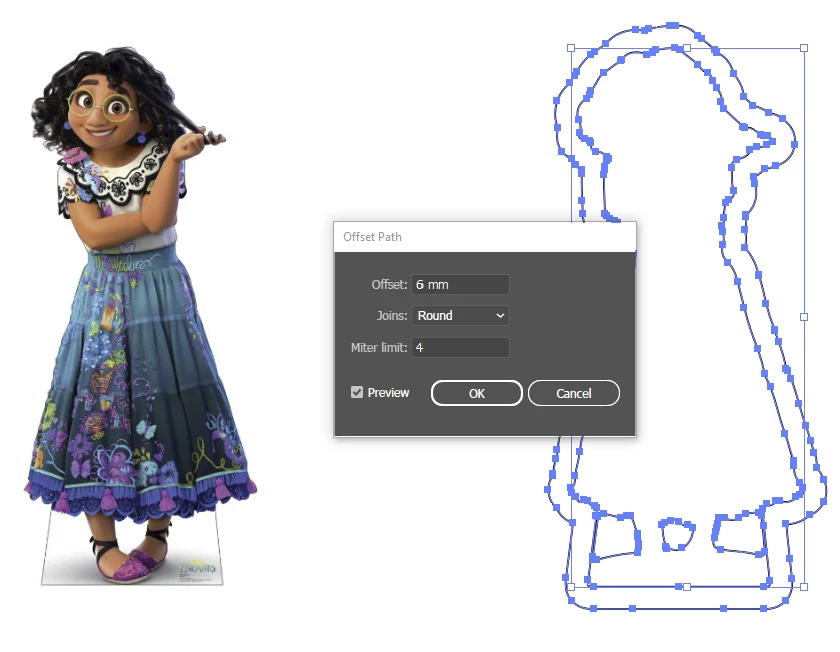
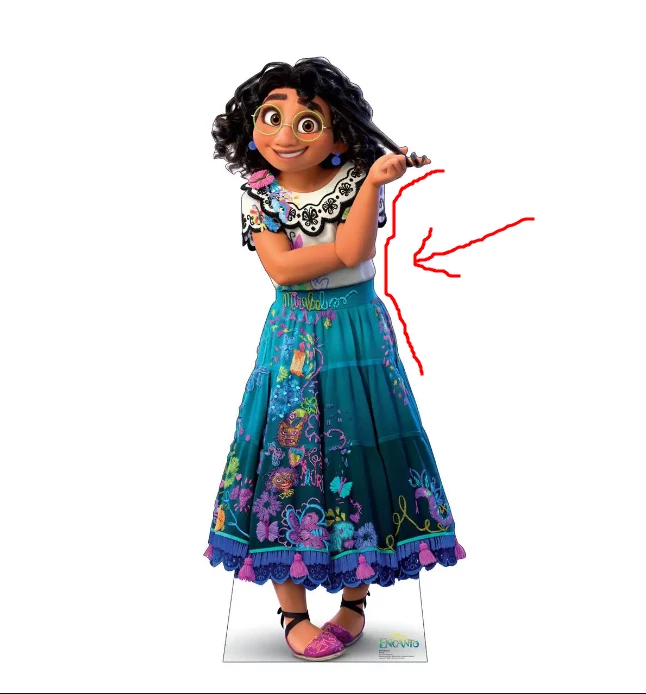
What is the best and easiest way to offset a path around a cutout image in Illustrator?
  • March 30, 2023
  • 1 답변
  • 4574 조회

After I want to replace the path with text.

I could do this in Photoshop too (the offset path) but Illustrator has better text capabilities, so i thought I would import the image in Illustrator and do it there.

I would need to print the whole out afterwards, both the image and the text.

I am not sure if Illustrator or Photoshop is better for printing.

The image has a transparent background.
I also will have to be able to use a brush on the offset path so that it exactly folows the path.

How do I do that?
 

이 주제는 답변이 닫혔습니다.
최고의 답변: Doug A Roberts

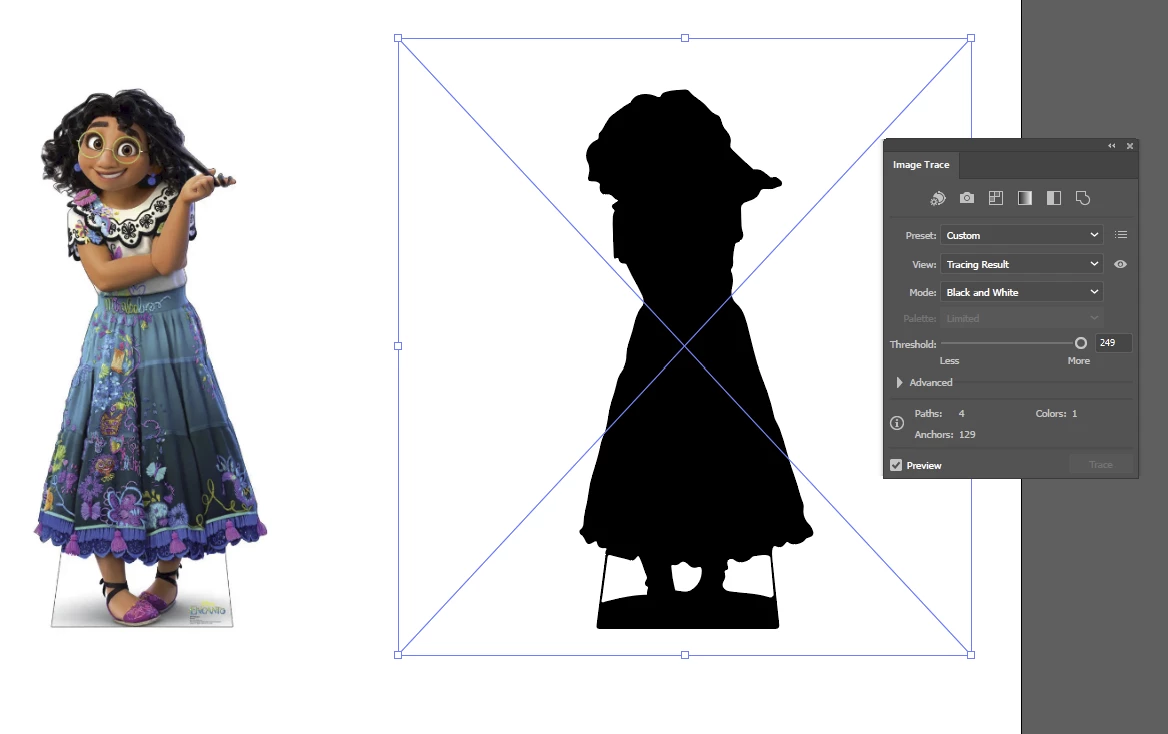
Copy Mirabel and image trace her so she's a silhouette:

Expand the trace, invert the fill & stroke, then apply Offset Path.

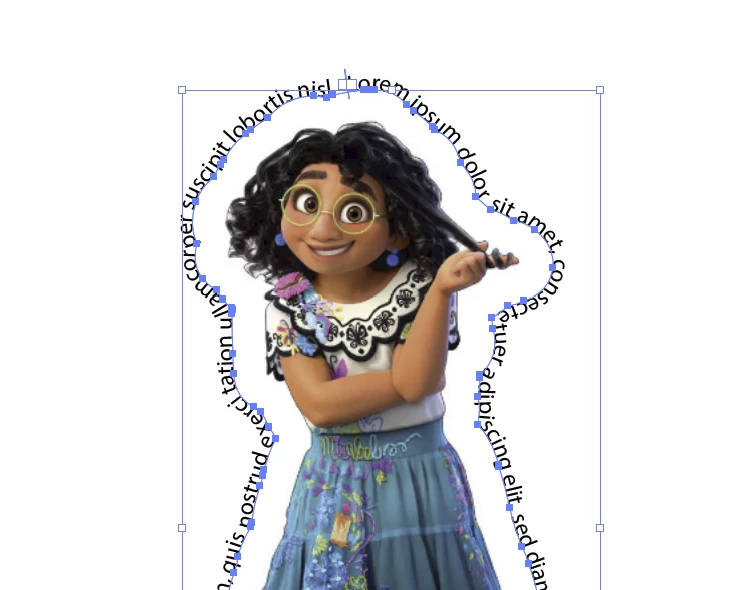
Delete the trace. Overlay the path on the image and use Type on a Path:


1 답변

Doug A Roberts
Community Expert
Community Expert
March 30, 2023

Copy Mirabel and image trace her so she's a silhouette:

Expand the trace, invert the fill & stroke, then apply Offset Path.

Delete the trace. Overlay the path on the image and use Type on a Path:


Chris  P.  Bacon
Inspiring
April 1, 2023

Thanks, works great.