Exit
  • Global community
    • Language:
      • Deutsch
      • English
      • Español
      • Français
      • Português
  • 日本語コミュニティ
  • 한국 커뮤니티
0

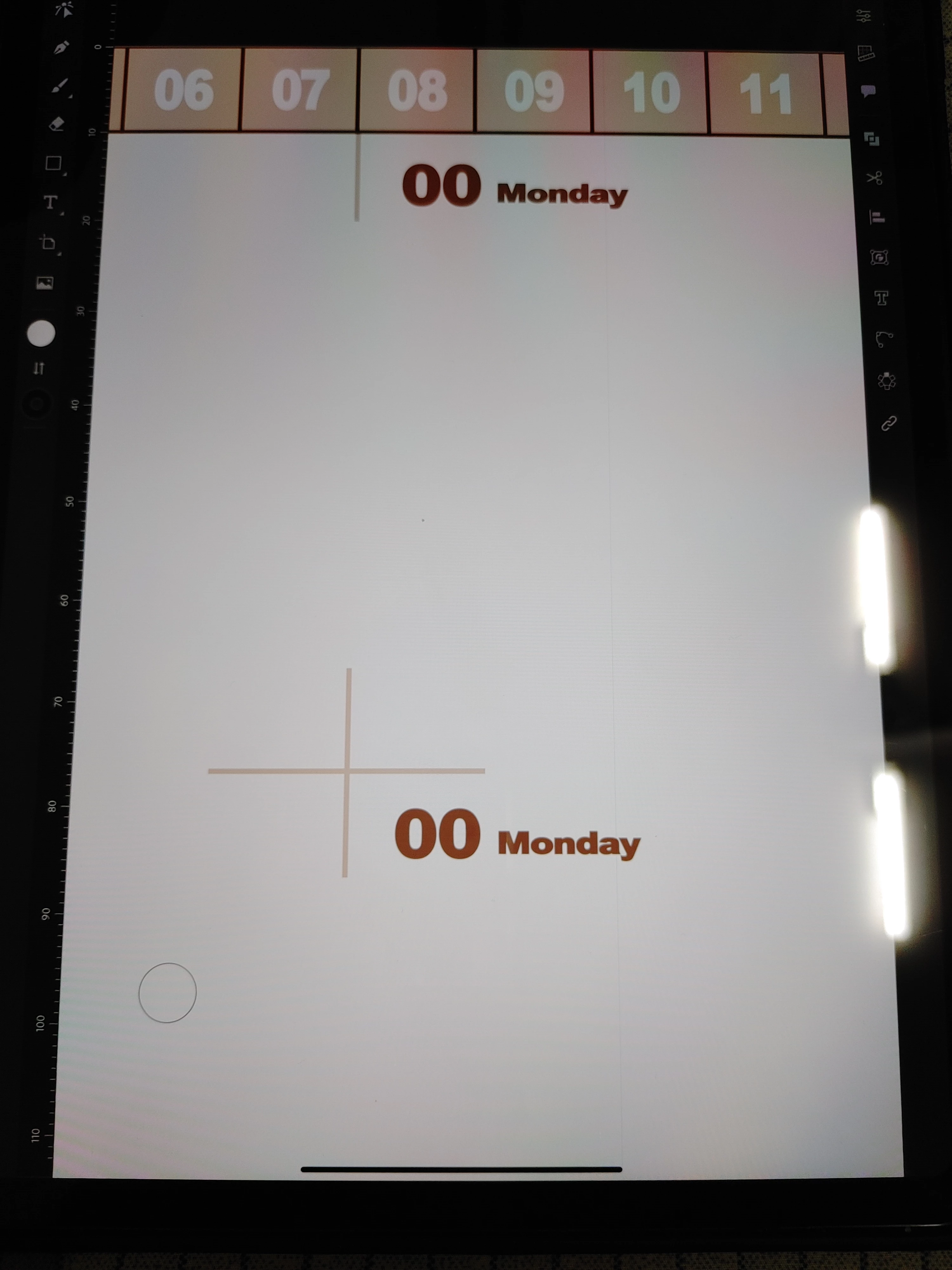
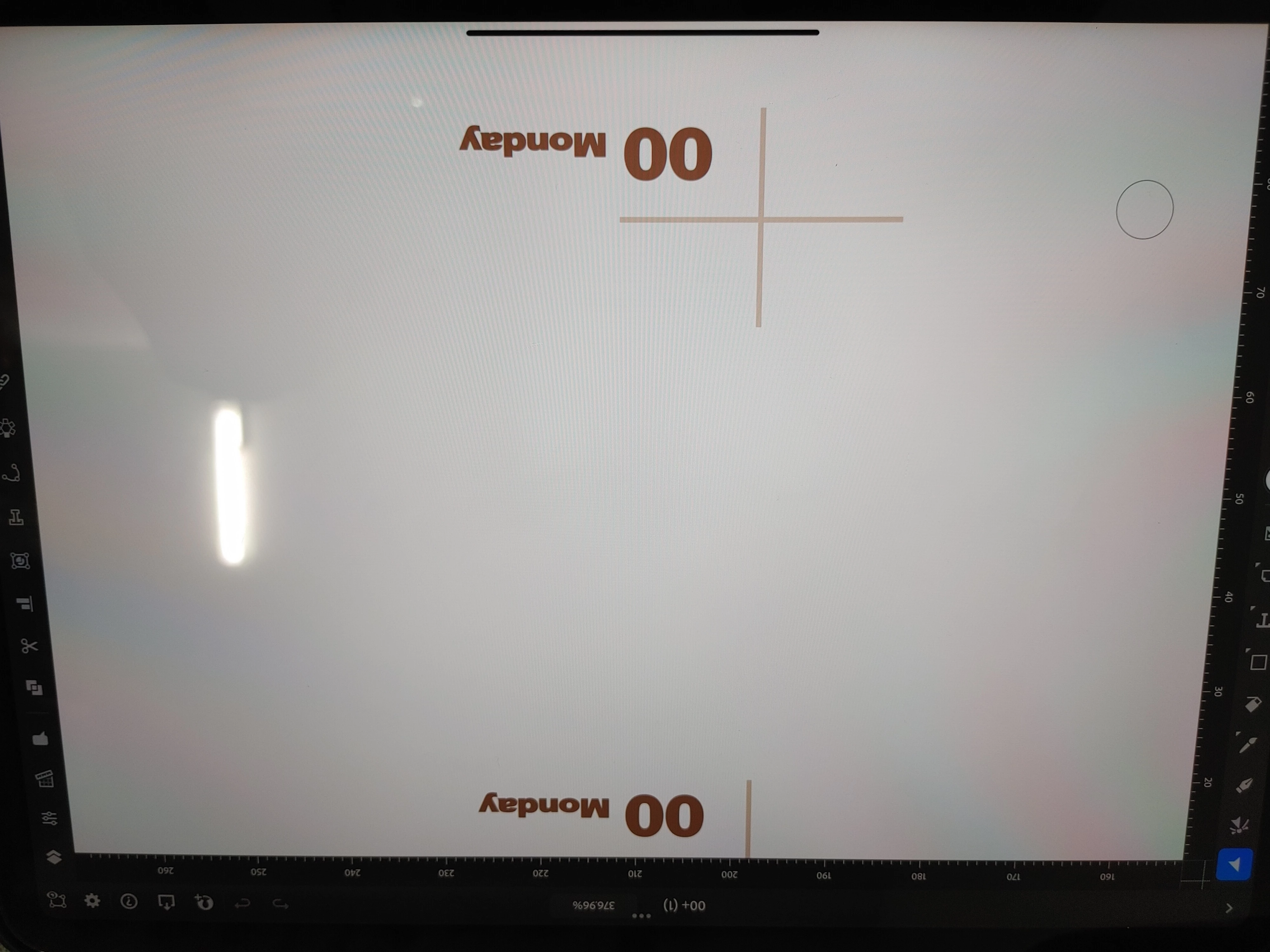
세로 모드로 이용시 화면에 가느다란 줄이 생깁니다.

New Here ,
Nov 05, 2022 Nov 05, 2022

9EACB6BE-13FF-4A50-A380-1537CF5FD10D.jpeg

세로모드


AD6807F3-DA5C-4656-B6D5-D27333B649F0.jpeg

가로모드


사진에서 보다시피 세로모드로 이용시 가느다란 검은색 줄이 생깁니다.

일러스트레이터 앱에서만 나타나는 현상입니다.

왜 이럴까요?

TOPICS
Bug
268
Translate
Report
Community guidelines
Be kind and respectful, give credit to the original source of content, and search for duplicates before posting. Learn more
community guidelines
Community Expert ,
Dec 24, 2022 Dec 24, 2022

I don't see it.


Does it print?

Does get bigger when you zoom in?

Translate
Report
Community guidelines
Be kind and respectful, give credit to the original source of content, and search for duplicates before posting. Learn more
community guidelines
Community Expert ,
Dec 29, 2022 Dec 29, 2022
LATEST

@SayLee 


Are you talking about these black lines or something else? If so, that black line is at the bottom of iPad apps. You use it to swipe up an application. It will show in a screenshot or photo, but not in the artwork.


27BC8770-222F-4F2B-9CC5-62A442664602.jpeg


To take a screenshot on your iPad (instead of a photo), simultaneously press and then release the top button (on the top-right edge of iPad) and either volume button. Details here:

https://support.apple.com/guide/ipad/take-a-screenshot-or-screen-recording-ipad08a40f3b/ipados


Jane


Translate
Report
Community guidelines
Be kind and respectful, give credit to the original source of content, and search for duplicates before posting. Learn more
community guidelines