Copy link to clipboard
Copied
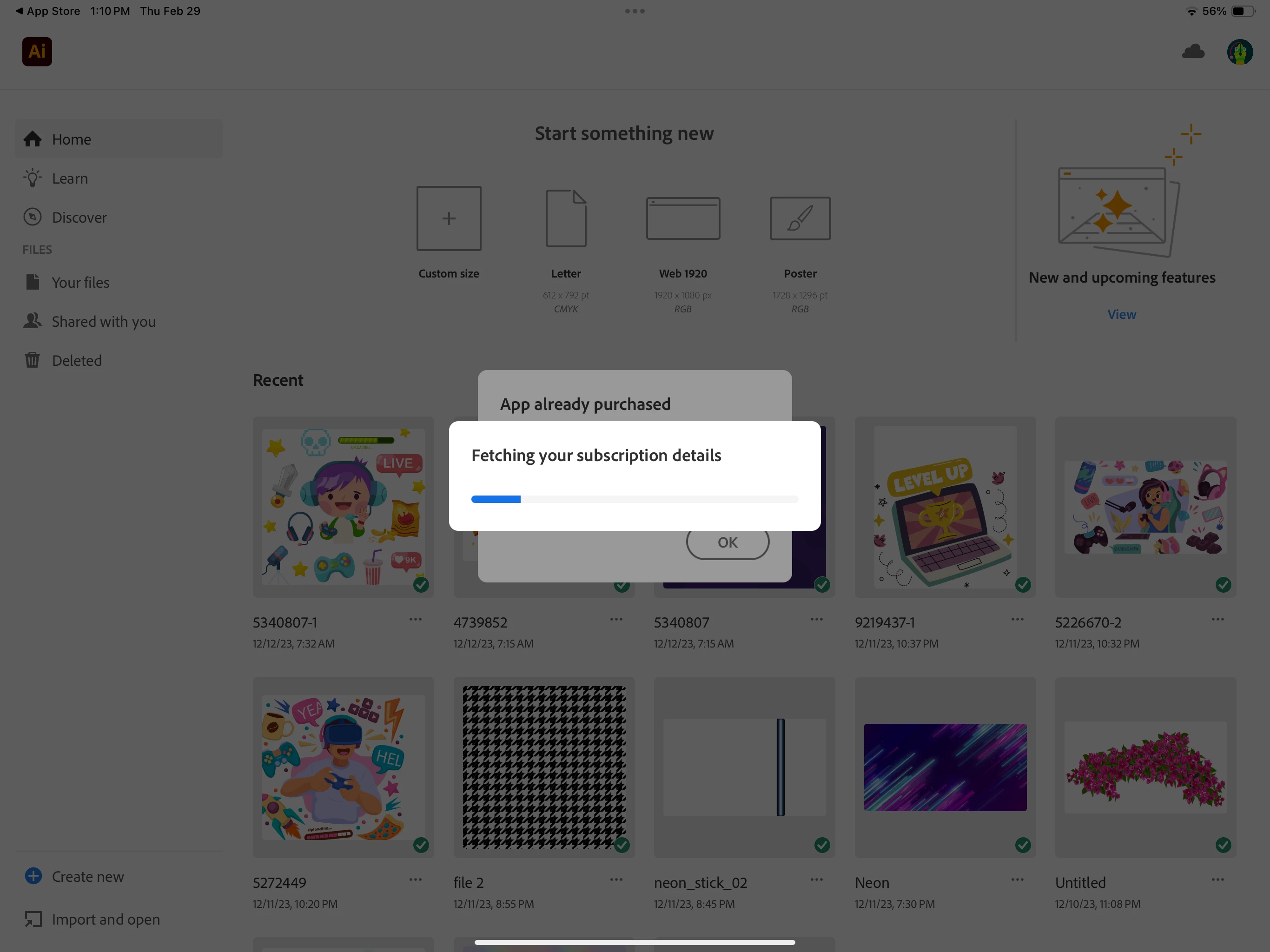
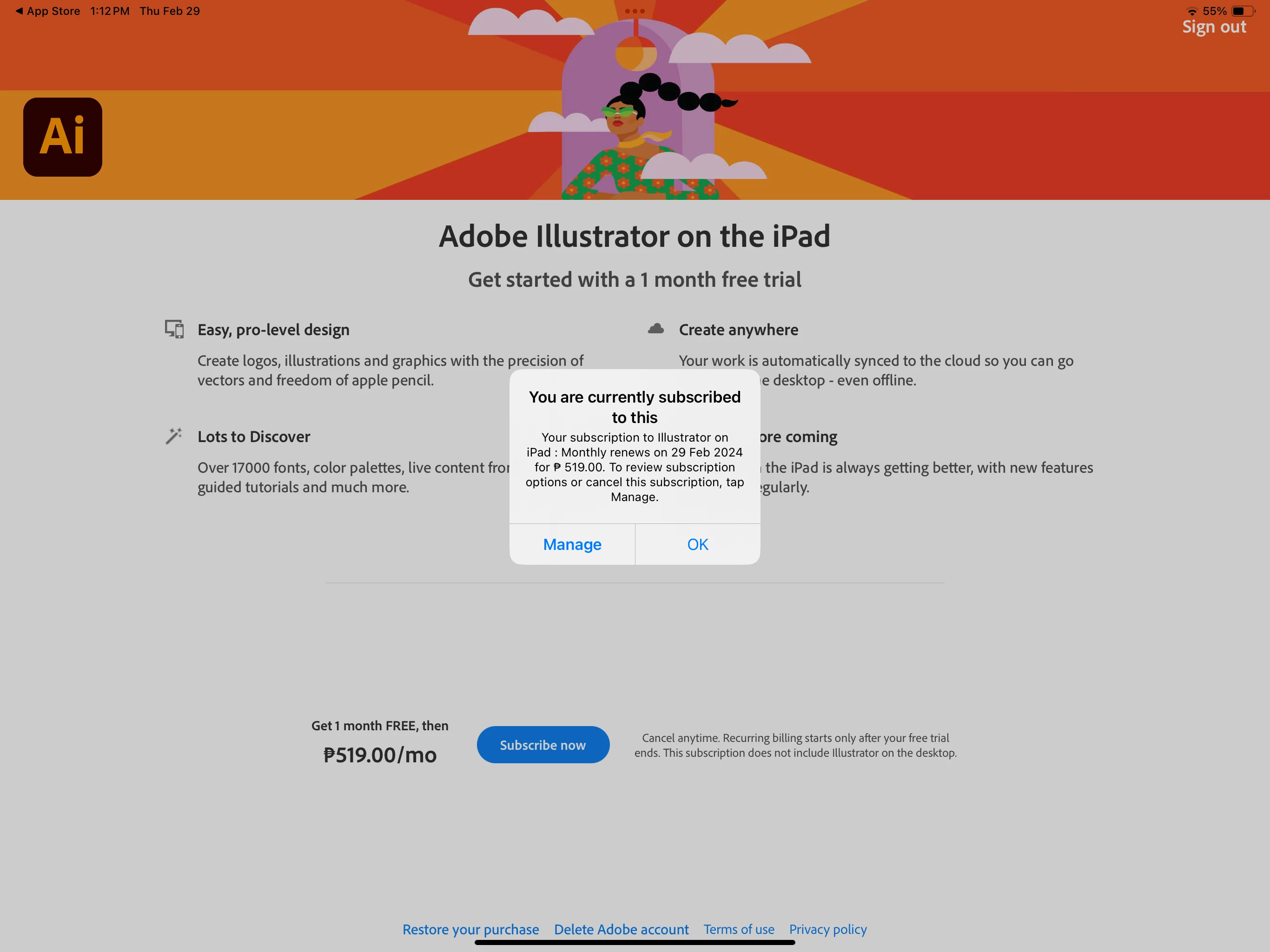
I have a current updated subscription to illustrator but I can't get past the landing page. I already did everything people were suggesting in the forums. Updated my iPad software as well. I'm logged into the correct account. What is the work around to this - I can't even use something I paid for. Hope someone can help me because I need to use this for work.
Copy link to clipboard
Copied
Hi @Kathryn3576853644s8!
Have you tried restarting your iPad and reopening the app? What happens then?
Copy link to clipboard
Copied
Hello Jess, I tried restarting the iPad and reopening the app but I'm still have the same problem. It just gets stuck on that same page. Even if I click on subscribe now or restore purchase, nothing happens.
Copy link to clipboard
Copied
Okay, this link has a few things to try https://community.adobe.com/t5/illustrator-on-the-ipad-discussions/unable-to-open-adobe-illustrator-...
Biggest two items to try are:
- Is your subscription through the Apple App Store or is it through Adobe?
- Have you tried updating your OS?
Copy link to clipboard
Copied
Have you tried deleting the app, restarting iPad then downloading again from App Store?
Copy link to clipboard
Copied
Copy link to clipboard
Copied
Hi @Kathryn3576853644s8
- Is your subscription through the Apple App Store or directly from Adobe?
- What is your OS?
Copy link to clipboard
Copied
Through the App Store. iPad OS is 17.3.1 thank you!
Copy link to clipboard
Copied
Of course @Kathryn3576853644s8 !
In your initial post, you mentioned that you are logged into the correct account. Are you logging in with your Adobe ID or your Apple ID?
Since you purchased through the App Store, please try using your Apple ID to sign in if you have not already.
Copy link to clipboard
Copied
Hi there, I have same problem as the author. I did all you mentioned. My os is updated and I've logged in using my apple id. None of that helped me. Please, is there any solution??
Copy link to clipboard
Copied
Hi @Kathryn3576853644s8 and @JieDoHerThing,
Sorry for the trouble. It seems that the email you've used to log in to the community doesn't have an active Illustrator on the iPad subscription. Would you mind sharing the email associated with your active Illustrator on the iPad subscription via DM? Additionally, sharing the iPad model, generation, and iOS version will help us provide further assistance.
Thanks,
Anshul Saini
Copy link to clipboard
Copied
This is the exact thing that is happening to me. None of the already suggested fixes have worked. I have an iPad air 5th gen updated to version 17.4.1 (latest update).
Copy link to clipboard
Copied
DID 'you ever get this issue resolved... I transferred from old iPad to new iPad 13 M4 one and I keep getting the same screen you are showing in your picture. Deleted, updated, signed into correct account. And still nothing....
Get ready! An upgraded Adobe Community experience is coming in January.
Learn more