




Illustrator on the web (beta) July, 2024; Enhanced UI Experience and Multiple Bug Fixes
Hi Everyone,
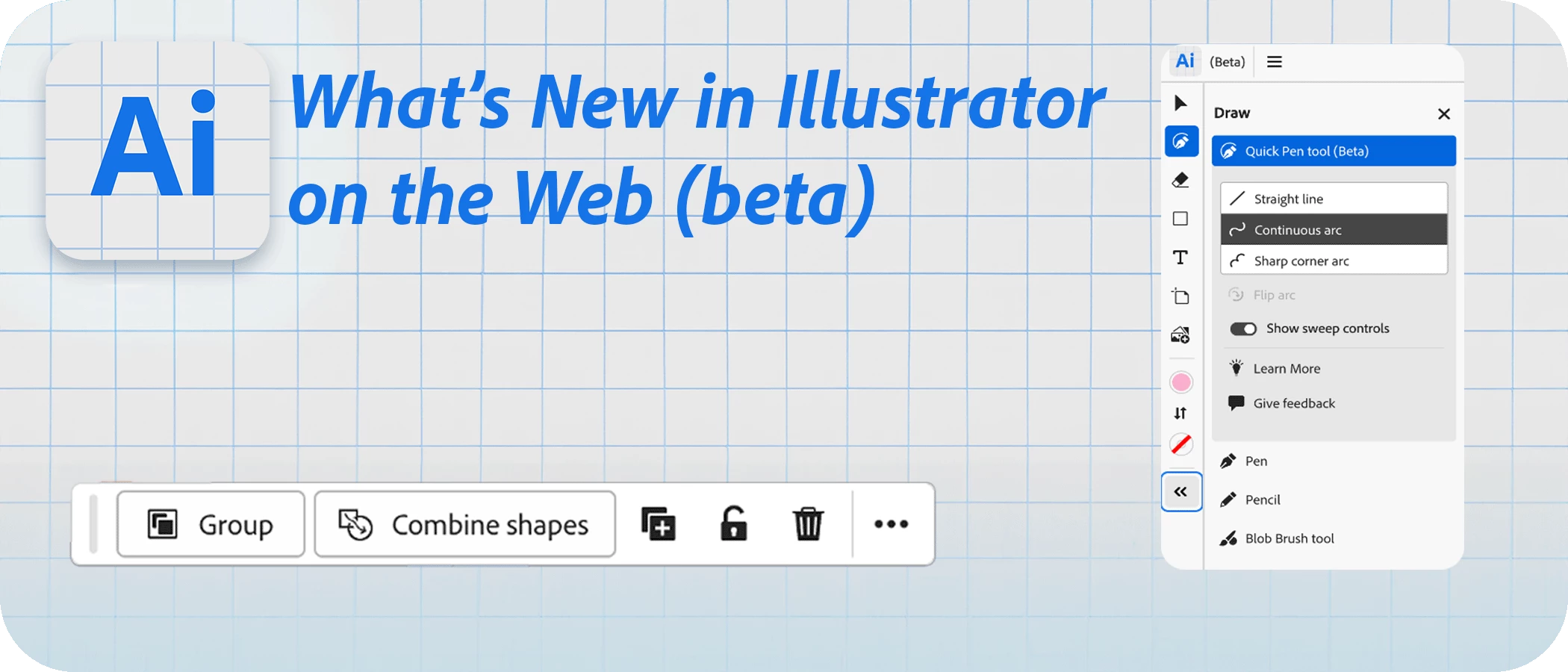
We're excited to announce new updates to Illustrator on the web (beta), tailored to help new users create professional graphic designs with ease. The revamped user interface is more intuitive, enabling you to quickly learn essential tools and speed up your creative process, transitioning from idea to design faster. We invite you to explore the capabilities of Illustrator on the web (beta) today.
Feature Highlights:
- App frame redesign: Discover new tools with a refreshed interface that groups tools into intuitive categories.
- Contextual Taskbar: Access the most relevant next actions for selected objects with a floating Contextual Taskbar.
- Discover Mode: Learn more about Illustrator on the web and explore its features before signing up.
|
Explore new features and share your thoughts.
|
|
 Illustrator on the Web (beta) is now available as part of your Illustrator subscription for testing and feedback.
 Note: The app is available as part of your Illustrator subscription.
Here's a list of issues we fixed in the latest release of Illustrator on the web:
- Crash on network failure with Error: [object Object] an other random crashes.
- Unable to Open Illustrator on web. Error: WebGL Isn't Supported or Disabled in the Chrome.
- App crashes once user skips the tour on Windows in Japanese language.
- 101 Tutorial is not showing tinker bell on contextual font.
- Refreshing document giving error: Something went wrong while dislaying the page. Error Code: Out of Memory.
- Incorrect shortcut keys shown on Rich tool tip for Quick Pen tool.
Regards,
Srishti
 AdChoices