


- Home
- Illustrator
- Discussions
- How to evaluate string for "emoji" characters and ...
- How to evaluate string for "emoji" characters and ...

Copy link to clipboard
Copied
I routinely receive text strings that include emoji characters like this:

(this is the actual text but the heart does not appear after posting: Missing You )
When pasted into Illustrator they look like this:

I'd like to convert the font character to "EmojiOne" automatically using Javascript:

Using Javascript, how do I test the string variable to see if it contains an emoji character then convert to "EmojiOne"?
Edit:
Interesting… When I paste directly into AI (not into a pre-formatted placeholder) the emoji converts automatically and the rest of the text is the default font,Myriad Pro. Cannot get it to paste consistently through.


 1 Correct answer


Yes, ExtendScript not support the Surrogate area. However, you can check char codes with the charCodeAt method.
I tried to write sample code. Is this helps you?
var tg = app.selection[0]; //Target is selected textFrame
var fnt = app.textFonts.getByName('EmojiOneColor');
var chrcd;
for (var i=0;i<tg.characters.length;i++){
chrcd = tg.characters.contents.charCodeAt(0);
if (chrcd>55295&&chrcd<56320) { //find High Surrogate
tg.characters.textFont = fnt;
i++;
}
}


Explore related tutorials & articles
 6
Replies
6
6
Replies
6

Copy link to clipboard
Copied
Emoji has two char codes, You can see below example.
These are High Surrogate and Low Surrogate code. ExtendScript can't phrase characters in this area correctly.

Probably, You can search High Surrogate and you'll get Emoji position.
Copy link to clipboard
Copied
Thanks for the explanation, Ten A. I'll see what I can come up with.
Edit:
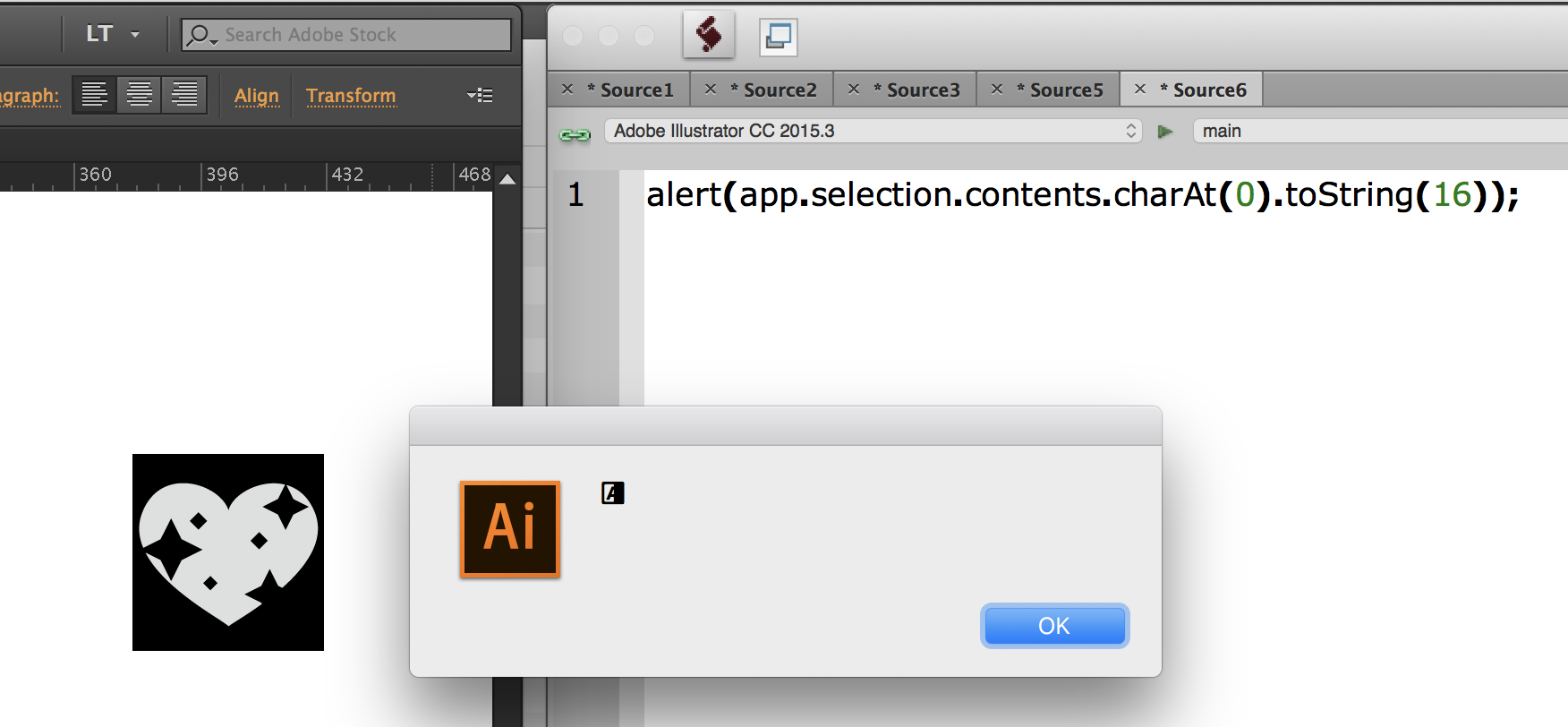
The "alert" appears garbled when I run it from ESTK (Mac).
Copy link to clipboard
Copied
Yes, ExtendScript not support the Surrogate area. However, you can check char codes with the charCodeAt method.
I tried to write sample code. Is this helps you?
var tg = app.selection[0]; //Target is selected textFrame
var fnt = app.textFonts.getByName('EmojiOneColor');
var chrcd;
for (var i=0;i<tg.characters.length;i++){
chrcd = tg.characters.contents.charCodeAt(0);
if (chrcd>55295&&chrcd<56320) { //find High Surrogate
tg.characters.textFont = fnt;
i++;
}
}
Copy link to clipboard
Copied
This is awesome, Ten A! Thank you!
I was able to change the this line to make the script update any emoji. I arbitrarily changed the first number to "25295" and it seems to be working. I'm not sure how to verify what number it should really be.
if (chrcd>25295&&chrcd<56320) { //find High Surrogate
Edit:
After a little more testing I went with these numbers:
(chrcd>195&&chrcd<96320)
I created a text frame that included all normal keyboard characters + a few emojis and ran the script until some of the normal characters changed font or some of the emojis did NOT change font.
If anyone knows how to set these with accuracy I'm interested in learning.
Copy link to clipboard
Copied
Most Emoji characters are allocated to the Unicode plane 1. However, Some characters allocated into Basic Multilingual Plane(Plane 0), You can see the below image.
These characters need individualized processing.

Copy link to clipboard
Copied
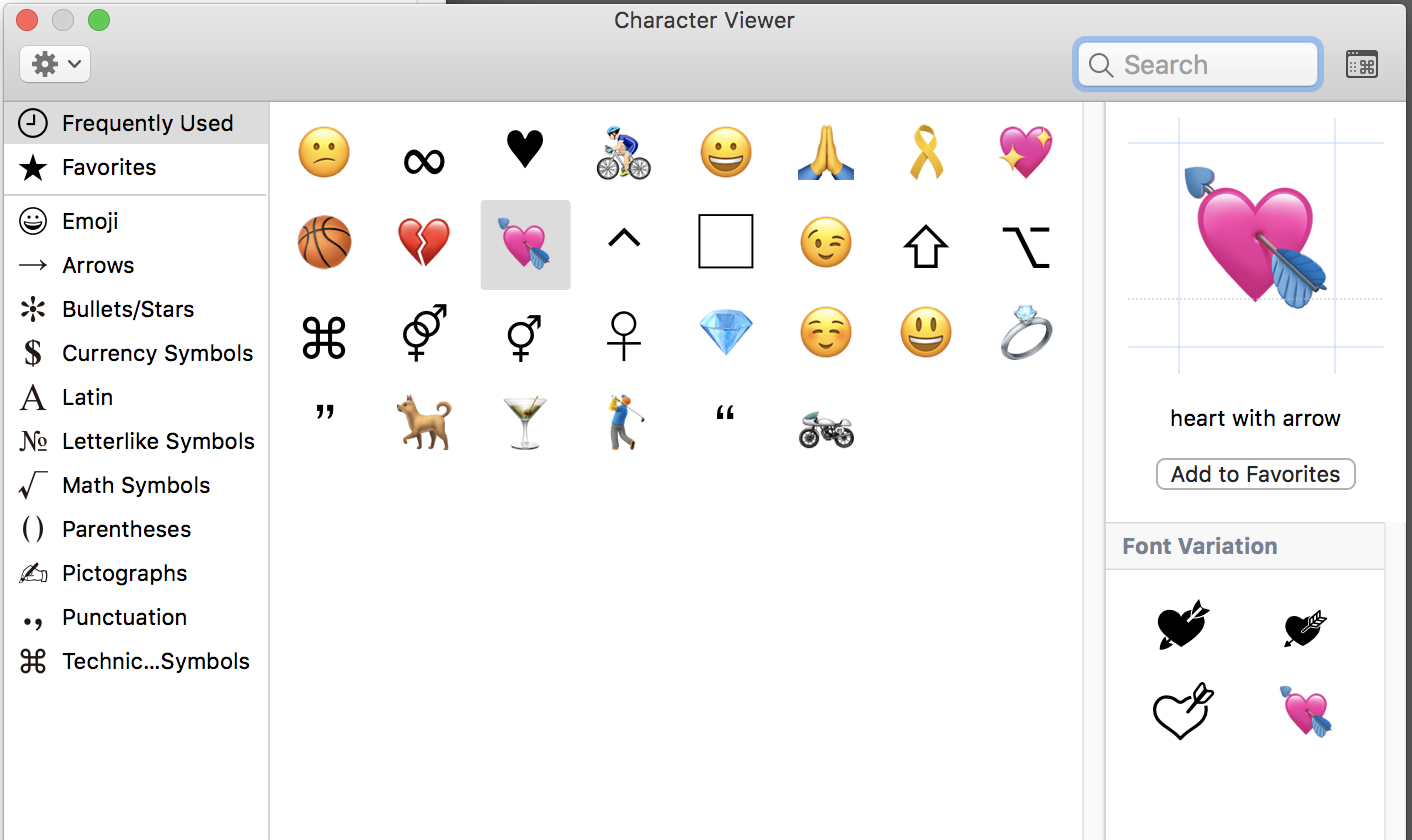
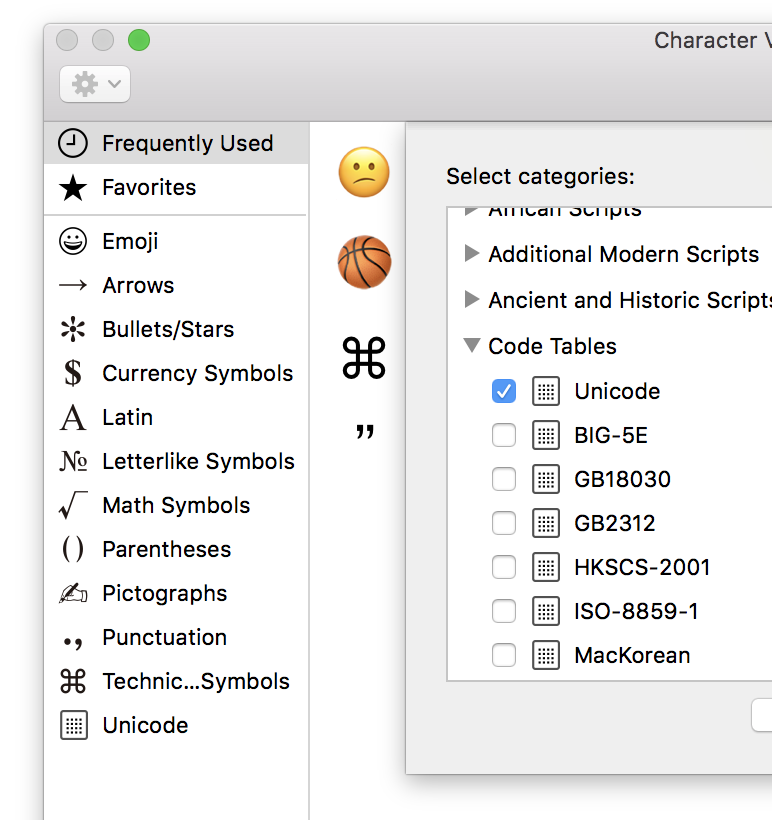
Funny, I don't see the "Unicode" option in my left column (Mac OS X 10.13.6).
Edit:
Found it… Had to "Customize" list:


Get ready! An upgraded Adobe Community experience is coming in January.
Learn more
 AdChoices