
Answered
Illustrator CC 2018 - Artboard automatic placement
Hi guys,
I've recently updated my Illustrator CC 2018 and there is a new feature (although I'm unsure if it's a bug!) which occurs when I click the new artboard icon.
Usually when clicking new artboard Illustrator shows a hovering artboard which then lets you place it where you like - however since this update the new artboards automatically place directly right of the original.
Please help, it's really annoying!
• I've tried Ticking 'Use Legacy "File New" interface' following advice, however this does not resolve it
• Also, within the 'Artboard Options' panel I cannot find a solution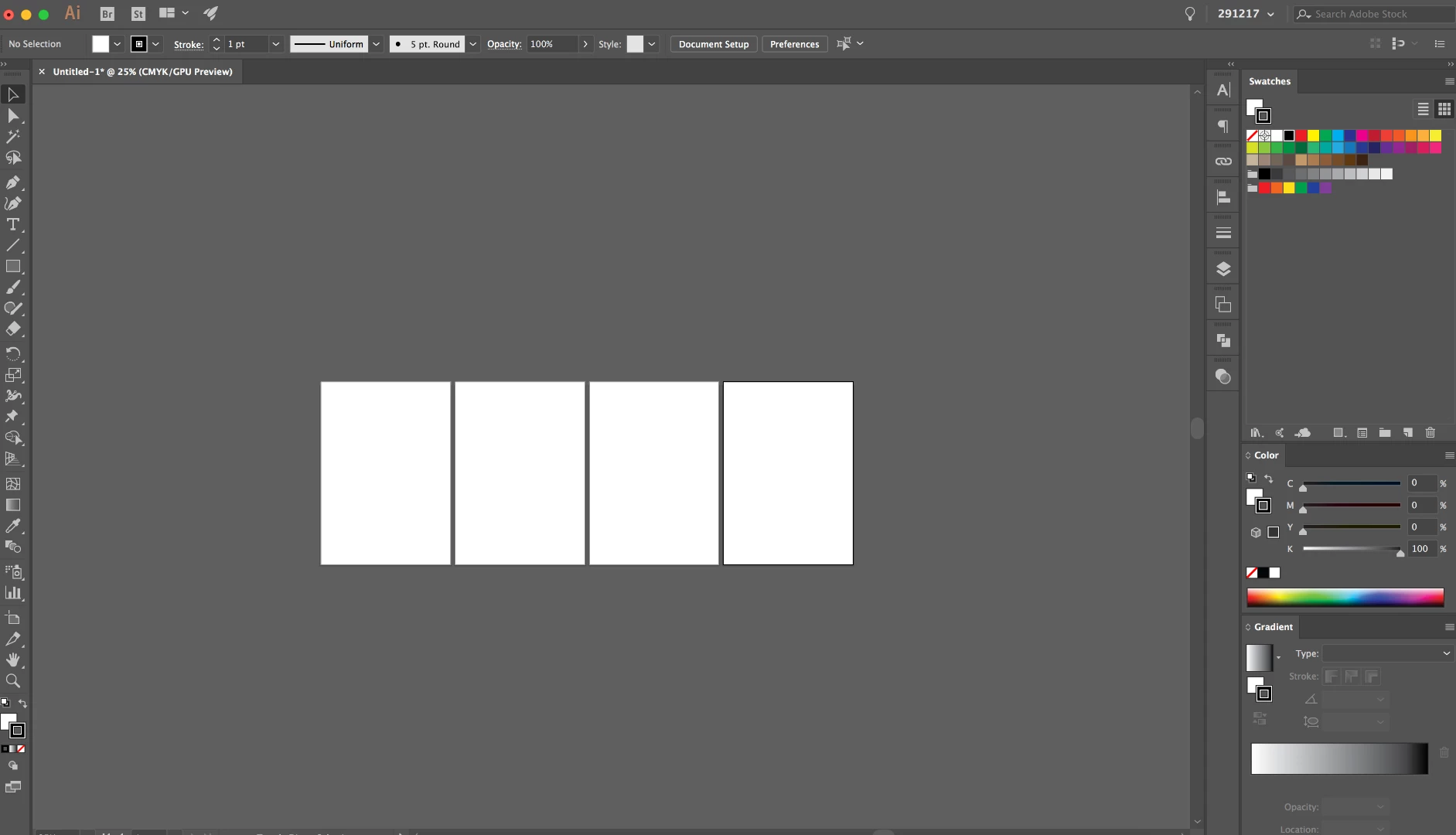
 AdChoices