


Answered
Possible Dropbox issue (Cannot Recover "Unknown Document" Please try to open using the file menu)
Hello,
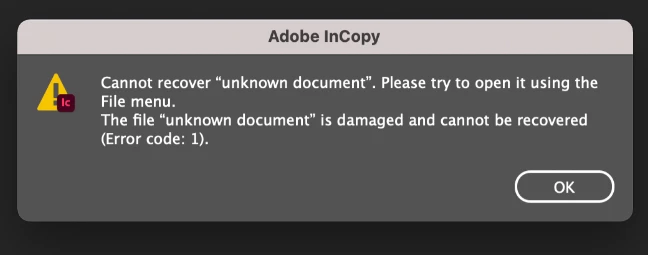
We currently have two users who have InCopy crash when they are opening files from DropBox. They receive the following error message when trying to open InCopy again after the crash. When attempting to make a local copy of the file and then open from the File menu it seems to work about half the time but still fails pretty frequently. They are both on Mac as well. I was just wondering if anyone has ran into this before.
There doesn't seem to be any other error/crash message besides for this.
 AdChoices