

Typothalamus
Known Participant
February 7, 2025
Answered

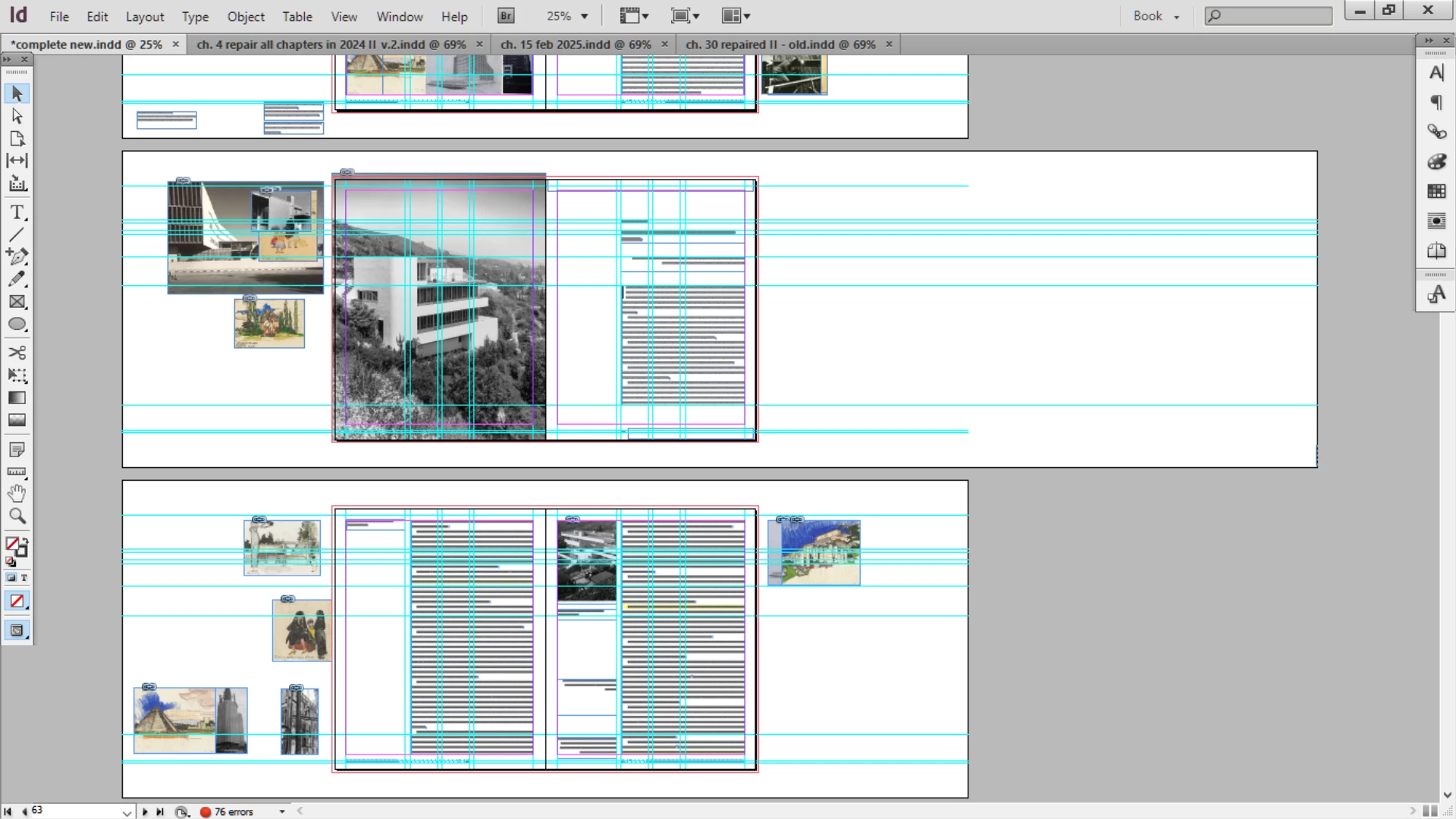
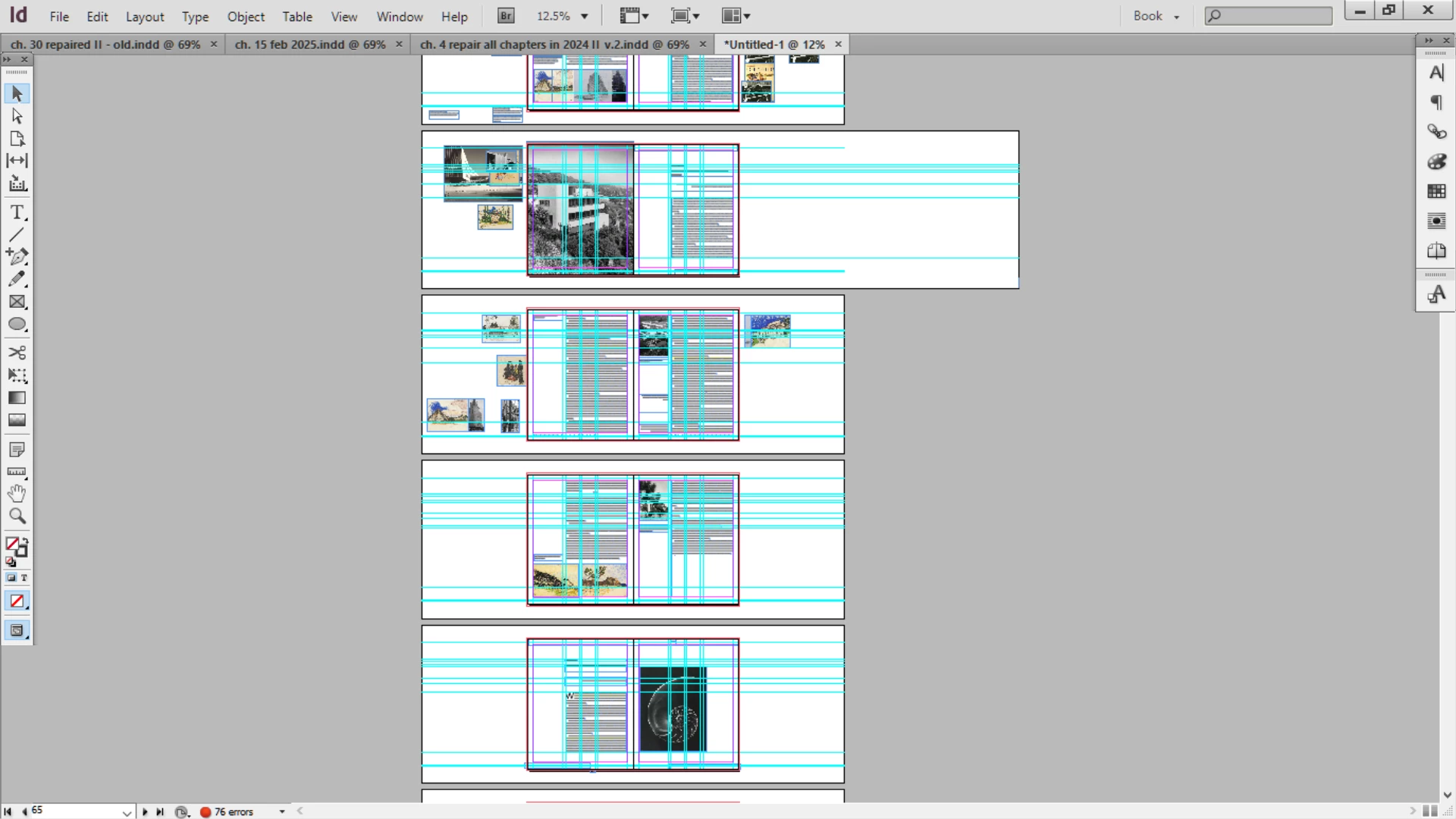
1 page of pasteboard suddenly extending far out

  • February 7, 2025
  • 2 replies
  • 4299 views

It's been a while since this happened – a month – but now having the pasteboard on 1 page of ~400 suddenly extend out one side. I immediately stopped work and IDML'd it. It did not change. Now will delete this one page and replace/reconstruct the page, and perhaps avoid using the pasteboard for idea collection going forward. But this is bizarre and problematic.

And @Robert at ID-Tasker, could your tool help identify the potential source of this issue?
Correct answer Robert at ID-Tasker

Thanks for mentioning - but you don't need IDT for that. 


Just go to this spread, hit Ctrl+A - Select All - your selection will extend to the far right - where there will be a single point selected - press Shift and do area selection of everything else on the spread - only this one point on the right should be left selected - press Delete key. 


2 replies

leo.r
Community Expert
Community Expert
February 7, 2025

You probably checked this, but just in case:


Are you sure you simply didn't change the page dimensions accidentally?


EDIT: Oops I didn't realize it's indeed the pasteboard that got expanded and not the page itself.

Legend
February 8, 2025

While we're at speculation, how about an unchecked "allow pages to shuffle" with debris from a temporarily wider spread of 3 or more pages.

Typothalamus
Known Participant
February 9, 2025

Where would I find the option to check/uncheck "allow pages to shuffle"? What debris is likely important for finding issues - would that be more text, or images, or something else?

One thing noticed is that when placing images that are PNGs, having one or sometimes not one but two on page/spread causes or is linked to that issue with erratic blacks.

Something that often sends me beyond the pasteboard is placing images that are far lager than the board. And I've tried the fittting function - which seems totally unresponsive. Sharing as perhaps it's relevant.

This thread is hard to follow now - 

Robert at ID-Tasker
Robert at ID-TaskerCorrect answer
Legend
February 7, 2025

Thanks for mentioning - but you don't need IDT for that. 


Just go to this spread, hit Ctrl+A - Select All - your selection will extend to the far right - where there will be a single point selected - press Shift and do area selection of everything else on the spread - only this one point on the right should be left selected - press Delete key. 


Typothalamus
Known Participant
February 7, 2025

Very interesting - this never came up before, long ago, when this issue was identified as corruption-related. That then lead to me IDMLing and disassembling all 47 chapters into separates, working a long time without that totality of context, and then finally returning to a completely assembled book. Perhaps there was never corruption, and I was routed onto one of the longest detours imaganibale

Robert at ID-Tasker
Legend
February 7, 2025

In Preferences, you can set your own extra space around the Pages on the Spread.


But if there are objects outside this space - InDesign automatically extends it. 


Can you share this one Spread with this bug? You can remove everything else on the spread - just so this one object remains.