Inspiring
June 30, 2024
Answered

2 Problems (1 Failure) were found

  • June 30, 2024
  • 2 replies
  • 770 views

Hi,


I am having a serious issue with exporting a document with about 8 links. This is a critical failure and I cannot diagnose any issue because the task alert is not specific:
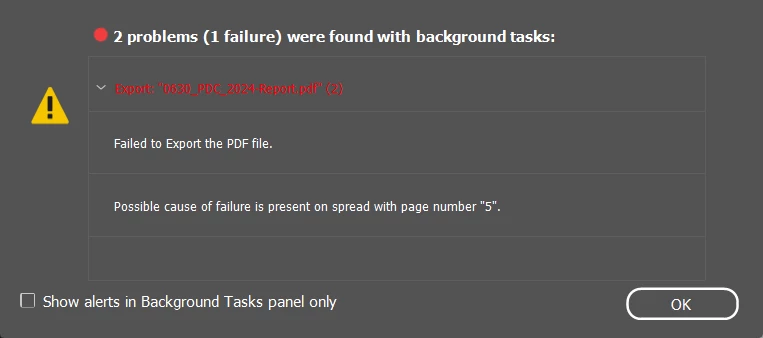
I cannot identify any elements on page 5 that would be causing a failed export. When I delete the spread, it just tells me that the next one has the critical failure.


This is really bad and I can't export my project!

This topic has been closed for replies.
Correct answer rob day
quote

Hi @Charlie329572228uvx , Does the export fail if you remove the linked PDF on page 5? Can you share the PDF?


By @rob day


1st paragraph under the screenshot in OP's opening post:

I cannot identify any elements on page 5 that would be causing a failed export. When I delete the spread, it just tells me that the next one has the critical failure.


I'm 99.99% sure that someone had exactly the same problem not so long ago - but can't find the thread and solution. 


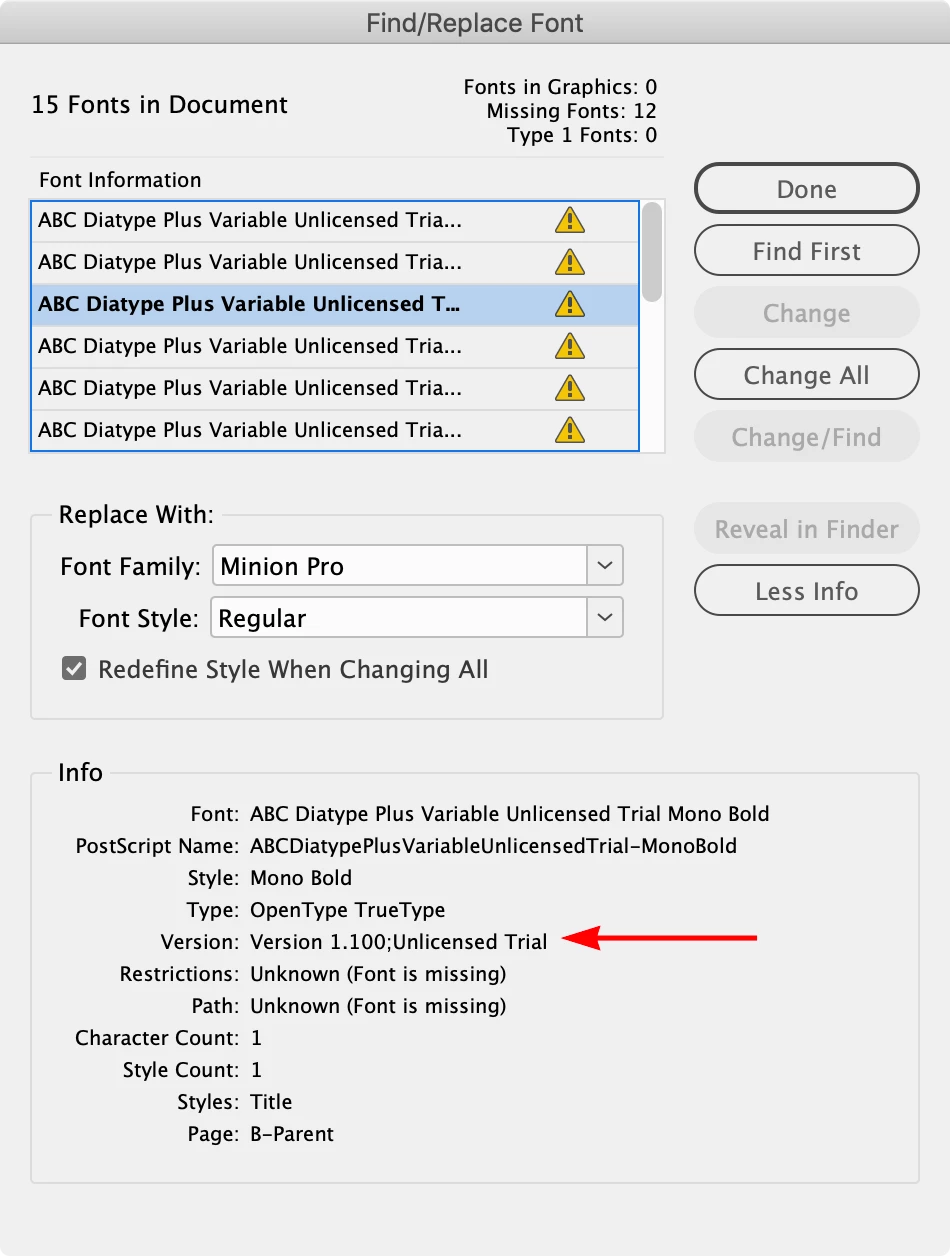
I can export it sucessfully to the default PDF/X-4 preset, but I don’t have the links, which seems to indicate there is a problem with one of the placed PDFs? Also there are a number of unlicensed variable fonts which I don’t have, that might be causing problems:


2 replies

Robert at ID-Tasker
Legend
June 30, 2024

Am I having Déjà vu? I'm pretty sure extremely similar post has been posted few days ago? Maybe more than a week?


@Charlie329572228uvx


Have you updates OS / InDesign recently?


And what is your platform, OS & InDesign full versions? 


Inspiring
July 1, 2024

@Robert at ID-Tasker I was experiencing the same issue with this document a few weeks ago and thought that I might have previously posted for help but it appears not.


This problem is occuring on both Mac and PC, InDesign v 19.4. 


@James Gifford—NitroPress Same Error:

Luckily i was able to output the document by printing to PDF. That will work for now but I am very keen on resolving the exporting issue as I have to hand off this work to another team at some point.


I was wondering if it might be related to files on a Google Drive to which I have been granted access and linked through a shortcut in my own drive. But I rebuilt the document from scratch using zip downloaded assets and the problem still occurs.


I also just remembered that I was able to isolate the issue last time to one individual's PDF which I believe is somehow faulty. When I remove it, the project exports with no issues. Interestingly, it is on P8-9 and not 5 as mentioned in the error report.


Thanks for your help.


leo.r
Community Expert
Community Expert
July 1, 2024

In addition to other questions: Do you have this issue when exporting each page (or spread) individually?

James Gifford—NitroPress
Legend
June 30, 2024

PDF export failures are vanishingly rare. (Faults in PDFS, maybe not so much... but export failures are just not common.)


I'd suggest the ID document purge — export to IDML, open that file, save under a new name as INDD, try the export again.