Participating Frequently
March 23, 2018
Answered

3x2 page spread

  • March 23, 2018
  • 4 replies
  • 1617 views

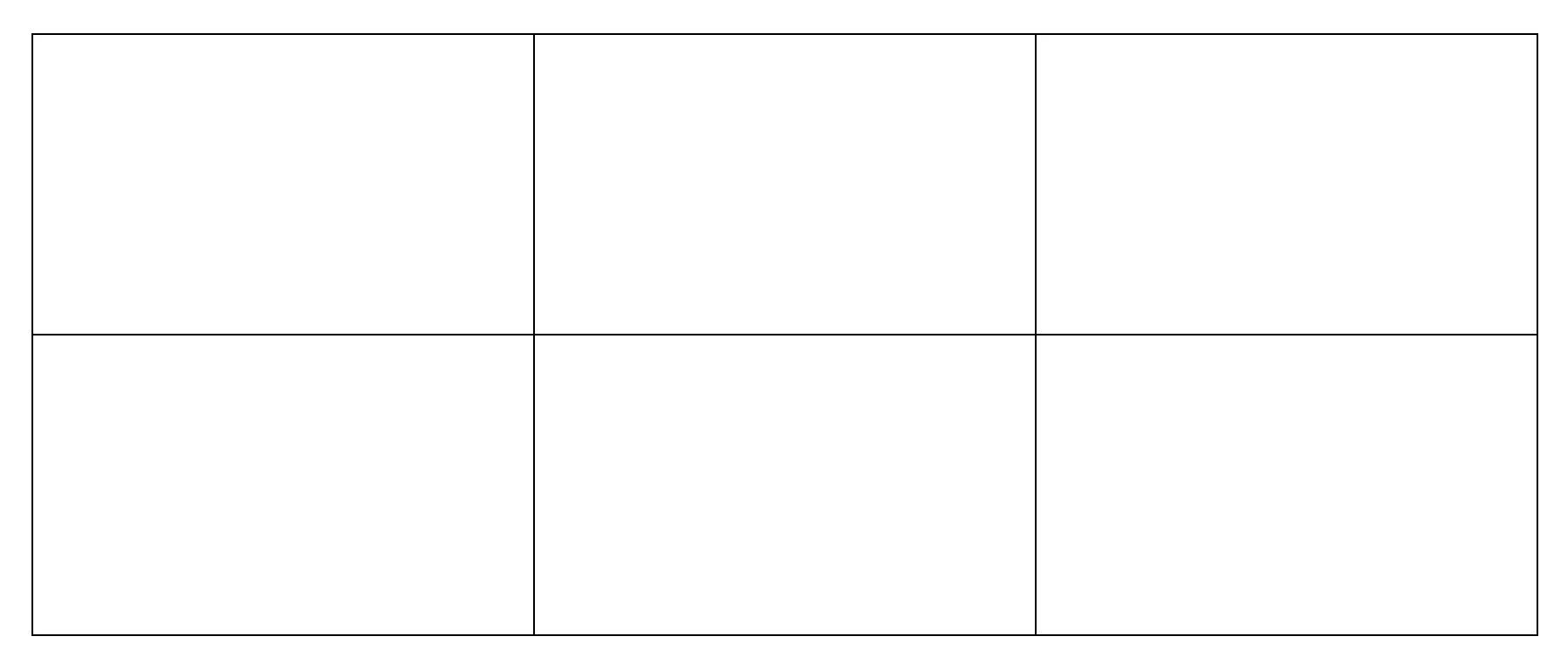
Does anyone know how to create a spread like the picture below? Each page is 24x36 but I need to do three across and 2 down. I need them all to touch (like the photo) because I want to put an image in the centre that spans all six pages. Does anyone know how or if I can do this? I don't want to have to split my image up and hope that it prints correctly.

Thanks!
    This topic has been closed for replies.
    Correct answer rob day

    Thank you Steve! This should do the job.


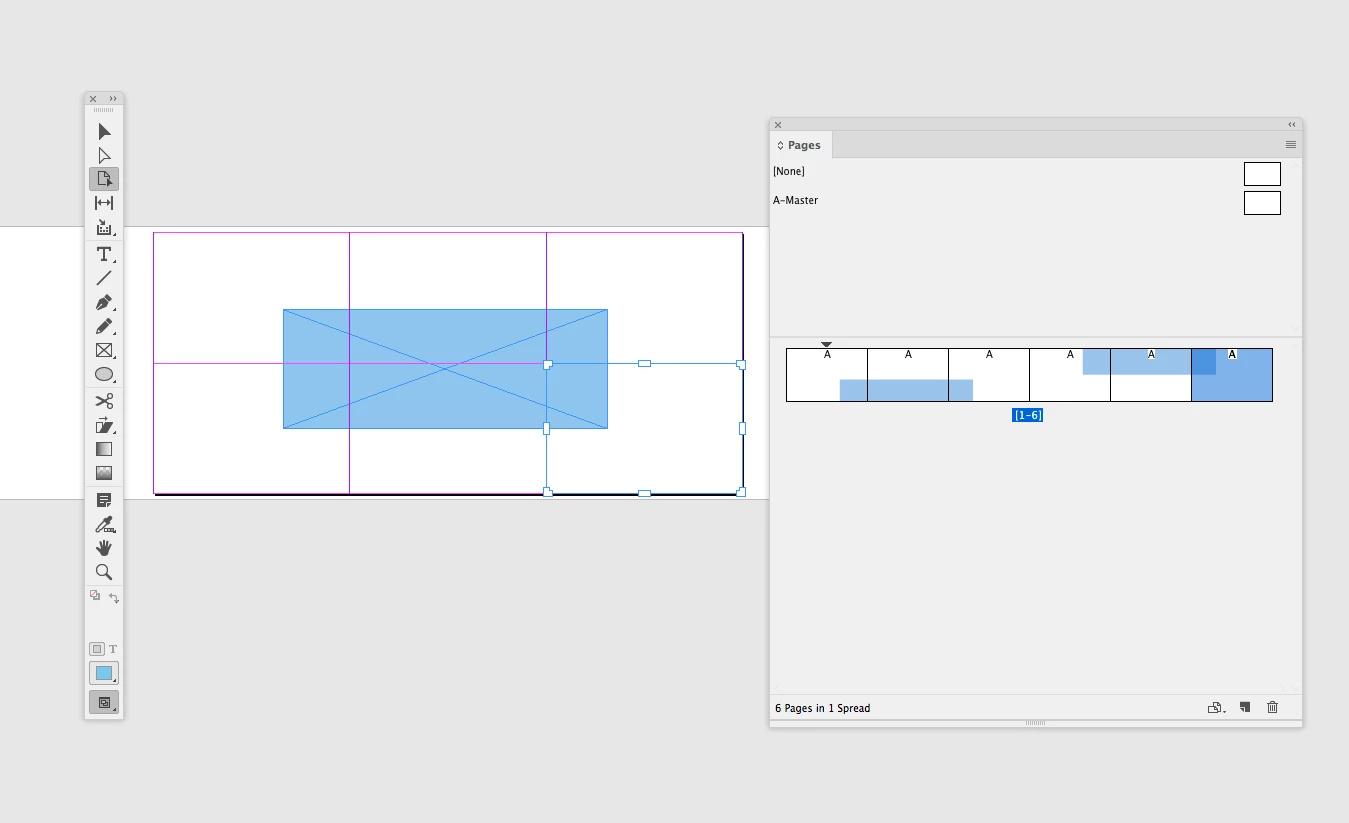
    You can also arrange the 6 pages with the pages tool. If you do that you can crossover between the top and bottom row.

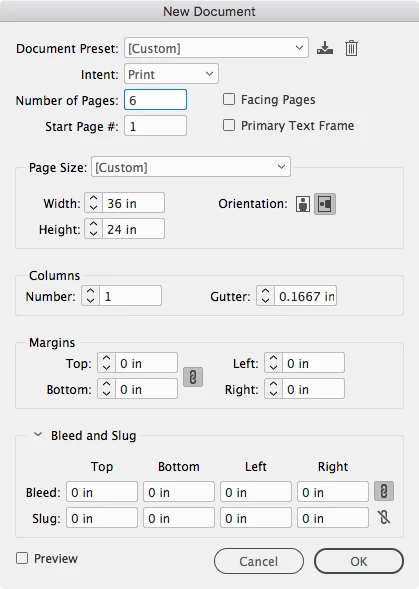
    So set up your document with facing pages unchecked:

    Uncheck Allow Selected Spread to Shuffle and arrange the 6 pages into a spread. And then with the Pages tool arrange the pages. Here you can see my cyan rectangle occupies all six pages.

    4 replies

    Derek Cross
    Community Expert
    Community Expert
    March 24, 2018

    Why are you laying out your document like this - just wondering?

    Participating Frequently
    March 24, 2018

    These are my boards for my final design project. I need to lay my revit, autocad, and photoshop documents out as a large integrated spread.

    rob day
    Community Expert
    Community Expert
    March 24, 2018

    These are my boards for my final design project. I need to lay my revit, autocad, and photoshop documents out as a large integrated spread.

    You can also do this in Illustrator with artboards. InDesign has a 10 page spread limit.

    Participating Frequently
    March 24, 2018

    But this is one page divided by columns. Is there any way to make 6 separate pages look like this on my screen? While I can print this large size on a plotter, I’d rather have six separate pages.

    Steve Werner
    Community Expert
    Community Expert
    March 24, 2018

    Why do they have to be separate pages? How you using these pages?

    Steve Werner
    Community Expert
    Community Expert
    March 24, 2018

    This as close as you can come: You can put the pages together in one spread by turning off the Shuffling behavior in the Page panel menu. But even when you set the Guides & Pasteboard preferences to 0 Vertical Margins, you can't have spreads next to each other—there's always a gap:

    Participating Frequently
    March 24, 2018

    Each page is 24”x36”.

    Steve Werner
    Community Expert
    Community Expert
    March 24, 2018

    That doesn't seem difficult, unless I'm not understanding the requirements:

    Steve Werner
    Community Expert
    Community Expert
    March 24, 2018

    "Each page is 24 x 36..." Inches? Feet? Millimeters? Centimeters? Miles? ;-)