Inspiring
February 21, 2024
Answered

A couple of scripts that worked in earlier versions of ID

  • February 21, 2024
  • 2 replies
  • 332 views


1. One is a script wrote by Manan Joshi that indeed inserts a row at the end of the table not in the character style indicated in the code but in the style of the row preceding it. 


 table.rows[-1].cells.everyItem().texts.everyItem().appliedCharacterStyle = “myriad regular”


**********

Manam wrote another version that gives this error.
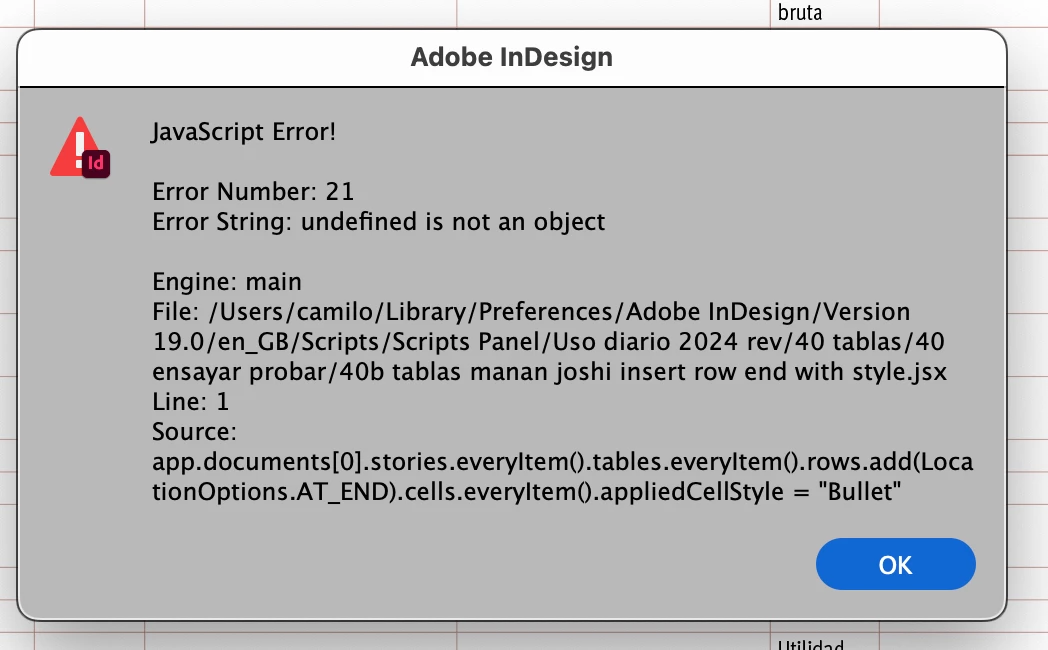
app.documents[0].stories.everyItem().tables.everyItem().rows.add(LocationOptions.AT_END).cells.everyItem().appliedCellStyle = "StyleName"

https://community.adobe.com/t5/indesign-discussions/it-is-possible-to-add-one-row-or-a-line-of-text-at-the-end-of-a-table-in-a-document-with-many-table/m-p/11727702

/////////////////////


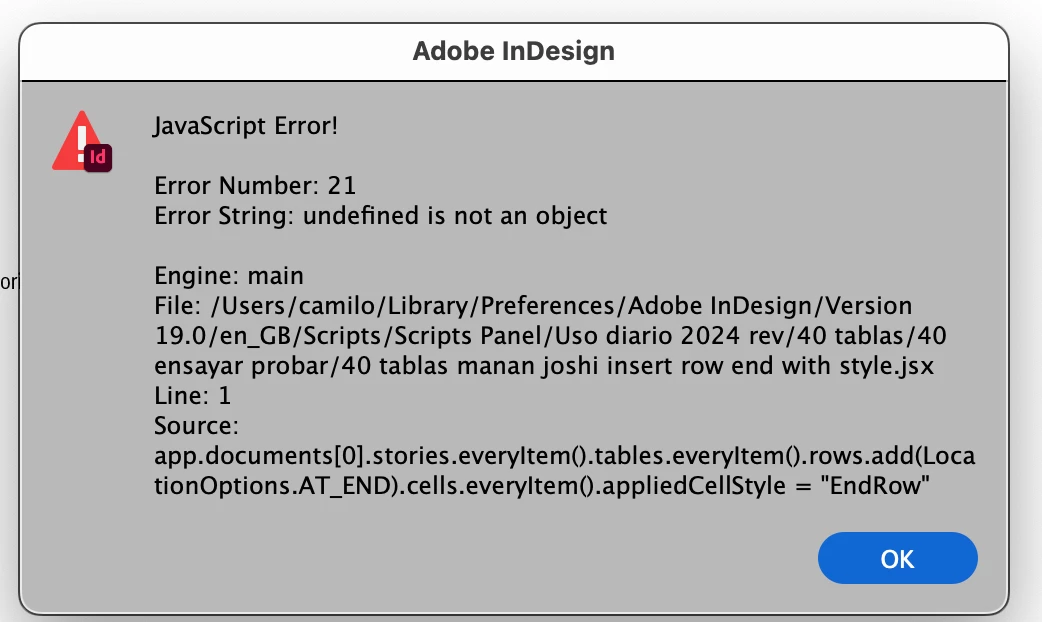
2. The another one, by Jump_Over, gives an error 21: “undefined is not an object”.

app.documents[0].stories.everyItem().tables.everyItem().rows.add(LocationOptions.AT_END).cells.everyItem().appliedCellStyle = “EndRow”
 

https://community.adobe.com/t5/indesign-discussions/selecting-last-row-of-table/m-p/5151572/highlight/true


This topic has been closed for replies.
Correct answer Peter Kahrel

Camilo -- You'll have to split the long statement:

rows = app.documents[0].stories.everyItem().
  tables.everyItem().rows.add (LocationOptions.AT_END);

for (i = 0; i < rows.length; i++) {
  rows[i].cells.everyItem().appliedCellStyle = "c";
}

.add() creates an array of rows, and therefore cells.everyItem() doesn't work.

2 replies

Peter Kahrel
Community Expert
Peter KahrelCommunity ExpertCorrect answer
Community Expert
February 21, 2024

Camilo -- You'll have to split the long statement:

rows = app.documents[0].stories.everyItem().
  tables.everyItem().rows.add (LocationOptions.AT_END);

for (i = 0; i < rows.length; i++) {
  rows[i].cells.everyItem().appliedCellStyle = "c";
}

.add() creates an array of rows, and therefore cells.everyItem() doesn't work.

CamiloUAuthor
Inspiring
February 22, 2024

Peter, thanks for these splendid solutions.
The strength of this forum lies in people like you.
Best regards.

C.

brian_p_dts
Community Expert
Community Expert
February 21, 2024

For the latter two scripts, do you have Cell Styles (not Character Styles) with the correct name? 

CamiloUAuthor
Inspiring
February 21, 2024

Brian,
for 

app.documents[0].stories.everyItem().tables.everyItem().rows.add(LocationOptions.AT_END).cells.everyItem().appliedCellStyle = "StyleName"

the error  persists. Cell Style is adequately named. In the previous example used other names for cell styles but were changed in other tests.

and

app.documents[0].stories.everyItem().tables.everyItem().rows.add(LocationOptions.AT_END).cells.everyItem().appliedCellStyle = "EndRow"

the same. Cell styles names checked.

Thanks.