Hi Joan:
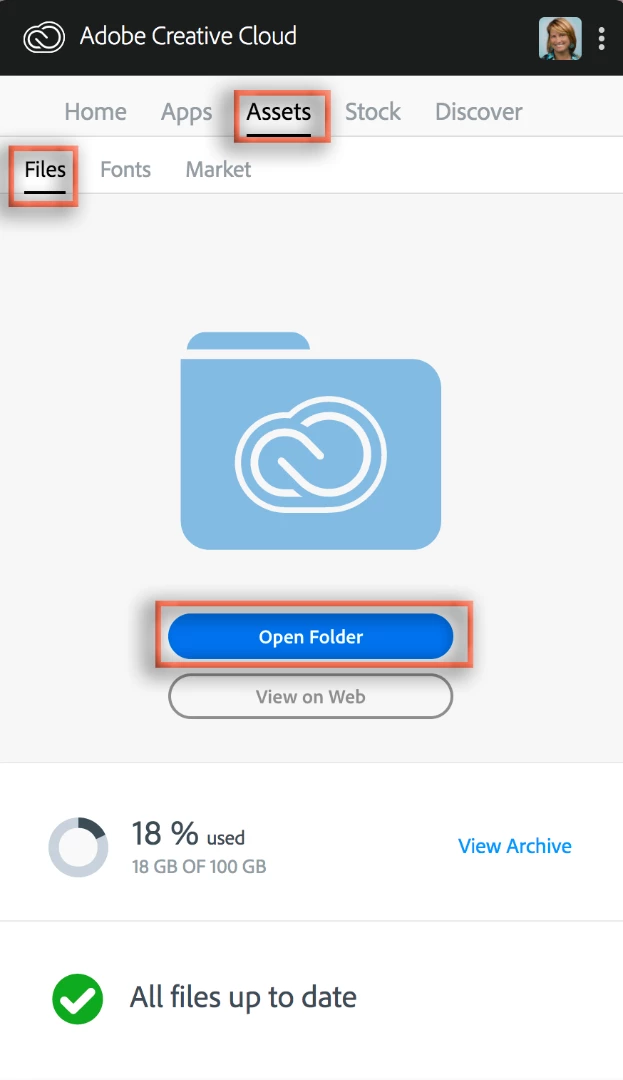
With a CC subscription, you can store files on your CC Cloud drive or in a CC Library. Based on the words "Have synced a folder of images to the cloud from my desktop", it sounds like you moved your files to the cloud drive and not into a library. Open the CC Desktop app to confirm. Go to Assets > Files > Open Folder. Do you see your files? Then they are on the cloud drive.
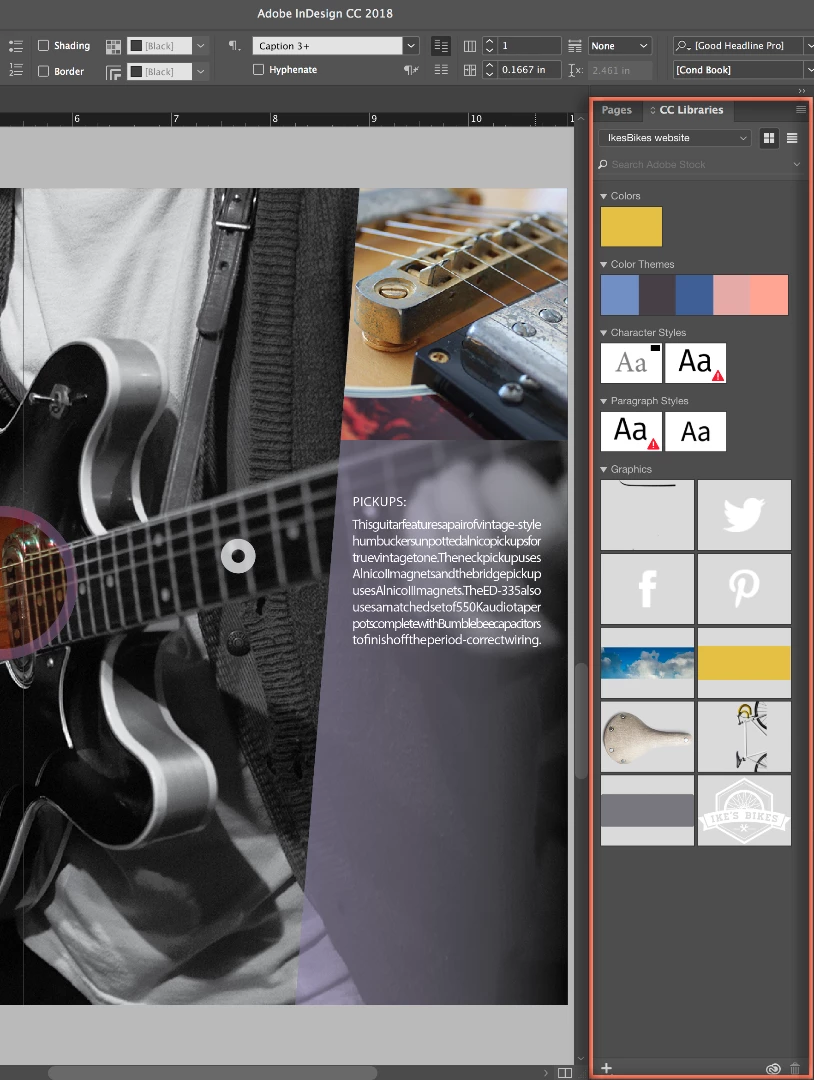
Add assets to CC Libraries on your computer using a Creative Cloud desktop application like InDesign, Photoshop or illustrator. Drag assets into the Libraries panel while in the desktop application.
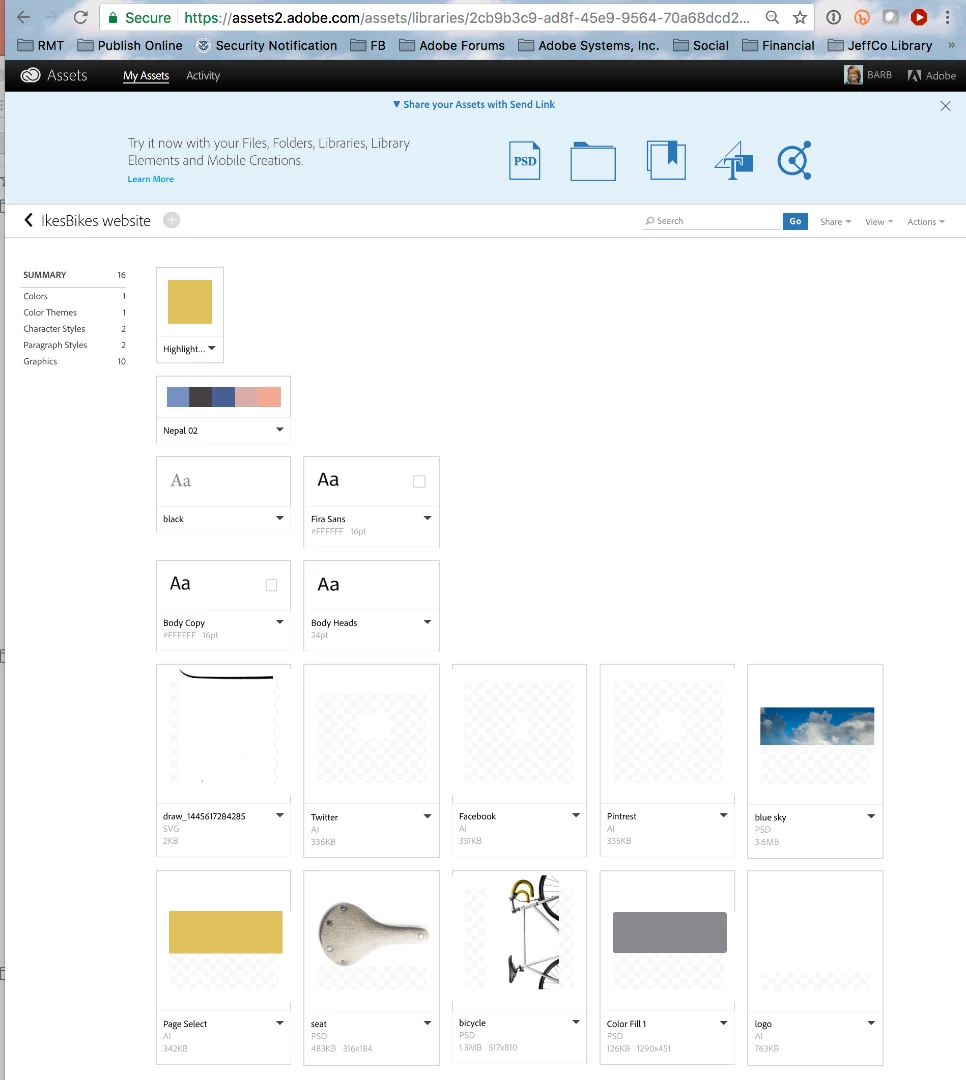
You can also view and browse through the libraries on the Creative Cloud Assets page: Adobe Creative Cloud .
You can learn more about the CC Cloud services here: Creative Cloud Help | Creative Cloud User Guide.
~Barb


 AdChoices