

Accessible footnotes from InDesign > pdf document
- January 29, 2025
- 3 replies
- 2337 views
I am in the process of folding a large publication (over 250 pages) and making an accessible version of it. The publication has a lot of numbered footnotes. I tested how the screen reader reads the footnotes and it reads the reference number in the text, but not what is written in the reference information. This publication also contains links as references, but also explanations and the names of the source publication. What would be the best way to solve this so that the reading experience is smooth for the screen reader? It is a terrible job to make links to numbers manually. How have you solved such issues?
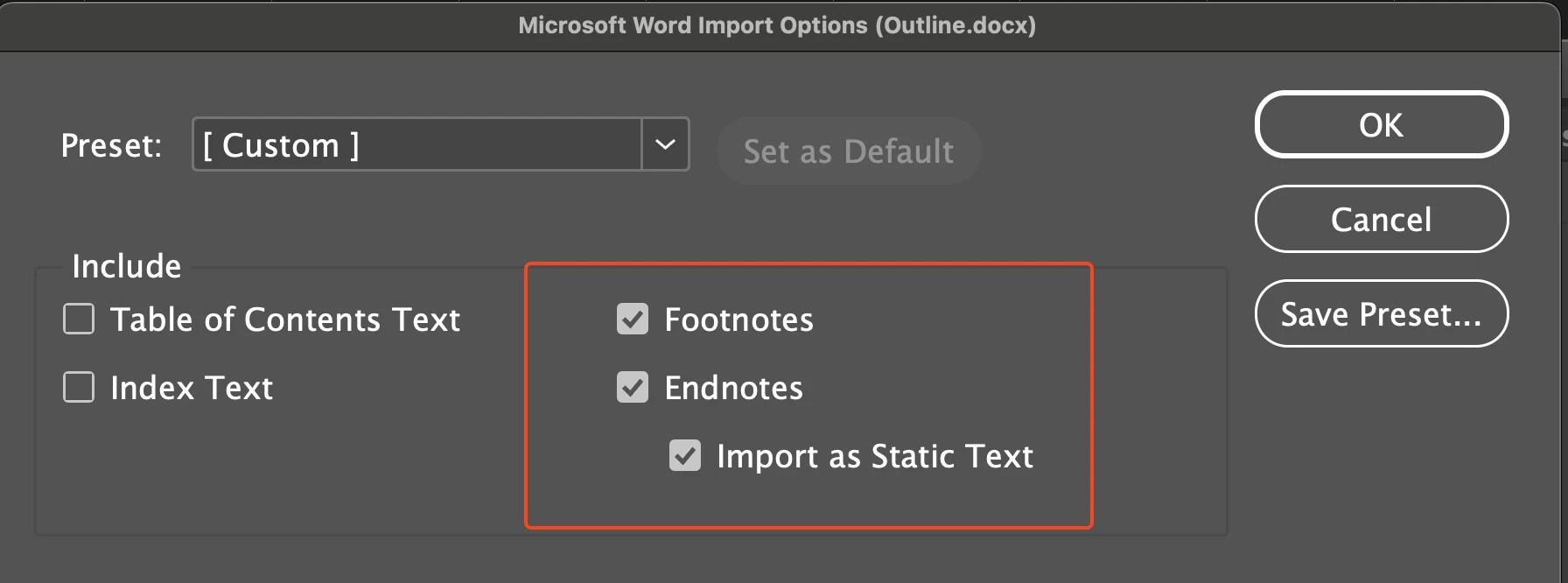
The publication has been folded in InDesign and the footnotes have been transferred from the client's Word document to the fold. The footnote numbers have their own style, just like the footnotes for the texts. I have also defined the footnotes in the Document footnote options. As far as I understand, they have been made correctly, but there is no link between the number and the explanation.
I would like to thank you in advance if someone can figure out a way to do this.
Kind regards
Tuire
 AdChoices