

Question
Ack! All My Tools and Panels Disappeared!
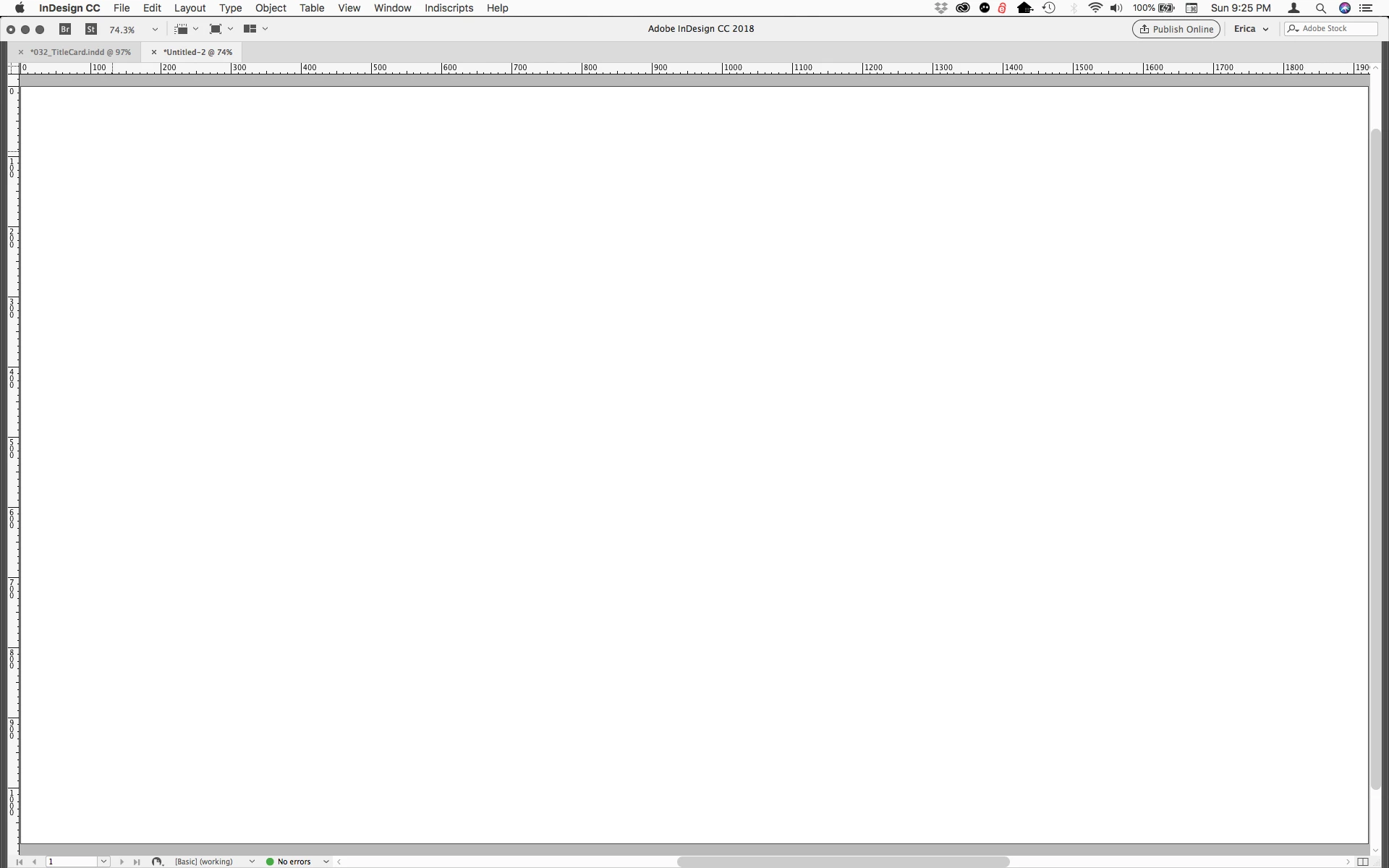
I often get the question (usually in a panicked voicemail/email): "Where have all my panels and tools gone in InDesign?! Have I broken InDesign?"
It's actually an easy thing to accidentally hide these without even knowing it.
If your screen suddenly looks like the screenshot below, you most likely hit the Tab key when not in a text frame. That clears all the panels (including the Tools and Control panels), giving you more of your artboard to work with. Just hit Tab again and they should come right back.
 AdChoices