
Participant
June 28, 2024
Answered

Activating Fonts Issue

  • June 28, 2024
  • 2 replies
  • 774 views

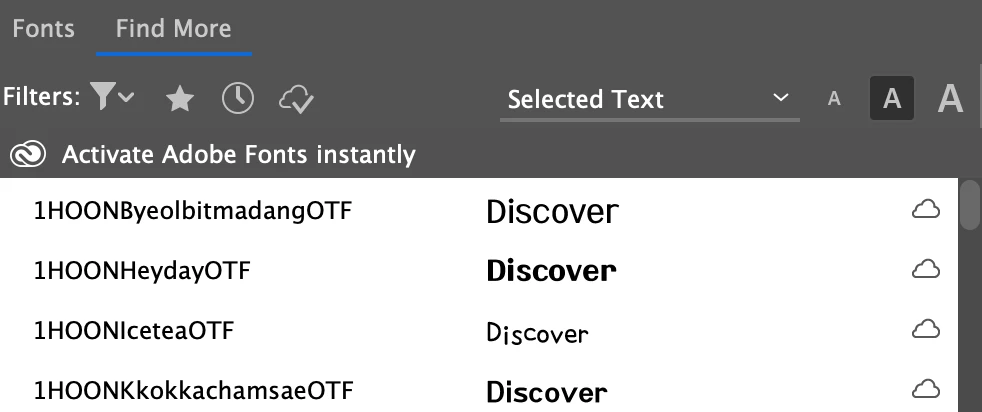
Hi! I have been trying to learn how to use adobe fonts but when I try to click the cloud symbol to activate the fonts nothing happens, it just comes up with a bar that says "click to activate font" but nothing happens when I do. I was wondering if anyone new an easy fix to get this working?
Correct answer Bill Silbert

I've found that sometimes with Adobe Fonts it is necessary to sign out from your Adobe ID in the desktop app and then sign in again. For some reason that "wakes up" the fonts and makes them activate and perform correctly.

2 replies

Bill Silbert
Community Expert
Bill SilbertCommunity ExpertCorrect answer
Community Expert
June 28, 2024

I've found that sometimes with Adobe Fonts it is necessary to sign out from your Adobe ID in the desktop app and then sign in again. For some reason that "wakes up" the fonts and makes them activate and perform correctly.

Participant
June 28, 2024

This worked! Thanks so much for the tip


Community Expert
June 28, 2024

Go to Adobe Fonts website and ensure you're logged in

Ensure you're logged into Creative Cloud Desktop app