Inspiring
October 21, 2022
Question

Adobe Indesign 2023 Crash on start

  • October 21, 2022
  • 6 replies
  • 1965 views

After the latest Indesign update, not able to run Adobe Indesign as it crashes on start.

Please find the crash report details. Issue found in Windows 10 Pro.
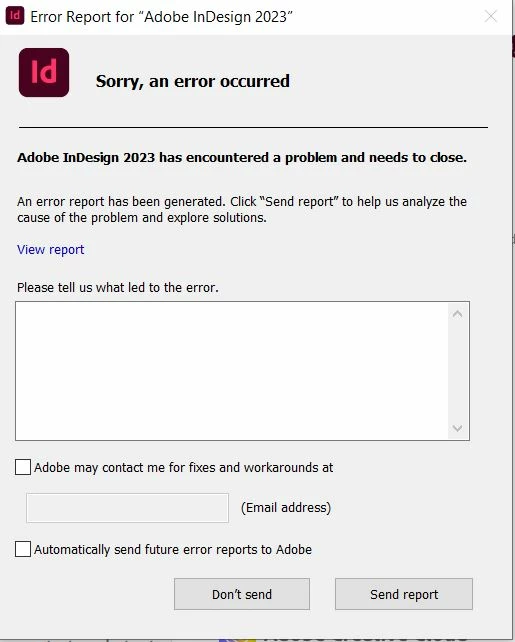


<Crash report deleted by moderator.>

 

This topic has been closed for replies.

6 replies

Inspiring
November 18, 2022

Anybody in this thread who has ever got a feedback from Adobe?


This feature is useless! And v18/2023 one of the buggiest versions ever!


Sorry ...

HARSHIKA_VERMA
Community Manager
Community Manager
November 19, 2022

Hi @mycc,


We are sorry for the trouble. Would you mind telling us if the InDesign crashes on launch or during a specific workflow? Please share the details of your operating system.


Have you tried following the steps suggested in this post? Let us know if that works.


We will try our best to investigate the issue.


Thanks,

Harshika

Inspiring
November 19, 2022

I was not able to load my document, ID crashes each time, e.g. after deleting cache or preferences.


I created the document new 😞


BobLevine
Community Expert
Community Expert
October 22, 2022

I've deleted the crash report. It's less than useless and messes up the browser view of this discussion.

If you feel compelled to do this again, please copy it to pastebin.com and provide a link here.

Thanks!

HARSHIKA_VERMA
Community Manager
Community Manager
November 3, 2022

Hi @emam-dev,


Hope you're doing well!


We would like to follow up on your issue. Are you able to resolve the issue? Please feel free to update the discussion if you need further help.


We will try our best to help.


Thanks,

Harshika

Community Expert
October 22, 2022

Are you just trying to open InDesign or clicking on an InDesign file that is then causing the launch of InDesign? The file may be a cause of the crash so try trashing the preferences as well as the recovery data and then try opening just InDesign to verify if the file is indeed the problem

Another thing could be a faulty third party plugin/extension. So if you have any installed remove them and then try

-Manan

-Manan
Robert at ID-Tasker
Legend
October 21, 2022

Try to trash preferences - there is a pinned thread how to do it. 

Rishabh_Tiwari
Community Manager
Community Manager
October 21, 2022

Hi @emam-dev ,


We're so sorry to hear about the trouble. Please share your Adobe ID, using which the logs were submitted through DM by clicking on my name. Meanwhile, I am getting the logs checked, please try the suggestions shared here https://helpx.adobe.com/indesign/kb/crash-on-launch.html, and let us know if this helps or if you need any further assistance.


Regards

Rishabh

Willi Adelberger
Community Expert
Community Expert
October 21, 2022

No one here will read or understand this code. Report it to Adobe, not here.