asbeda17549682
Participating Frequently
June 24, 2020
Answered

Adobe InDesign image importing with preserving layer modes which are in Photoshop
  • June 24, 2020
  • 2 replies
  • 1514 views

Hello everyone

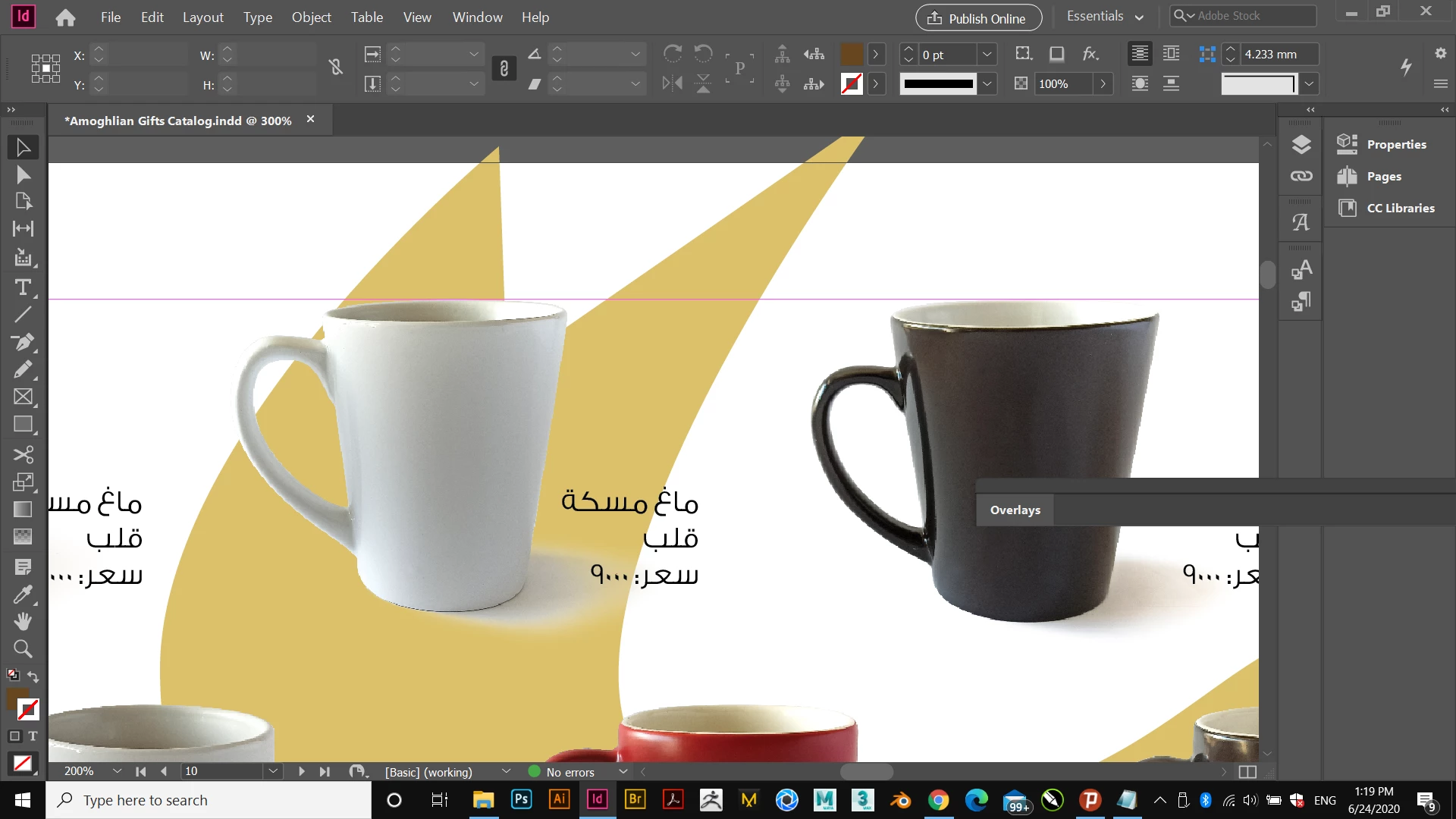
I'm importing PSD links in InDesign, in Photoshop these Mug images are composed by two layers, Mug Layer, and Shadow Layer. Although the shadow Layer is set to Multiply in Photoshop, it is still seeing all the File as Normal Mode in InDesign. Is there any way to keep the Transparency (Blending) options by layers in Photoshop, when importing in InDesign, without having to save two separate files in Photoshop (one for the Mug and other for the Shadow)?
Note: I'm using InDesign 2020

Kind Regards
This topic has been closed for replies.
Correct answer rob day

The PSD file in both RGB or CMYK mode, same result. 😞


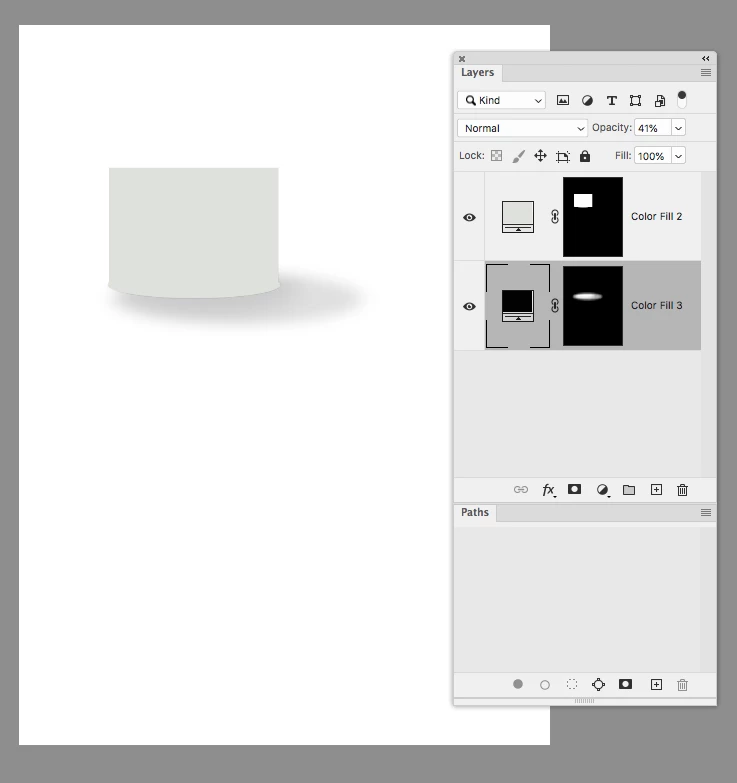
Also, if you are not using Photoshop’s drop shadow effect, the way you make the shadow layer might have an affect. So here my shadow layer is a Solid Color layer with shadow as a Layer Mask


2 replies

Luke Jennings3
Community Expert
Community Expert
June 24, 2020

How does it look when you turn on overprint preview? If it's not working, you could duplicate the link and use object layer options to use the first instance for the mug layer and the second instance for the shadow layer, set the second instance to multiply.

asbeda17549682
Participating Frequently
June 24, 2020

Even turning the Separations on didn't do any good.
Looks like I will do your second proposal, the duplication.

rob day
Community Expert
Community Expert
June 24, 2020

Photoshop blending modes will not blend with InDesign objects below—InDesign sees them as Normal. It looks like your PSDs might be CMYK with the shadow set as black only? If so try placing RGB so the shadows output as 4-color CMYK. Or build the shadow in InDesign.


asbeda17549682
Participating Frequently
June 24, 2020

My shadows are in four colours, not only black, still not working, Thanks for your answer, appreciated.

rob day
Community Expert
Community Expert
June 24, 2020

I've tried both with the colour mode of RGB and CMYK, the same result, All the artwork is in normal mode in InDesign, regardless of being CMYK or RGB, The File is really huge that's why I'm not Uploading, my net is bad 😞
However, thanks again.


The File is really huge


You can downsample a copy the transparency interaction doesn’t depend on resolution.


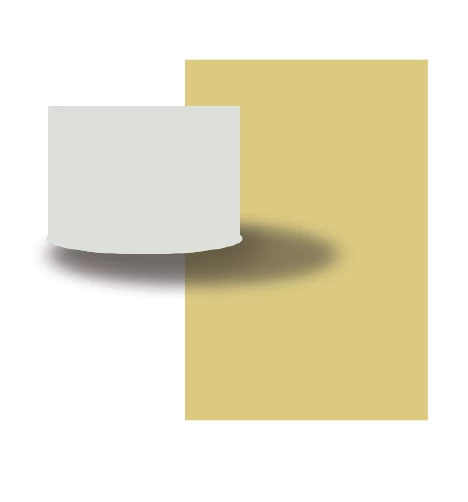
This is an RGB PSD with the shadow set to normal blend mode with overprint turned on