
Answered
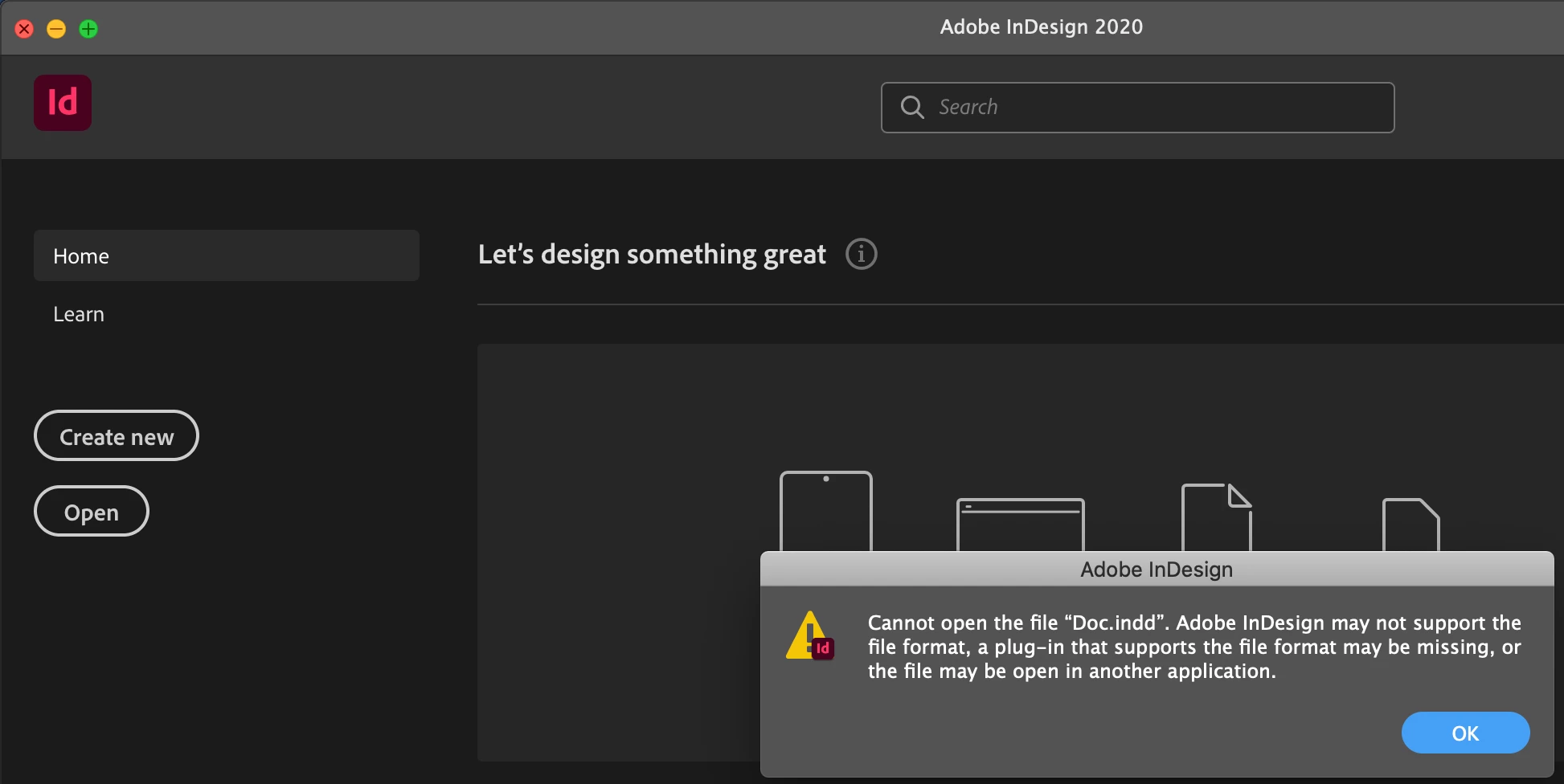
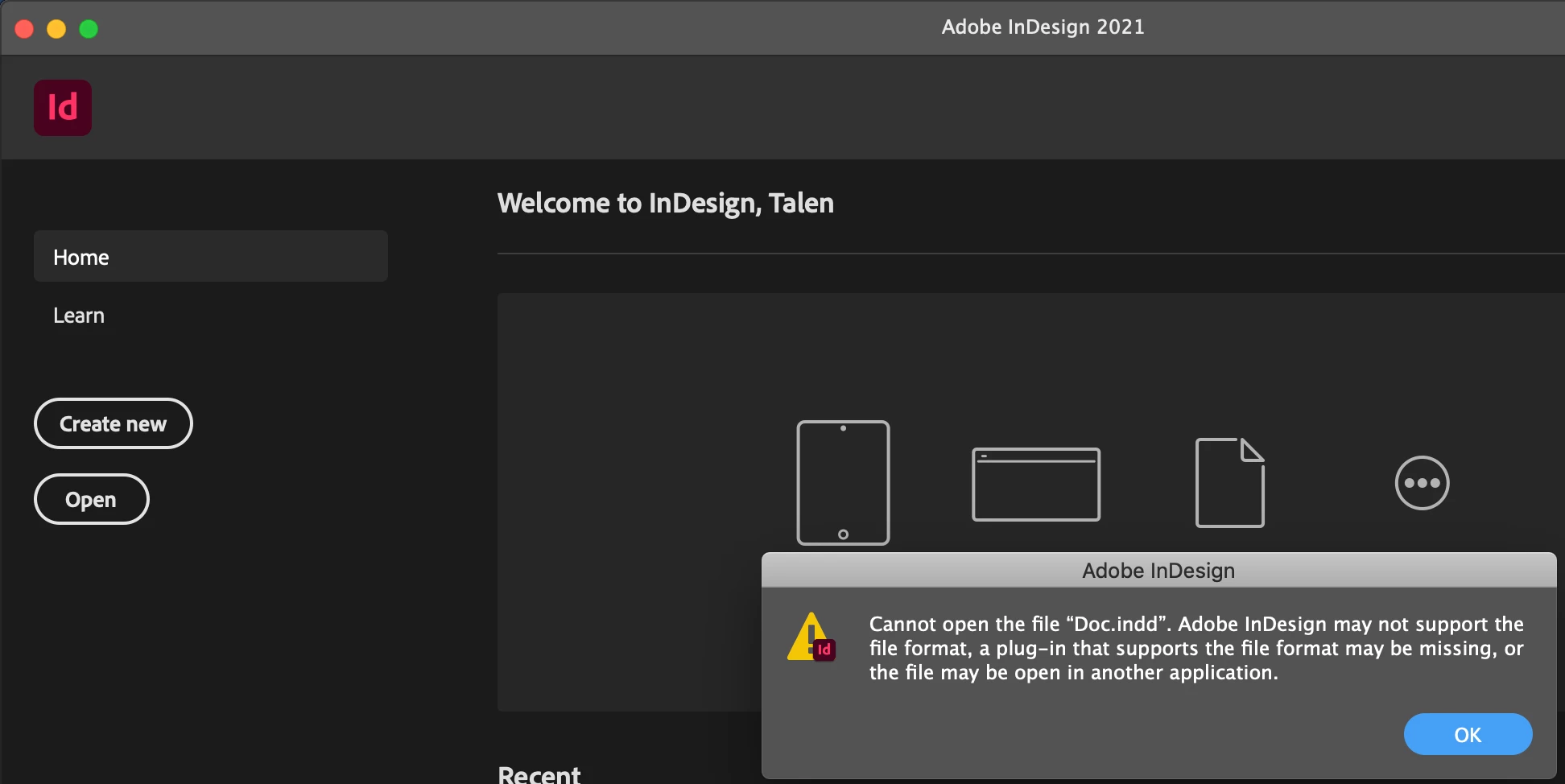
Adobe InDesign may not support the file format... but was opened 2 hours ago
This is probably due to the fact that InDesign 2021 was just released however I had a file open literally two hours ago and is now unable to open in both 2020 and 2021.
It was created by myself in InD 2020 and I've been working on this certain document for the last week, through the use of a USB, does anyone have any suggestions?
 AdChoices