
Answered
Adobe InDesign XML Image Import
Hi All,
I am new to XML importing into InDesign but managed to get all text elements in and styled. But now I am attempting to import an image and keep hitting the same issue.
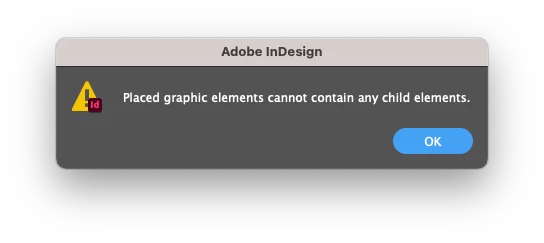
I currently have an image placed into the template which I wish to swap out. I have exported the XML so I can ensure it is set up correctly, but I keep getting the warning as shown above. I am working on files on my mounted Google Drive on OSX and running Adobe InDesign 16.3.2.
<image>
<image href="file:///Volumes/GoogleDrive/My%20Drive/%e2%80%a2%20Artwork/InDesign/MASTER_RGB_INDD.tif"></image>
</image>
This is the line of code. I am a total newcomer to this XML import, so any assistance would be great,
Thanks
Steve
 AdChoices