
Adobe, please add "convert to point type" option like Illustrator has!!
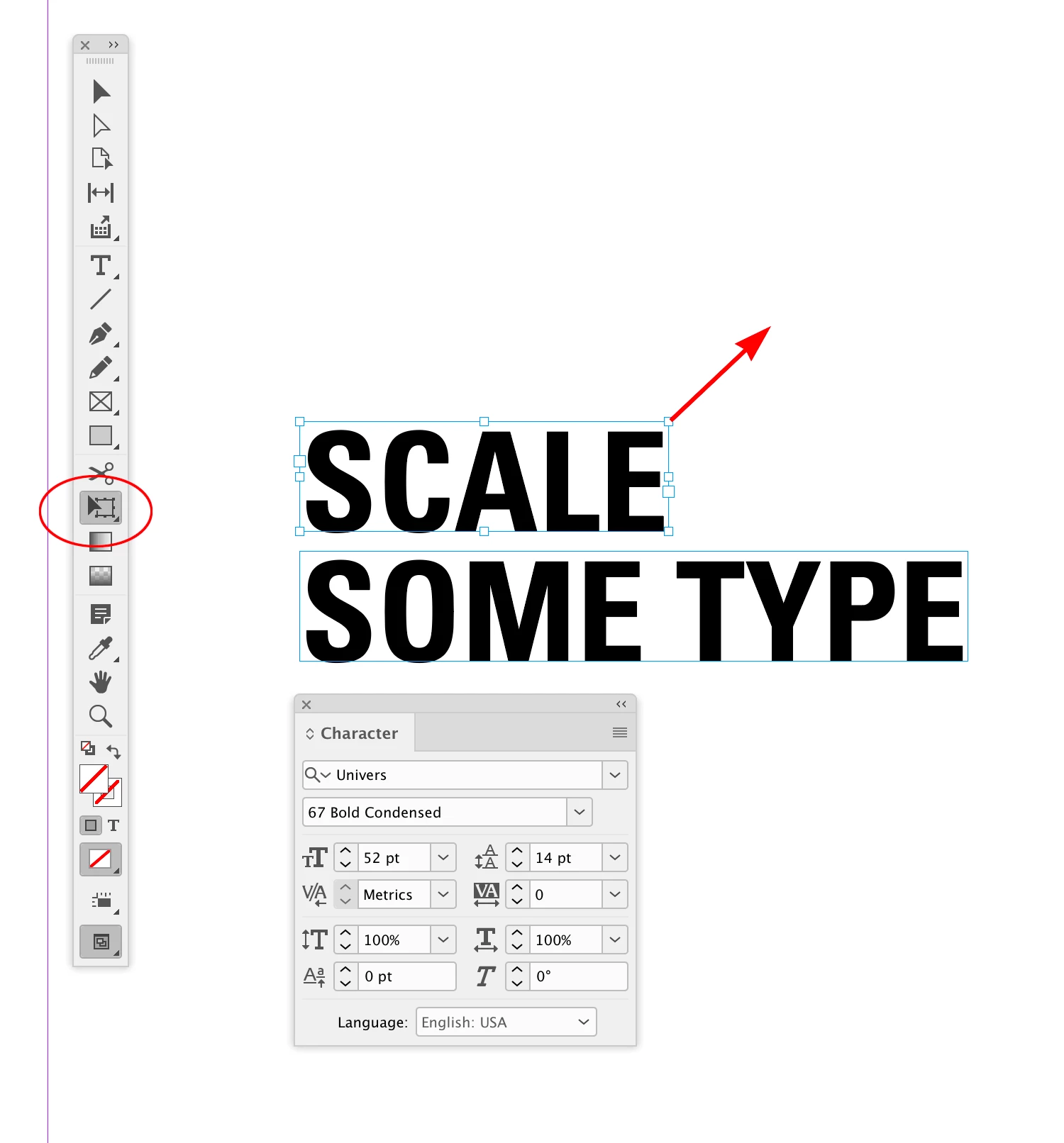
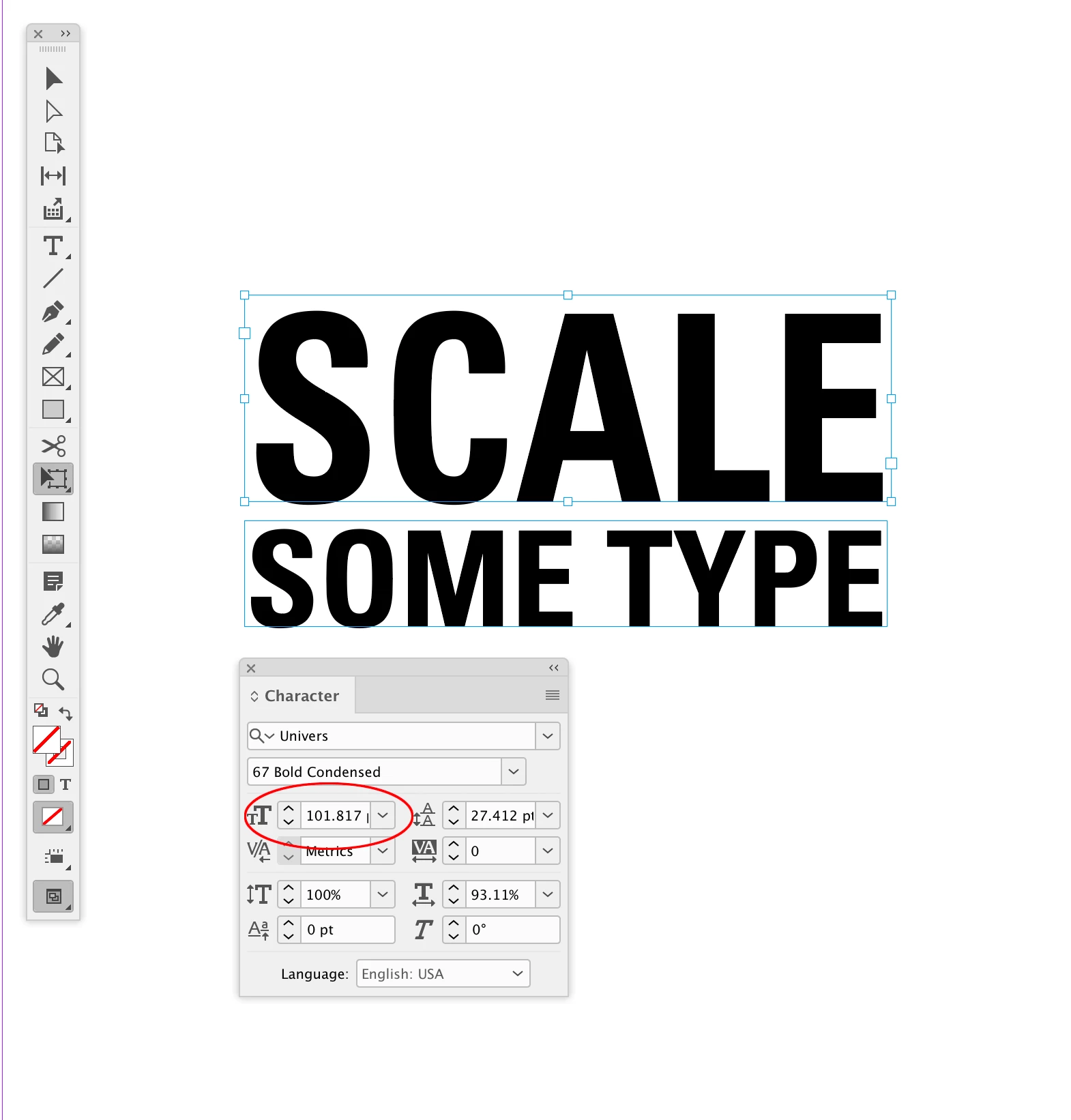
Manipulating type feels so incredibly clunkly in InDesign compared to Illustrator because InDesign does not have a "convert to point type" option. For example, when I want two stacked lines of text to be the same length, I can easily grab a corner in AI and scale it in less than a second. Done! In InDesign, I have to highlight the text, click the increase point size button, then manually add fractions of a point size until I reach the size I want and usually have to settle with it not being totally acurate. And then I have to adjust the leading manually. Why Adobe?! This seems like such an easy function to add and would make designing with type in InDesign so much smoother and efficient.
OK, you can create outlines in InDesign and manipulate text that way, but that's not the solution because then you lose all editablity of the type.
Also, if anyone knows where I can make suggestions like this to Adobe in a way that they will hear me, please let me know. I couldn't find a way to write to them.
 AdChoices