
Adobe, stop auto-starting and auto-updating apps for good!
In today's world there is nothing more annyoing than the permanent software updates. On Windows, when installing Adobe software it now uses to
- activate auto-start for the CC main app
- create an Adobe Update Service and activate auto-start for it
- create 3 or 4 or even more tasks in the task planner
- set single CC apps to "Automatically install updates"
WTF! You ever heard of "never touch a running system"? In terms of an IT administrator this is update hell. If I wouldn't deactivate all this auto-start crap, the apps would install update by update messing up my settings and functions (topic: massive change of keyboard shortcuts and marquee behavior in Photoshop in the last big update).
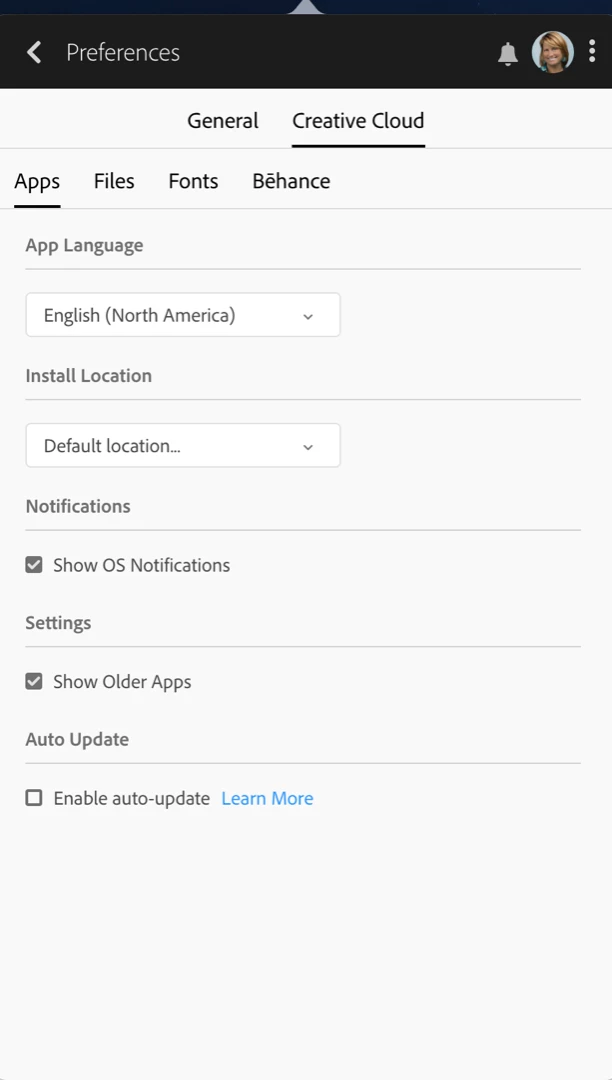
Updates are often needed, often also welcome, but they must not auto-install! It suffices to check for updates and notify the user.
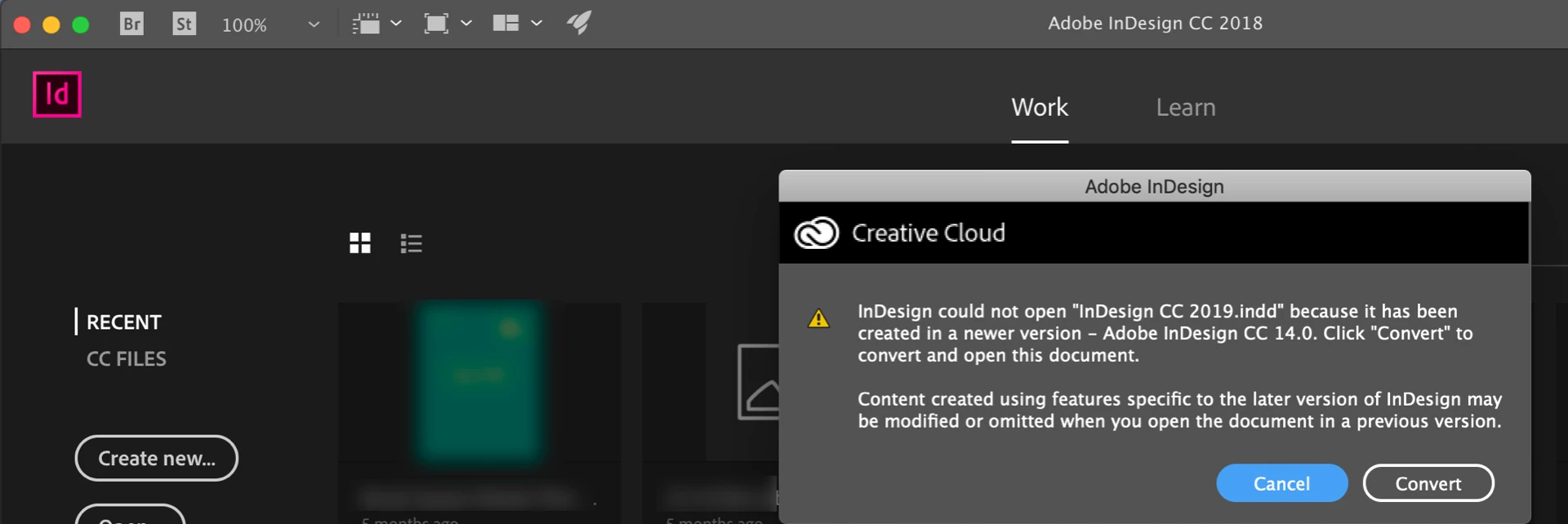
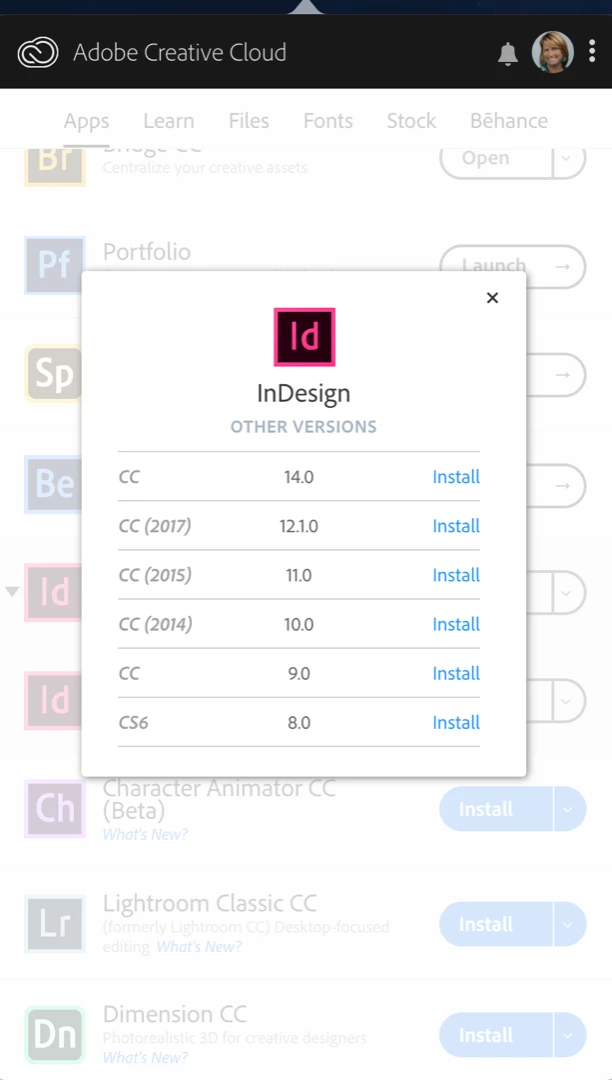
My most used tool is Indesign. Today I received an INDD back from my translator and could not open it. Why? Because he already uses Indesign 14 while I'm still on 13. Really? You couldn't even keep file format compatibility from one version to the next? The biggest problem: you can go back to Indesign 13, but any file saved by Indesign 14 would have to be opened and saved again for 13 or else you couldn't continue to work.
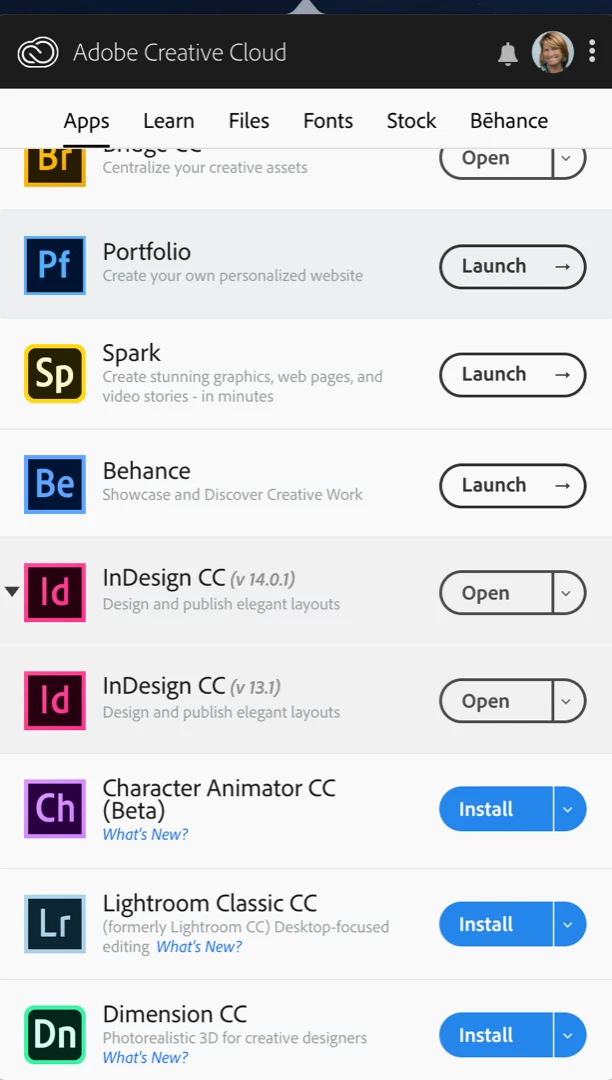
Now I'm either forced to update to 14, not knowing if there also were major changes or I must ask the translator to go back to 13. And no, I don't read "What has changed or what is new?" lists for a reason. The main reason is that I would have to find them myself. Not like the CC main app would have a link for every app to a "What is new or what has changed in the last update?" web page where you can easily check.
Bad job, Adobe, bad job.
 AdChoices