Inspiring
October 22, 2023
Answered

Alert + list to RGB colors (InDesign)

  • October 22, 2023
  • 1 reply
  • 624 views

Hey everyone!

I work with documents (indesign) that are intended for printing. Therefore, my color swatches should be in CMYK format. I have the code to convert RGB colors to CMYK, but I was looking for something more elaborate.

I would like a script that can scan my document and identify any RGB color swatches. If any RGB swatches are found, the script should generate a window with a list of the offending colors. Finally, the script should prompt me with a YES or NO option to convert the colors to CMYK.

Can anyone help me with this?

The code to convert:


app.menuActions.item("$ID/Add All Unnamed Colors").invoke();
var myIndesignDoc = app.activeDocument;
var myUnusedSwatches = myIndesignDoc.unusedSwatches;
for (var s = myUnusedSwatches.length-1; s >= 0; s--) {
var mySwatch = myIndesignDoc.unusedSwatches[s];
var name = mySwatch.name;
if (name != ""){
mySwatch.remove();
}
}
app.activeDocument.colors.everyItem().properties = {space:ColorSpace.CMYK, model:ColorModel.PROCESS};
 

This topic has been closed for replies.
Correct answer rob day

I work with documents (indesign) that are intended for printing.


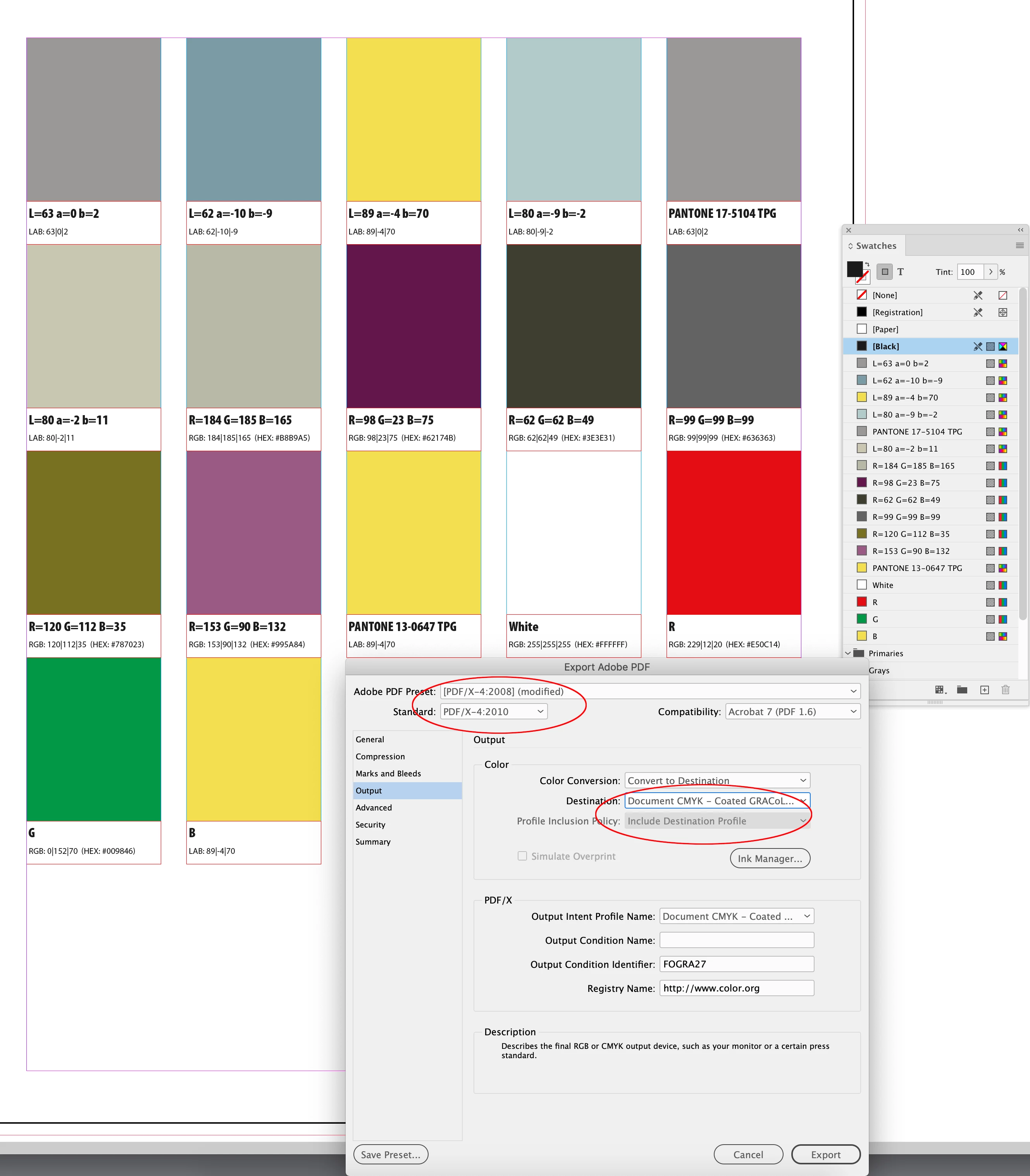
Hi @eusoujp , Are you delivering a print ready PDF to the printer? If that’s the case you don’t need a script, an Export to PDF/X-4 or X-1a  with the Output Destination set to Document CMYK will convert all of the native RGB and Lab color to the document’s assigned CMYK space:


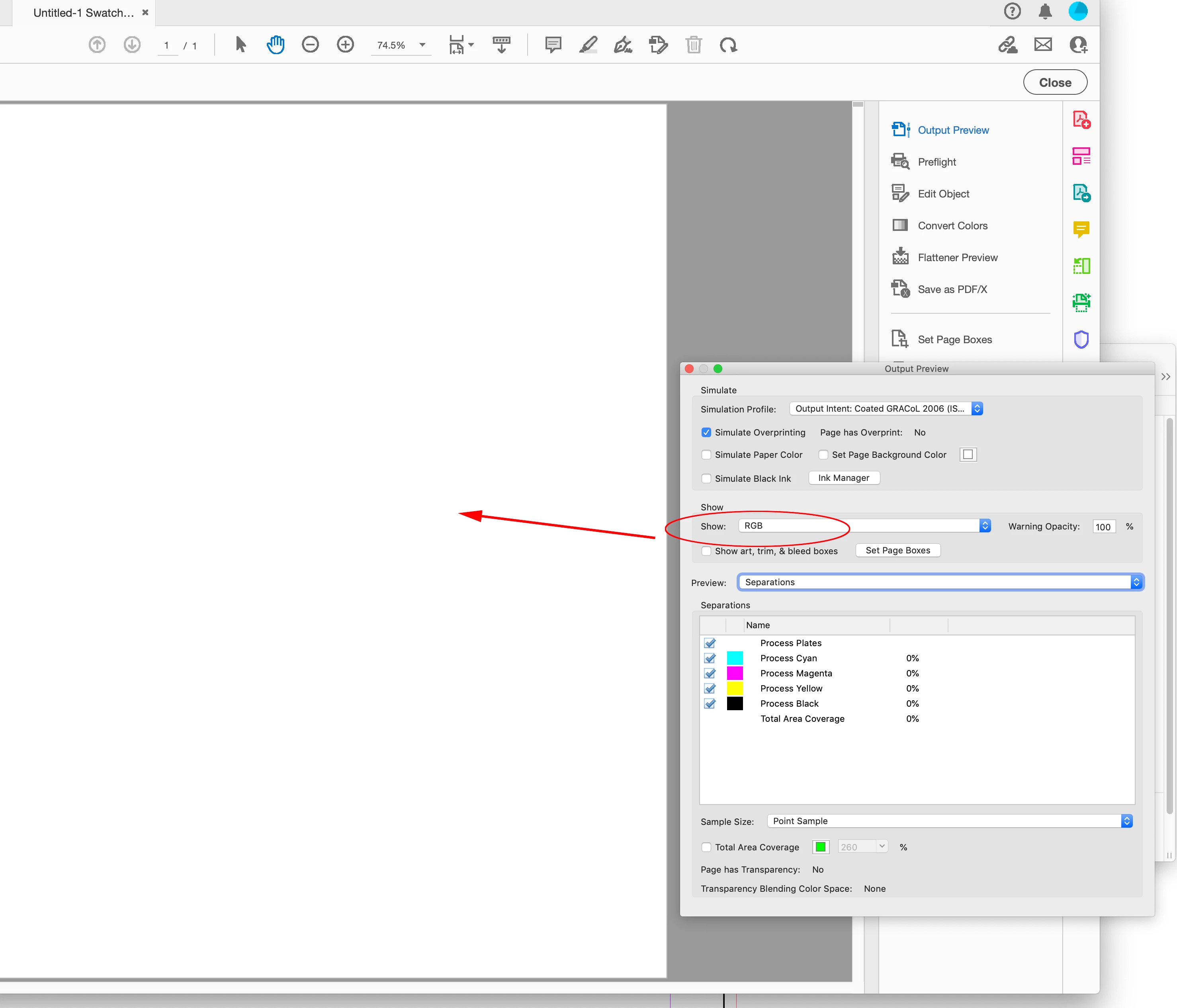
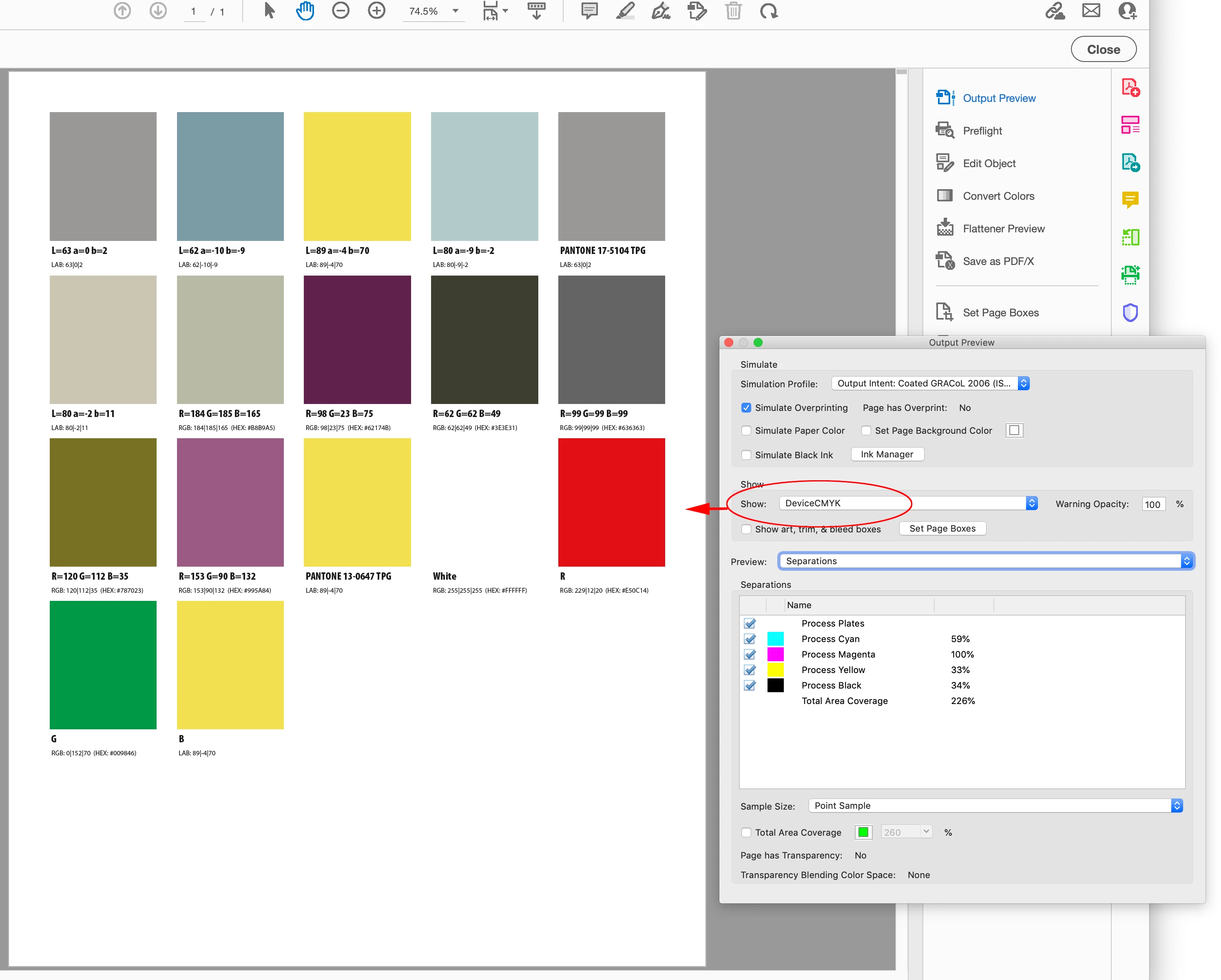
The export PDF/X-4 is all DeviceCMYK:


No RGB Objects


1 reply

rob day
Community Expert
rob dayCommunity ExpertCorrect answer
Community Expert
October 22, 2023

I work with documents (indesign) that are intended for printing.


Hi @eusoujp , Are you delivering a print ready PDF to the printer? If that’s the case you don’t need a script, an Export to PDF/X-4 or X-1a  with the Output Destination set to Document CMYK will convert all of the native RGB and Lab color to the document’s assigned CMYK space:


The export PDF/X-4 is all DeviceCMYK:


No RGB Objects


eusoujpAuthor
Inspiring
October 24, 2023

Hi Rob. Thanks for the answer. I work for print. However, what I'm after is simpler. It doesn't always happen, but there are documents in which there may be color samples in RGB format. But before I could convert the color from RGB to CMYK, I would like to be shown a window with the list of RGB colors that are present in the document (if the document finds any RGB colors). And in that same window I could choose whether or not I want to convert to CMYK.
I appreciate your answers and I also think it will be helpful. But I would like a script with the above information - it is important too.

rob day
Community Expert
Community Expert
October 24, 2023

Still not sure you need to build a script with a dialog—that functionality is built into the Swatches panel. You can Command click to select the panel’s RGB swatches (the List view includes a space icon in the last column), then double click to change all the color’s spaces:


If you want to convert all of the document native unnamed Colors and named Swatches to CMYK, this would work:


var c = app.activeDocument.colors.everyItem().getElements()
for (var i = 0; i < c.length; i++){
    try {c[i].space = ColorSpace.CMYK}catch(e) {} 
};