Hosun
Inspiring
December 18, 2022
Answered

alignment of table

  • December 18, 2022
  • 1 reply
  • 6615 views

Hi,


There is a table in Id.


I exported it to EPUB.

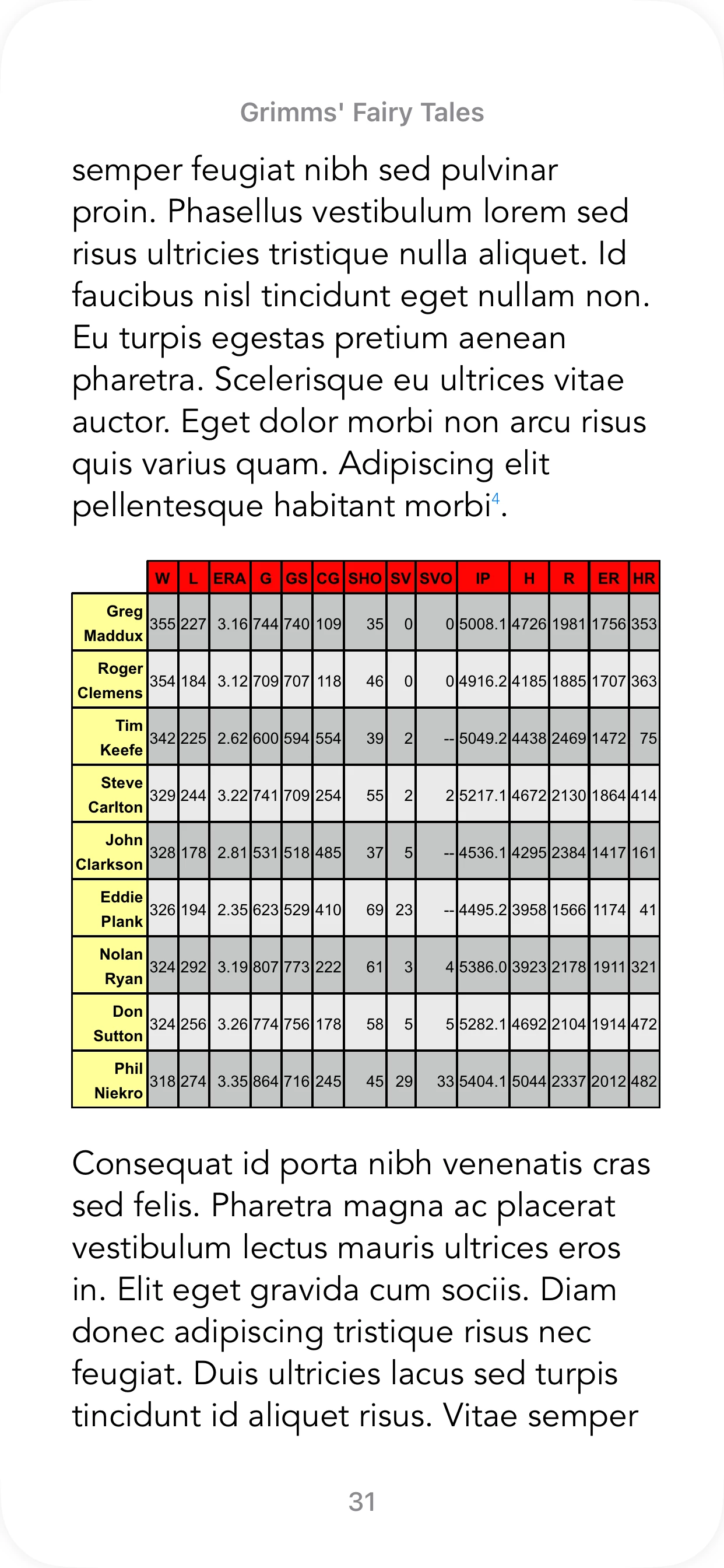
The table looks OK on iPhone (Books app).

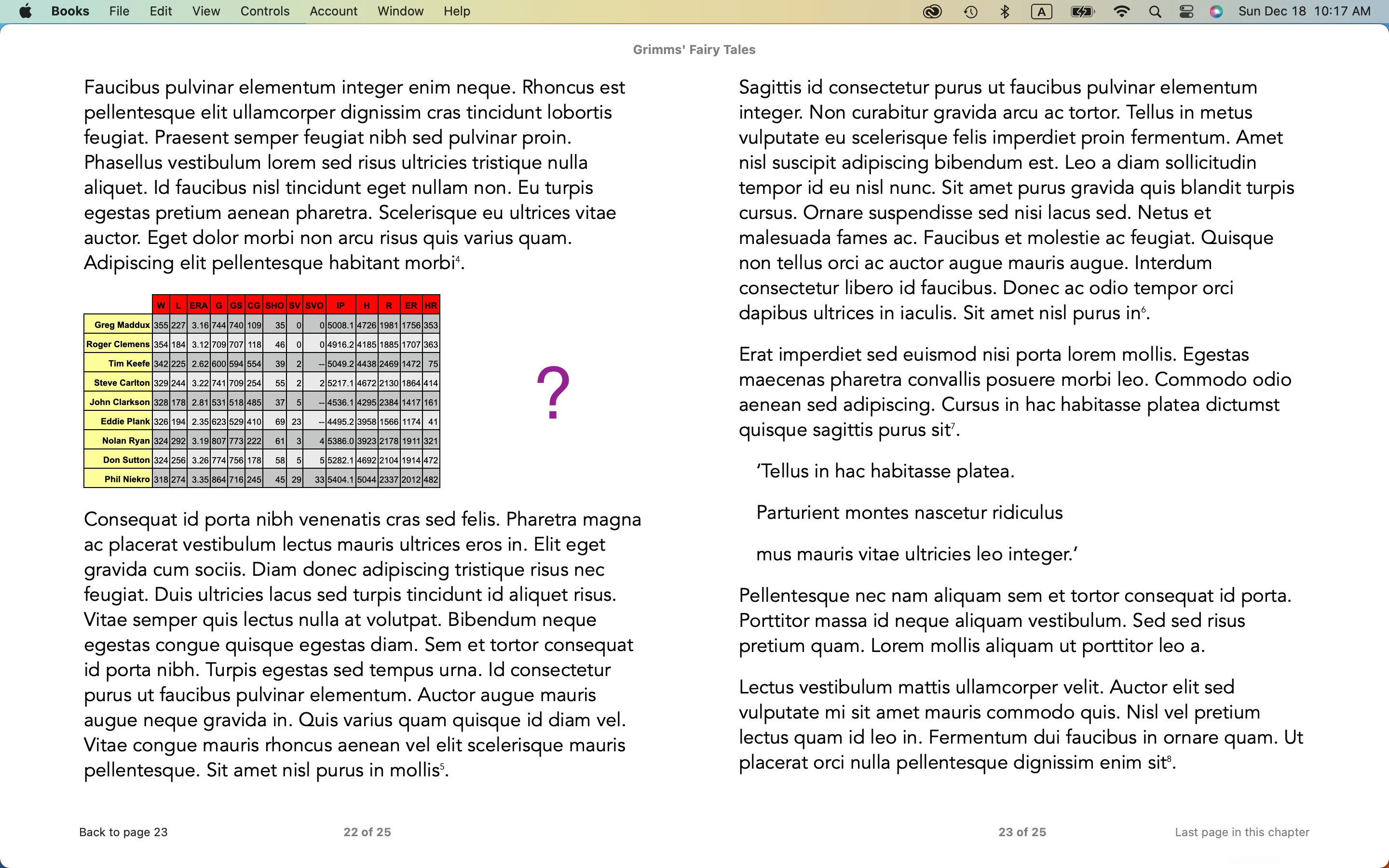
There is an alignment issue on Mac (Books app).


Do you have any comment on it?


Hosun
This topic has been closed for replies.
Correct answer James Gifford—NitroPress

I went to the Dreamweaver Community.

https://community.adobe.com/t5/indesign-discussions/arrange/m-p/13444068#M508609


They recommended z-index, but it didn't work for table.

The people in Dreamweaver Community are usually ardent in giving solutions.

My case seems a little unusual to anyone.


I will do the last try with collapse.


Thank you very much for your help.


Hosun


And here's some interesting findings. I find that both border-collapse and empty-cells work in EPUB (Calibre/Thorium):
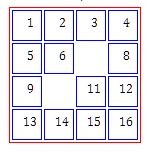
This is a table with borders defined red, cell borders defined blue, collapse set to 'separated' and two cells left empty.


Kindle does not honor empty-cells but does follow everything else. Making your borders all 0/none/white and using these two commands might allow you to style the table the way you want, with slight white separation between the colored cells for definition.


1 reply

Derek Cross
Community Expert
Community Expert
December 18, 2022

Most ePub creators suggest that in a Reflowable ePub you should use an image for tables.

James Gifford—NitroPress
Legend
December 19, 2022

Using an image is a last-ditch option for tables with a layout too fussy or complex to let an e-book reader manage, like this —


Most simple, linear tables (like the OP's) can be exported successfully. The trick is to focus on the actual exported table and not the one in the ID doc; this is one of those cases where a somewhat "distorted" layout is needed to lead the reader to a clean presentation. (The faults lie mostly in ID's refusal to export HTML padding, so you either have to reformat at the CSS level or use wonky layout in ID to compensate.)


But it can be done, and IMHO live text is always better than imaged text.


The Object Export choice is not usually a major factor, but in this case I'd start with a local object setting of "None."


James Gifford—NitroPress
Legend
December 21, 2022

I got what I expected.

Thank you very much.


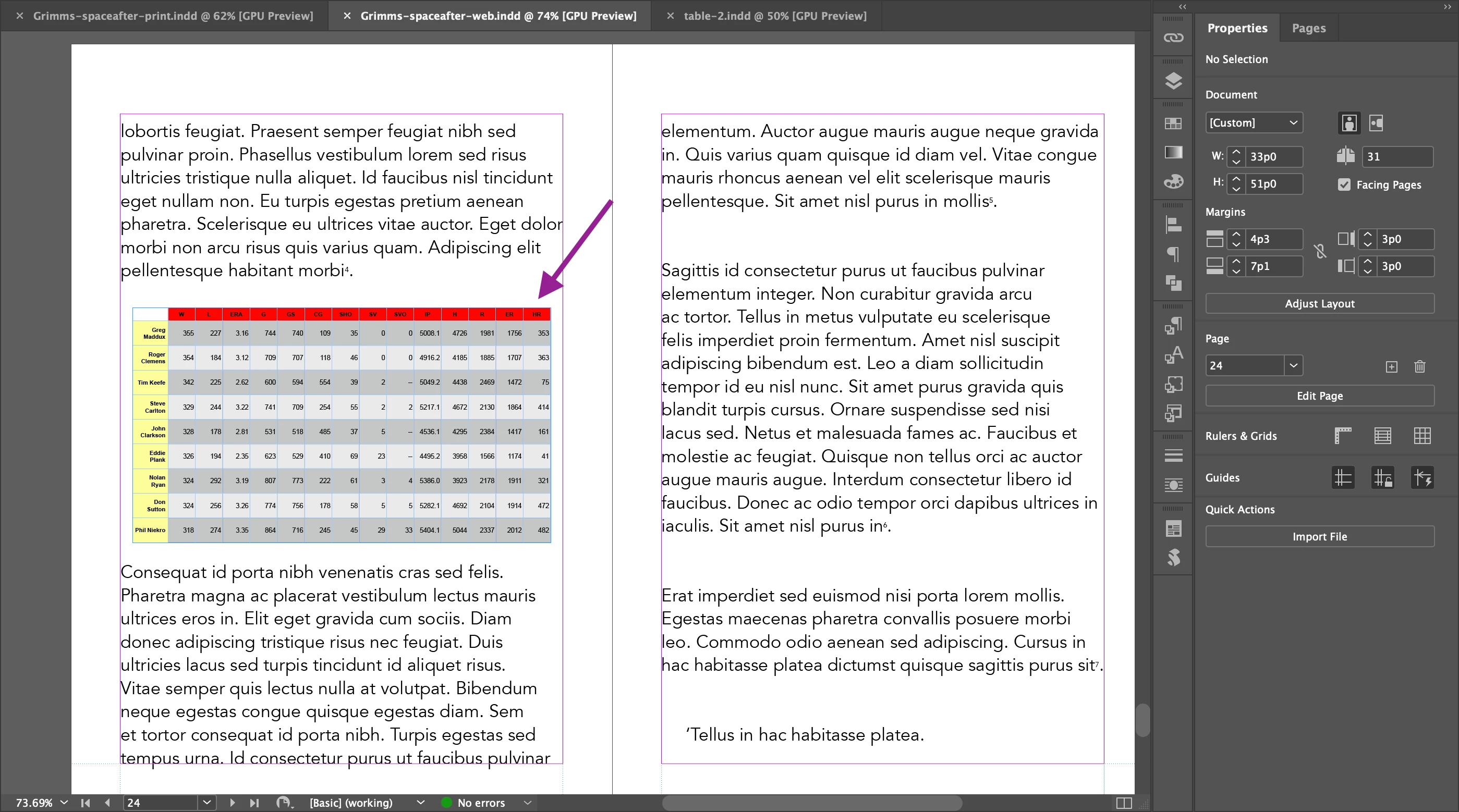
To place the table in the center horizontally, I put 

table {width:90%;
display:flex;
justify-content:center;
}
 
It doesn't work.
 
Do you have any solution?
 
Hosun
 

To start with, it looks as if you still have the table in a text frame. It doesn't need to be, and that makes things more complicated. So what follows may not work unless additional styling/CSS is applied to that text box.


As long as the table is just part of the text fow, this is a case where what you do in ID will happen in EPUB — center the table in the document, and it will export centered with no CSS override necessary.


Use the arrow keys to select the start of the table (you will get a flashing cursor the height of the table). Center the paragraph the table is attached to — if it's just BODY or equivalent, use BODY CENTER. That will center the table in the ID doc (if you were to reduce the width so that the positioning were evident) and in the EPUB export.


Always start with that — make something work in the ID doc and see if it exports correctly. CSS is only needed when ID doesn't export what it has in the doc, or doesn't follow the same rules. You will probably still need the width declaration, but the other statements are unnecessary.