
Answered
alignment
Hi,
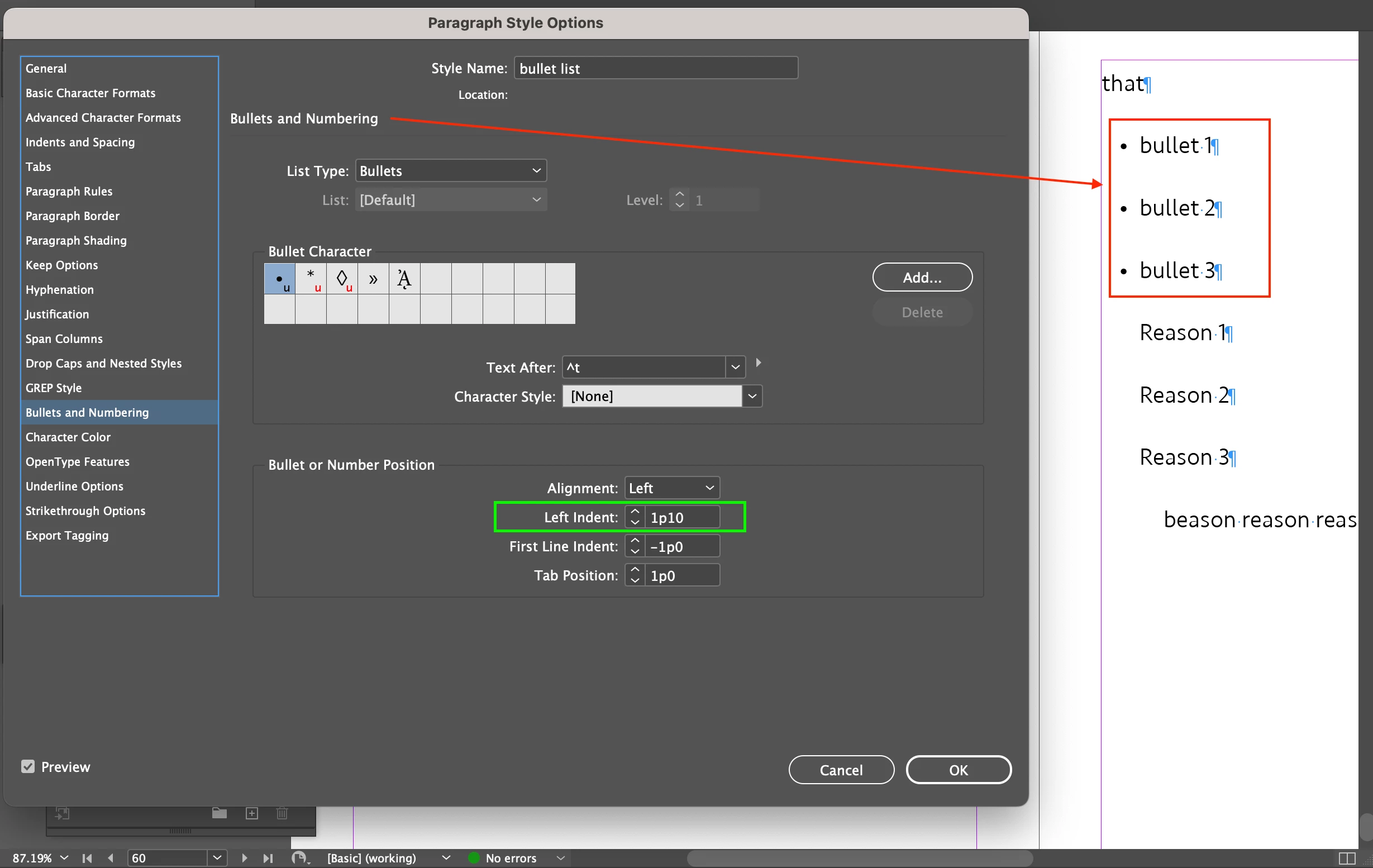
There are bullets (Screenshot 1).
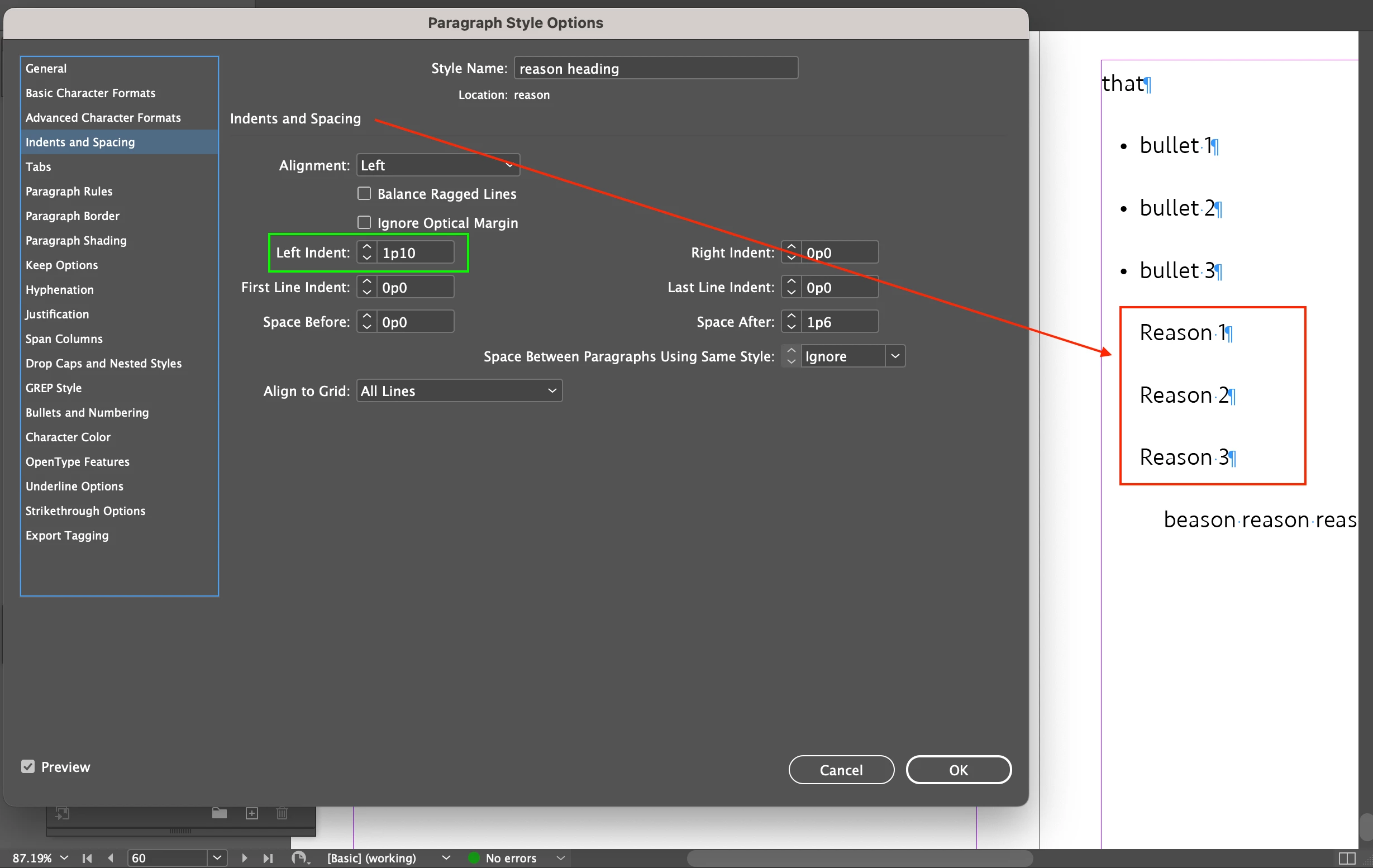
There is some text (Screenshot 2).
Both share Left Indent: 1p10.
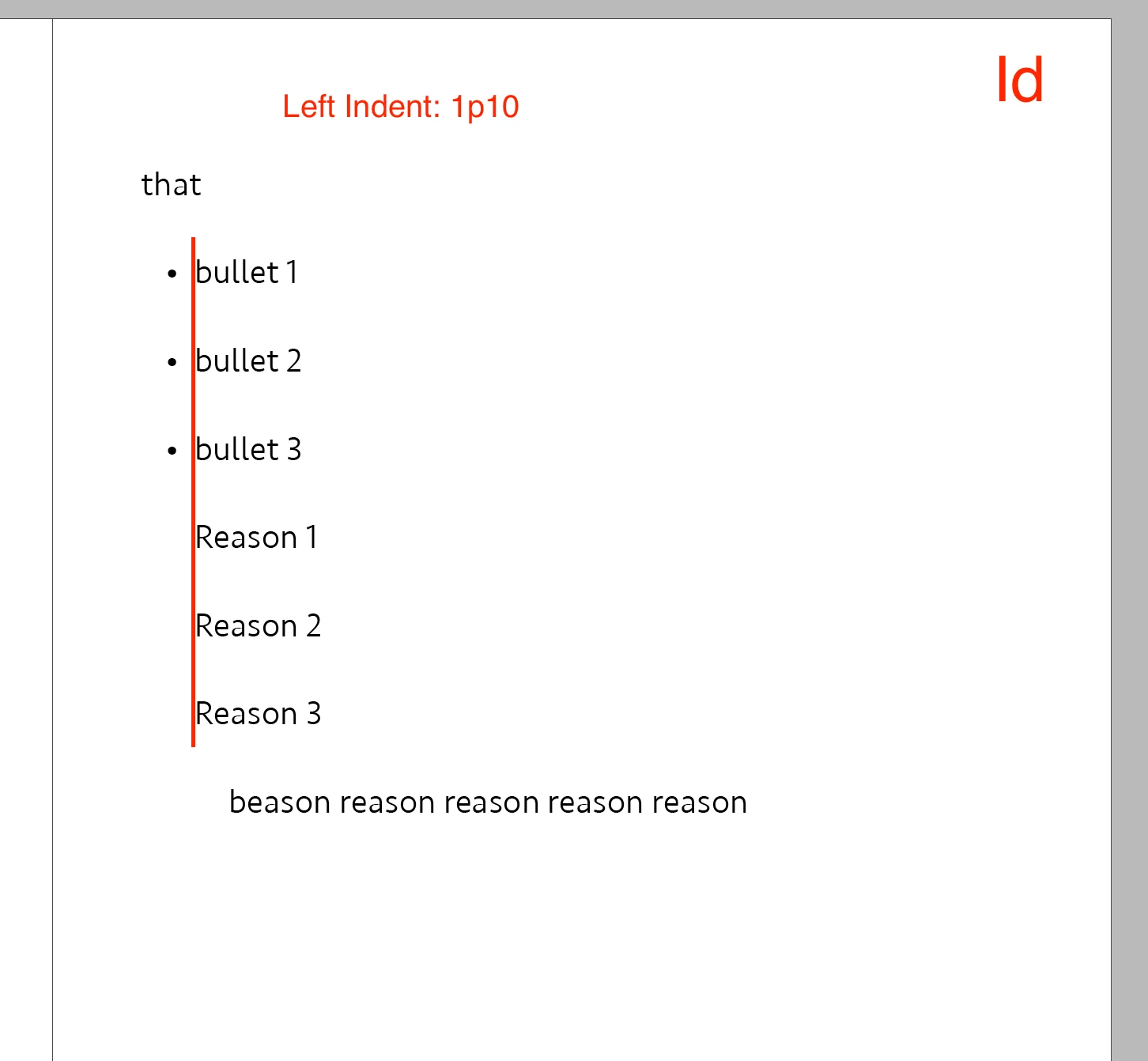
On Id, they are aligned (Screenshot 3).
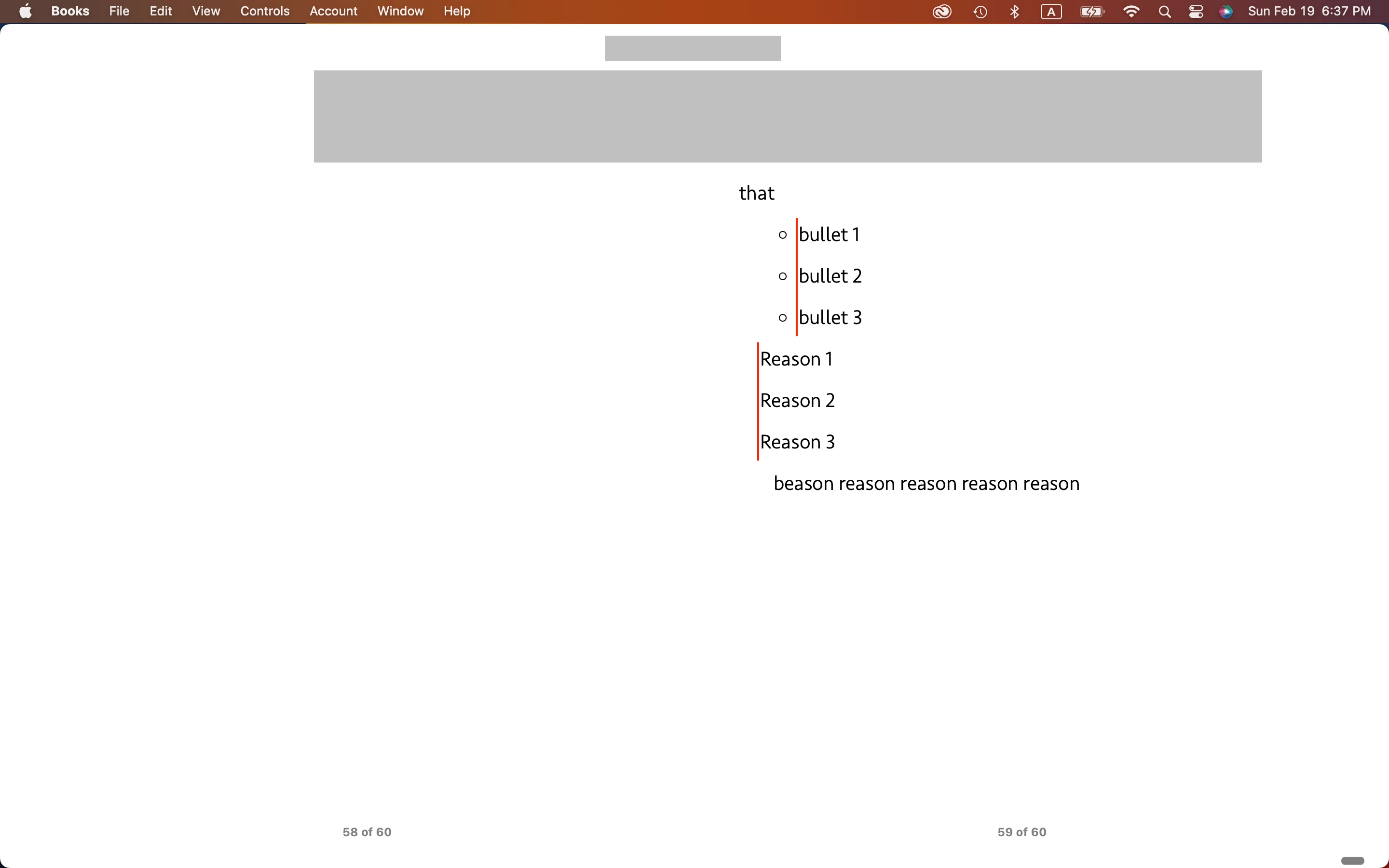
On EPUB, they are not (Screenshot 4).
Is there any way to align them on EPUB?
Hosun

Hi,
There are bullets (Screenshot 1).
There is some text (Screenshot 2).
Both share Left Indent: 1p10.
On Id, they are aligned (Screenshot 3).
On EPUB, they are not (Screenshot 4).
Is there any way to align them on EPUB?
Hosun
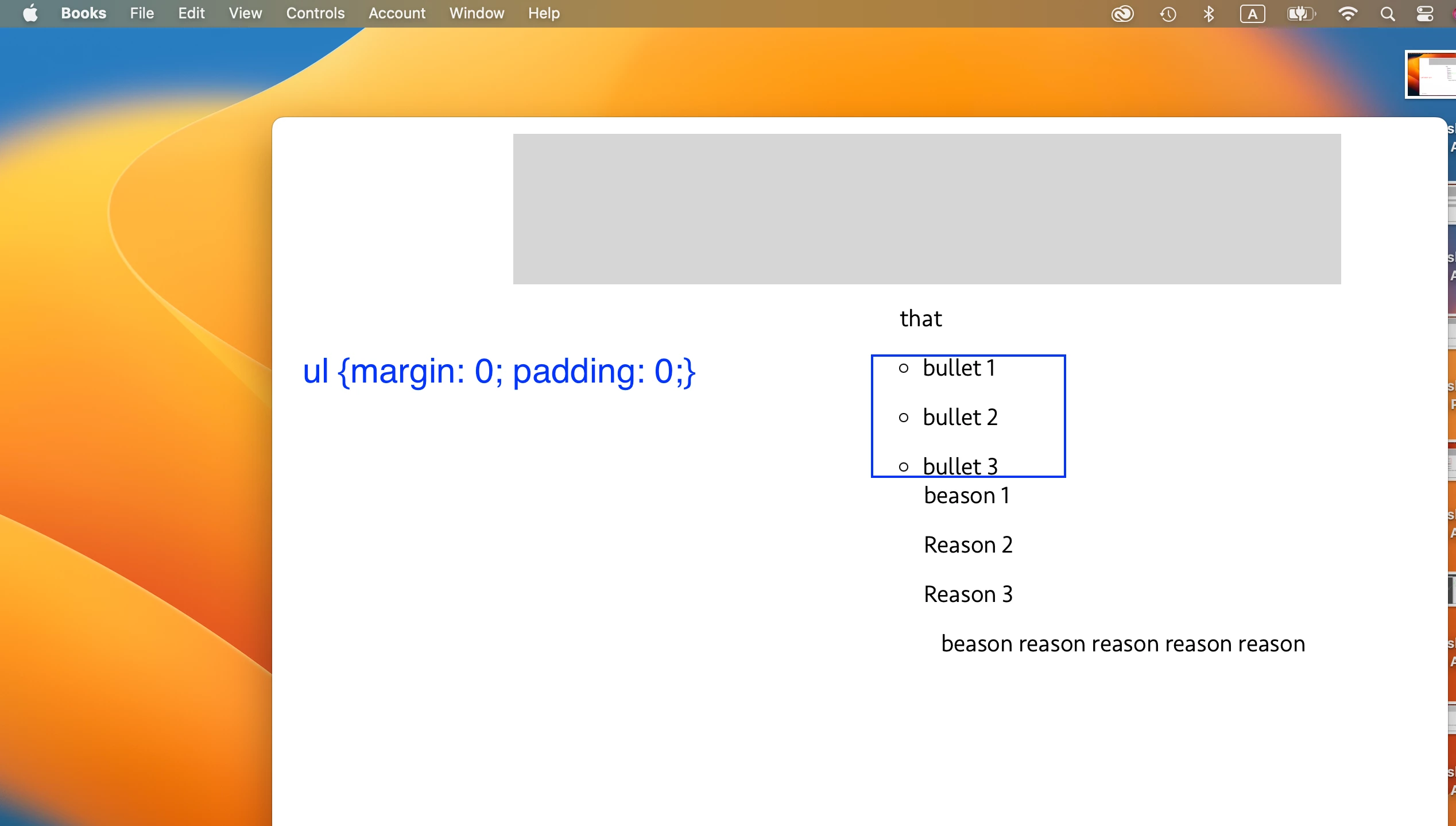
I was mistaken about zero out.
[Screenshot 1]
ul{margin: 0; padding: 0;}
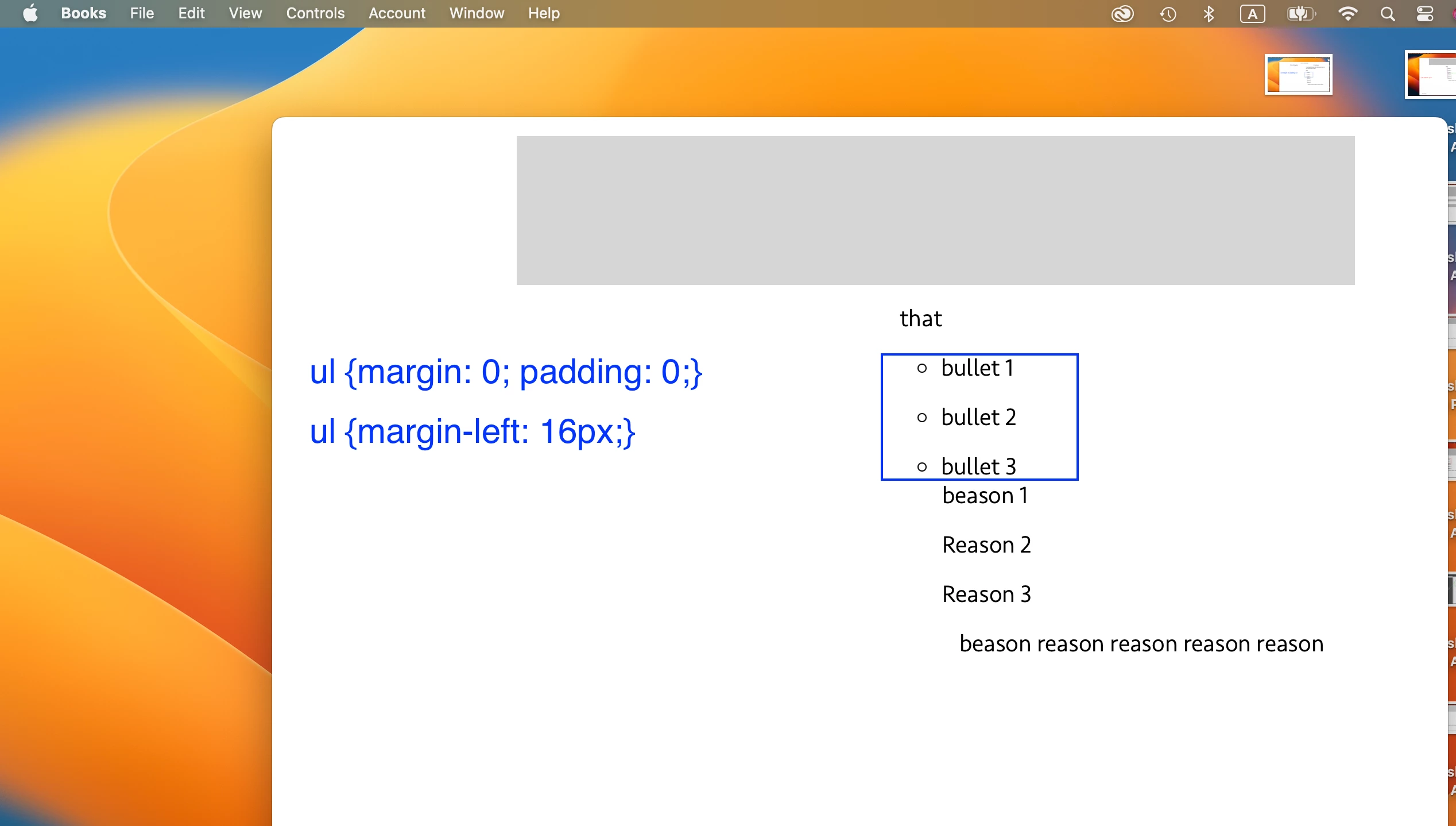
[Screenshot 2]
ul {margin-left: 16px;}
margin is working.
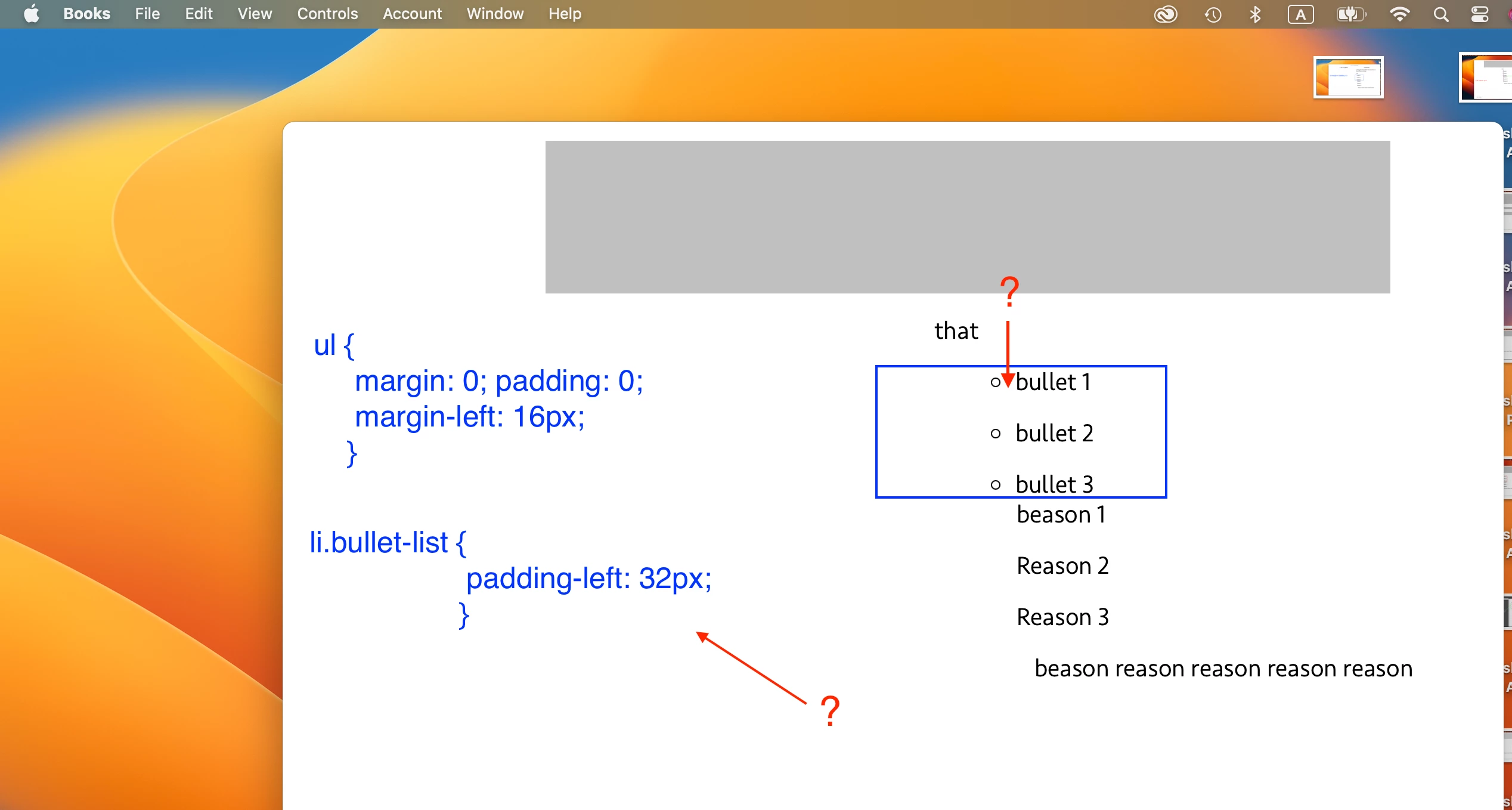
[Screenshot 3]
To give a space between the bullet and the text, I applied
li.bullet-list {padding-left: 32px;}
It is not working.
Q1.
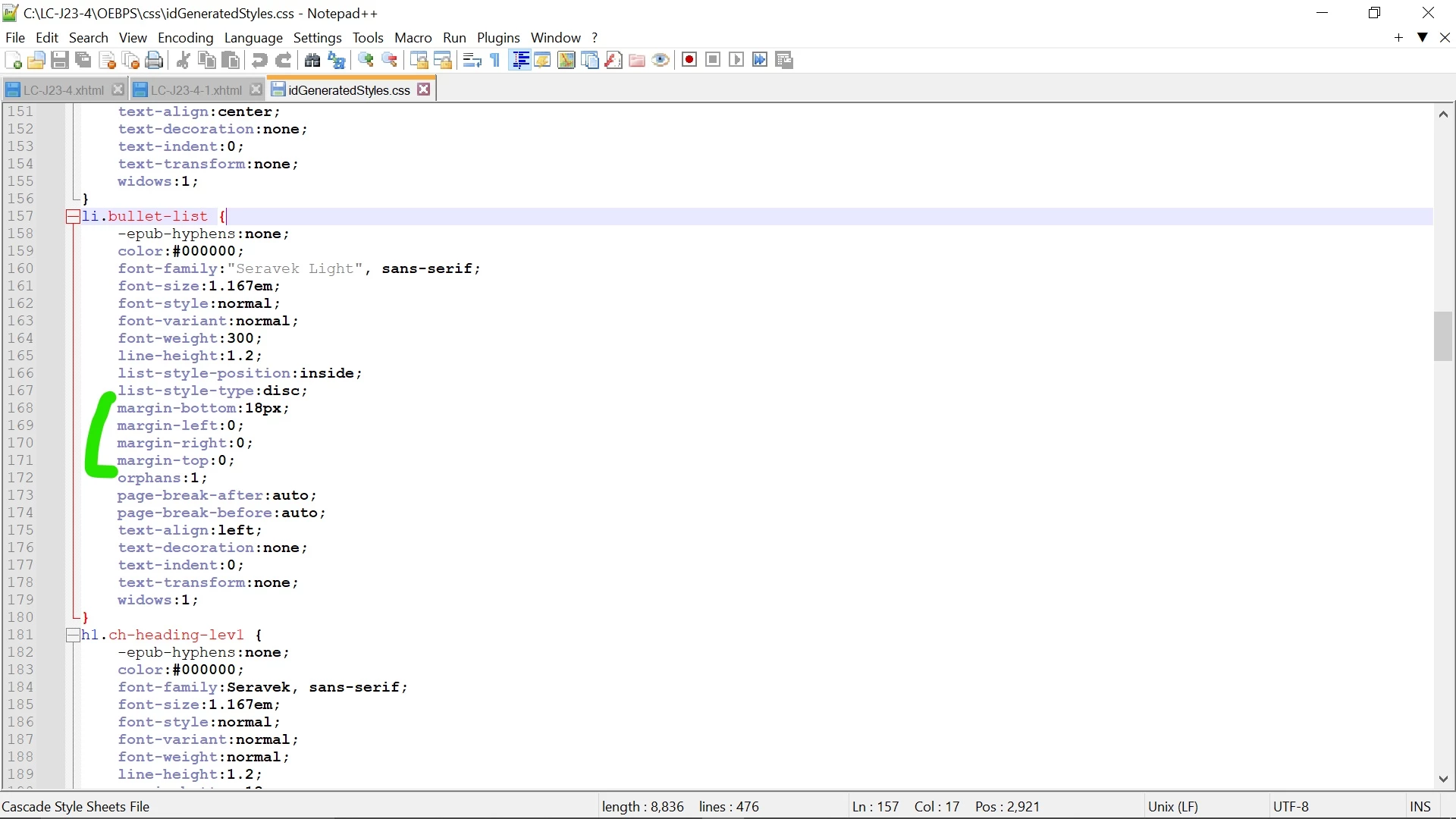
From your remarks, I should set margin in li.bullet-list. I have no idea about how to do in [Screenshot 4].
Q2.
What's the difference? (with and without px)
ul{margin: 0; padding: 0;}
ul{margin: 0px; padding: 0px;}
Hosun
Once again, this is a complex area of EPUB setup and there are several factors that work together (and sometimes against each other) in aligning bullet lists, especially relative to other text.
To sum up, though:
...and that's in "most cases." There are times that either EPUB or the Kindle Previewer decides to interpret things a little differently, although I have found that this is usually a glitch, not the regular or proper way ID should be exporting the code. It helps to occasionally close InDesign (and the document) and ropen it, then export to see if you get a different result. Some complex documents and CSS files will only export correctly once, and then start getting odd little glitches on repeated exports... I don't know why and it's not readily repeatable. So try that close-and-restart when all the numbers in the CSS defnitions aren't doing what you expect.
Already have an account? Login
Enter your E-mail address. We'll send you an e-mail with instructions to reset your password.
 AdChoices