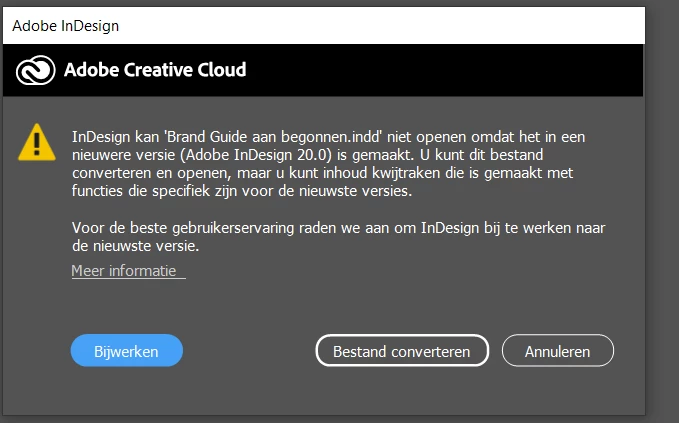
You are using a version of InDesign earlier than version 20. You need to install version 20 (InDesign 2025) or allow the conversion to take place. If you've received this file from someone else, I highly recommend opening it in 2025 only.
Thank you for sharing the screenshot! This message typically appears when a file is created in a newer version of InDesign that your installed version does not fully support. Even though your app might show as updated, sometimes updates might not have been applied correctly or you might have an earlier build.
Would you mind trying the below:
Check for Updates
Open the Creative Cloud app.
Go to the Apps tab and click on Updates in the left sidebar.
If there’s an update for InDesign, make sure to install it.
Verify the Version
Open InDesign and go to Help > About InDesign (or InDesign > About InDesign on Mac).
Confirm that it shows the version as InDesign 20.0 (2024) or higher. If not, you may need to update again or reinstall.
Let me know how it goes or if you need further help!

 AdChoices