
Participant
February 22, 2023
Question

Attach object to another object

  • February 22, 2023
  • 1 reply
  • 498 views

I have two objects: A rectangle and a semi-circle:
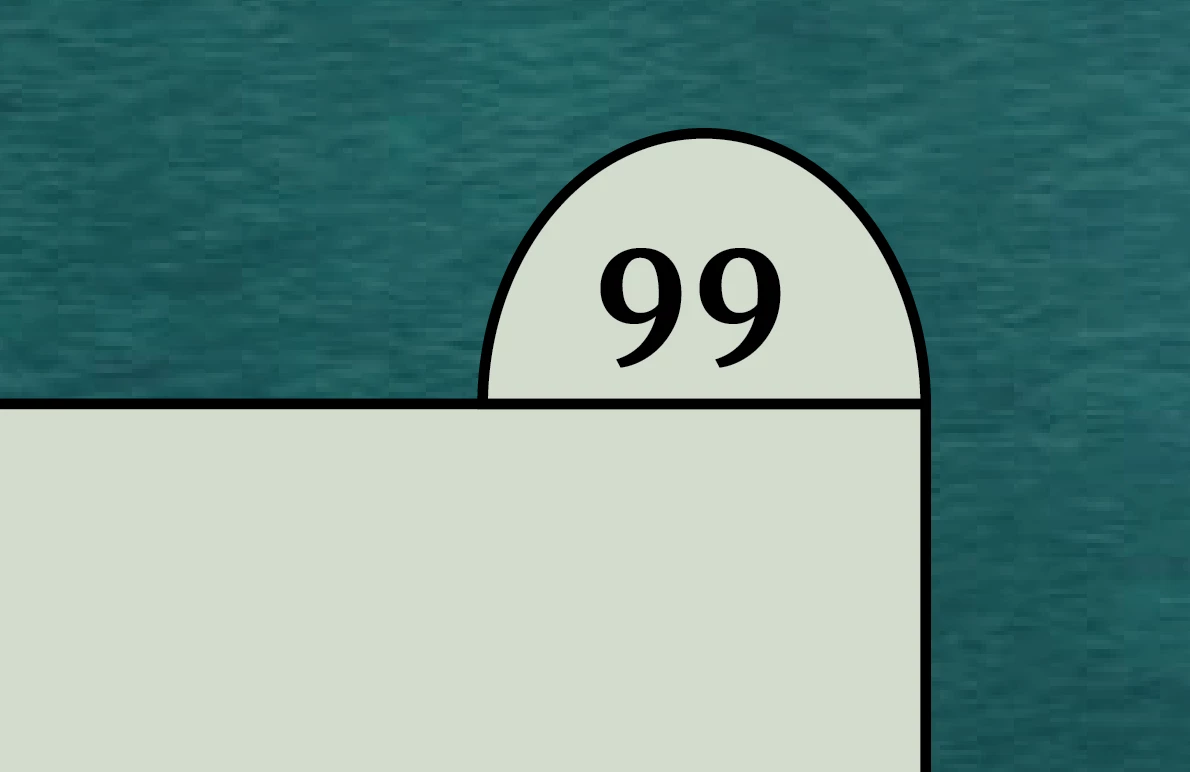
I'd like to "attach" the bottom-right corner of the semi-circle to the upper-right corner of the rectangle. When I move or resize the rectangle, I want the semi-circle to follow it properly. Grouping them helps when moving the rectangle, but not when resizing it. Any ideas?

This topic has been closed for replies.

1 reply

Mike Witherell
Community Expert
Community Expert
February 22, 2023

You could either group or compound path the two shapes together. If later you need to resize the rectangle larger/smaller, use the white arrow Direct Selection tool to drag selected anchor points or line segments (maybe constraining it with the Shift key to drag it constrained straight).


If they are both textframes, you could anchor the small one to the large one's textflow and then custom position it. 

Mike Witherell
Participant
February 23, 2023

If I make a compound path, maintaining two different texts on the compound path (one text on the rectangle, other text on the semi-circle) becomes difficult - I'd like to have two separate text frames on them with different paragraph styles, which seems impossible. On the other hand, grouping doesn't make the semi-circle move when I resize the rectangle.


I tried playing around with anchoring, but am not sure how to keep the object anchored to the corner of text frame, instead of being anchored to a specific place in the text.

Robert at ID-Tasker
Legend
February 23, 2023

It should be doable through anchoring - I'm on my phone so can't give you more details 😞


Or how about two row one column table - with half-circle in the first row, aligned to the right?