
Answered
Auto Frame Size while Placing Photo .jpg's?
Dear Community,
In the previous InDesign I could select multiple photo's, combination of Landscape and Portrait.
Then in ID the selected photo shows up as cursor.
During placing the frame now always shows up in Landscape, even with Portrait Files, these pictures are centered in the Landscape Frame.
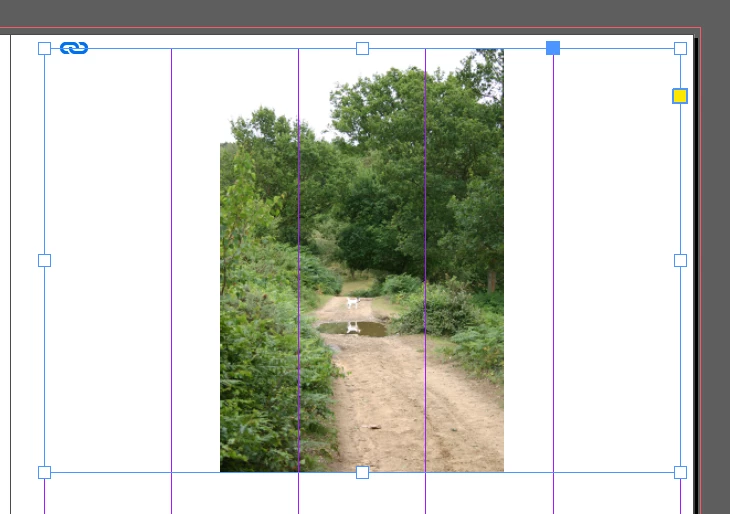
I reinstalled and the same annoying "feature" happens.
Where can I find a setting to get the Framesize in the same format as the picture format?
That would save a lot of time...
Thanks in advance, and with kind regards, Jaap
 AdChoices