
Question
Auto Hyphen Changed to Longer Hyphen? (No ~ Hidden Character)
Hi everyone,
I have an InDesign 2017 document where the automatic hyphens have changed between two passes of editing. The picture below is from the first iteration of the document and it has the typical auto hyphen with the hidden tides above the hyphen.
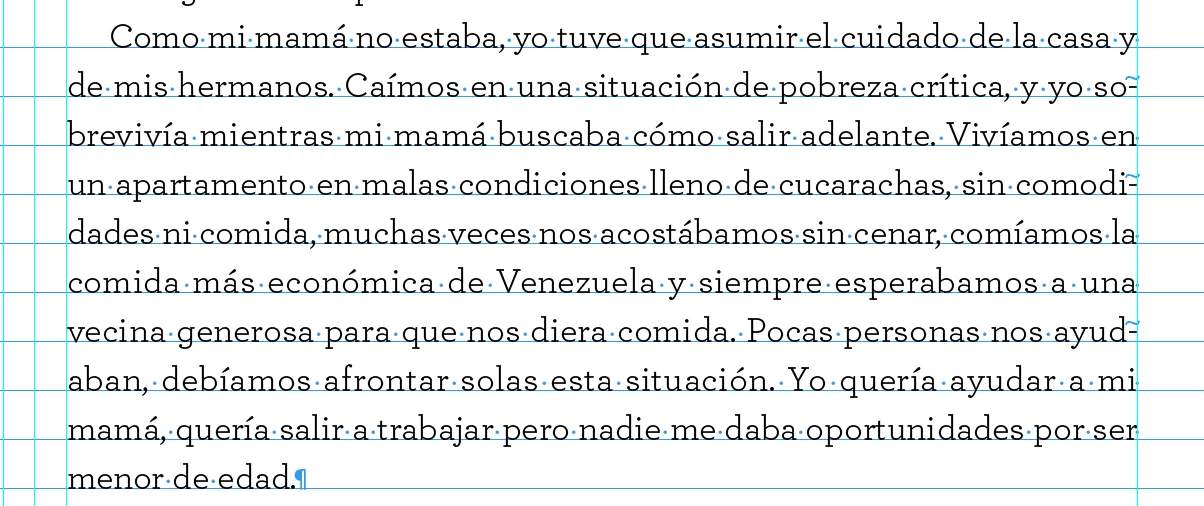
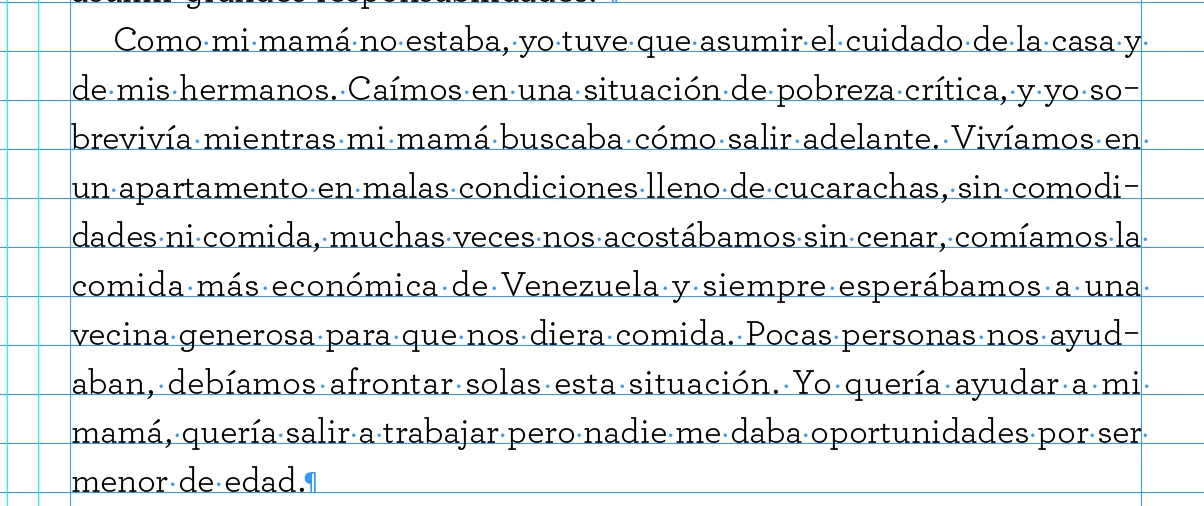
The second picture is the same document and same paragraph, but the file has been saved and renamed. The hyphens are slightly longer and the hidden characters are missing. Does anyone have any idea what might be causing this? It's not a manually inserted hyphen and I can't select it. If I flush out the kearning, the hyphen disappears so it's still an automatic hyphen.
 AdChoices