
Participant
January 20, 2024
Resuelto

Automate Chapter Title Headers for English on the Left and non-English on the right.

  • January 20, 2024
  • 1 respuesta
  • 152 visualizaciones

Hello all,


I have a booklet with the English language on the left side and another language on the right.
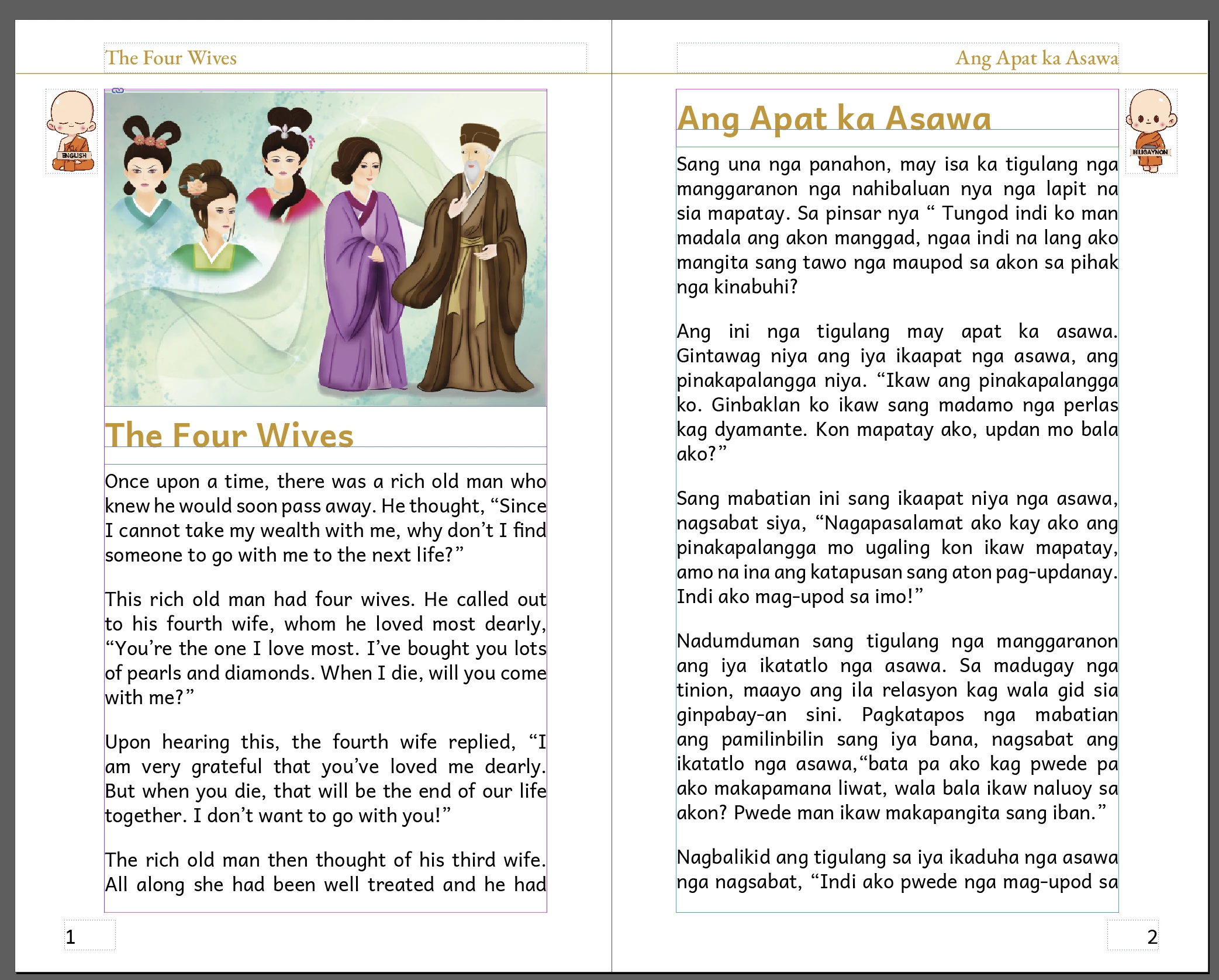
I'm wondering how to apply the header chapter title only to the page with the appropriate language.
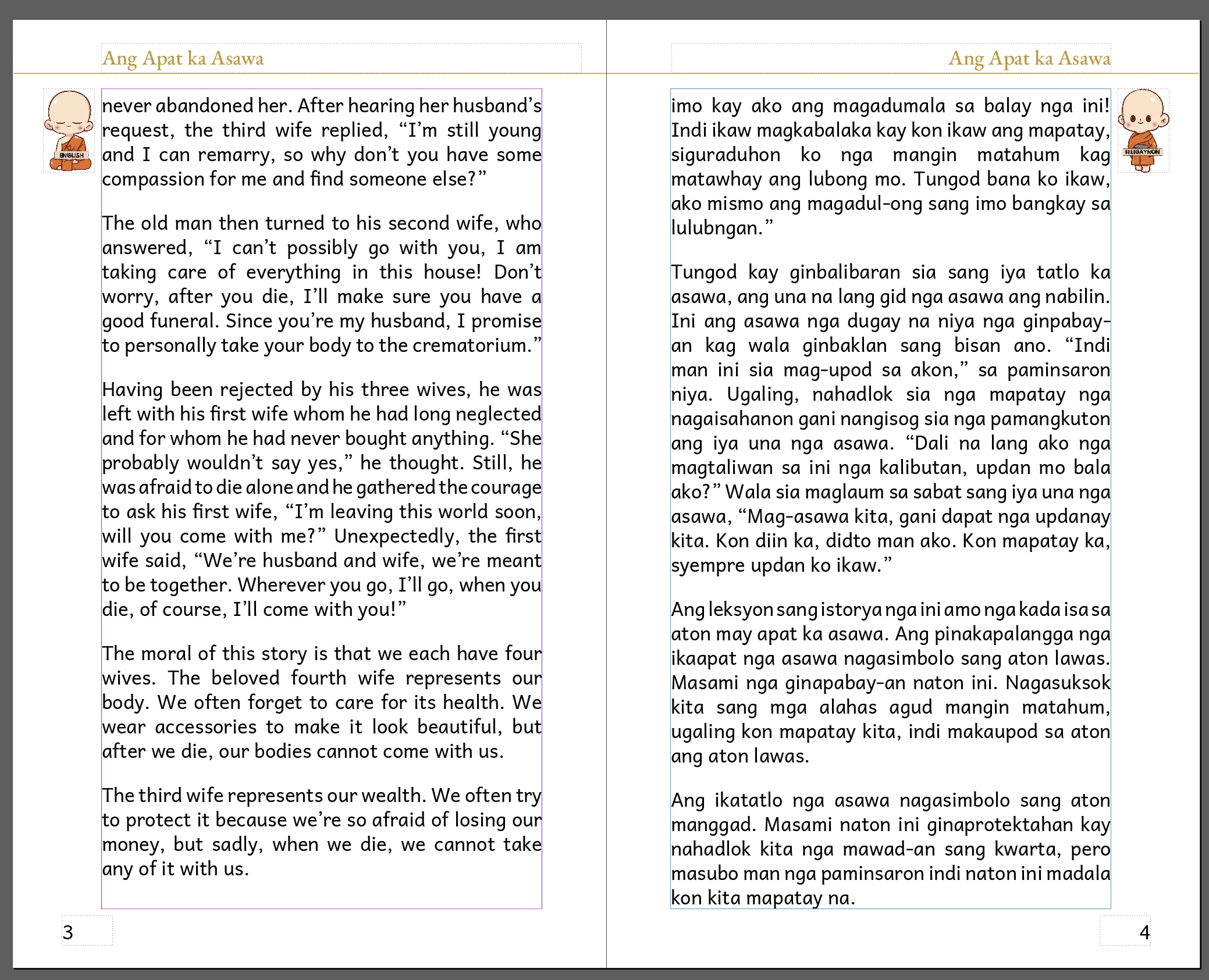
 

As you can see above, the non-English header chapter title is applied to both the English and non-English pages.


May I ask how to appropriately only apply the chapter header title to only the left for English and right for non-English.

Here's my master page by the way:
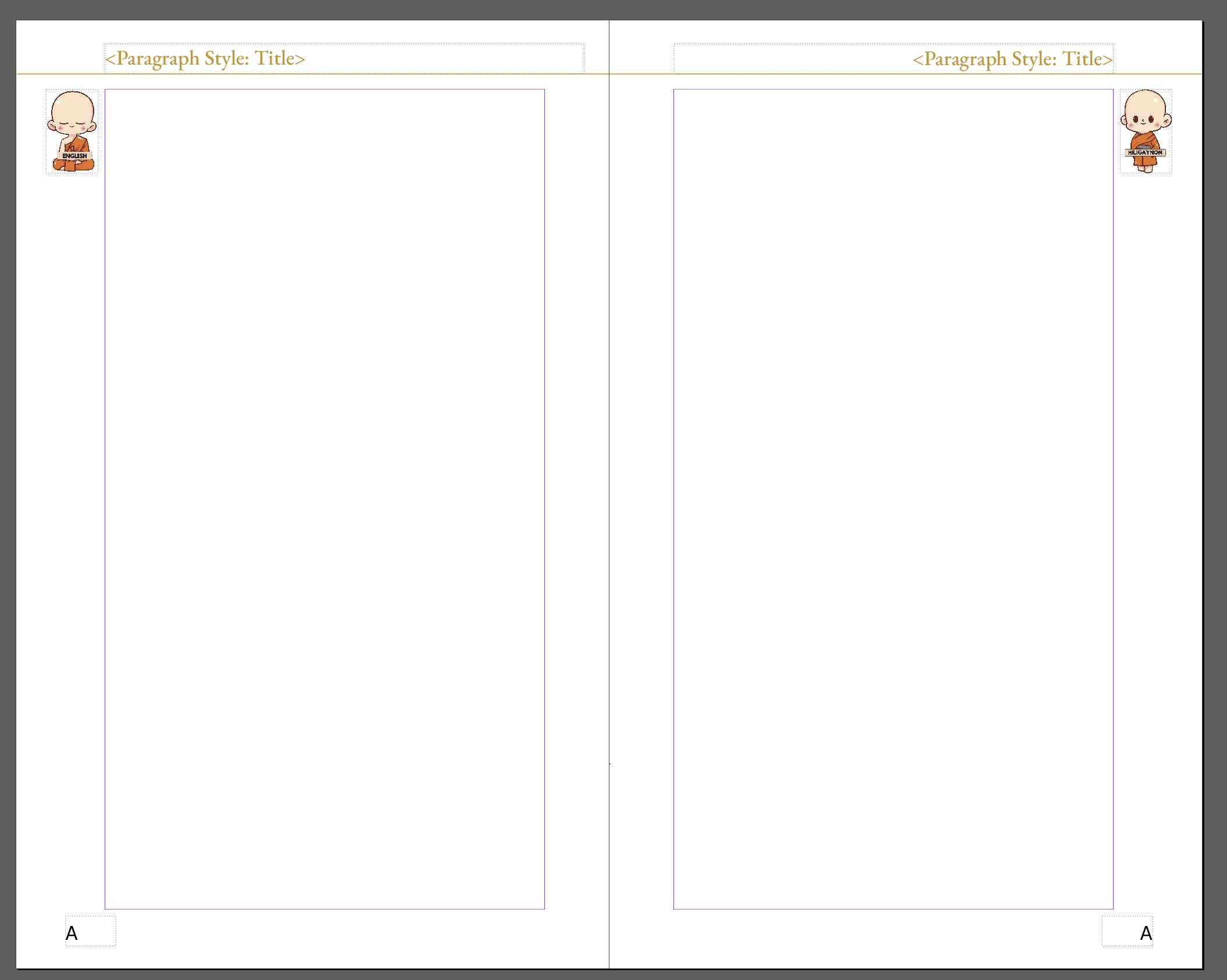
 

 Thank you, and I hope someone can help!

Este tema ha sido cerrado para respuestas.
Mejor respuesta de Willi Adelberger
  1. For each language you have to have different paragraph styles as the language is different anyway like h1.en and h1.other. Also the paragraph styles must be others. 

  2. On the Master/Parent page you have to create text frames on the top most layer with the text variables for the running headers. 

  3. On the left of them you have to use a text variable which uses the paragraph style h1.en on the right another text variable based on h1.other. 

1 respuesta

Willi Adelberger
Community Expert
Community Expert
January 20, 2024
  1. For each language you have to have different paragraph styles as the language is different anyway like h1.en and h1.other. Also the paragraph styles must be others. 

  2. On the Master/Parent page you have to create text frames on the top most layer with the text variables for the running headers. 

  3. On the left of them you have to use a text variable which uses the paragraph style h1.en on the right another text variable based on h1.other. 
Participant
January 22, 2024

Thanks! I'll give this a tryh