
Automatic hyphens randomly have letters in them
I have never seen this error. There are a few places in a PDF I made from InDesign where an automatic hyphen has another letter superimposed on it. This is not visible in InDesign, only the PDF output. Fonts are fine. I've been making good print-ready PDFs up until now.
I'm going to try uploading screen shots and the PDFs with a comment on an example. If you want to dig into the ID file, I can send you a link to DropBox. I may have to make a support ticket.
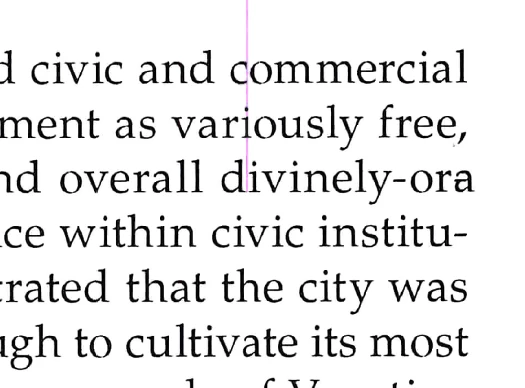
This is a scan of a page, where the hyphen in "divinely-ordained" has an a over the hyphen.
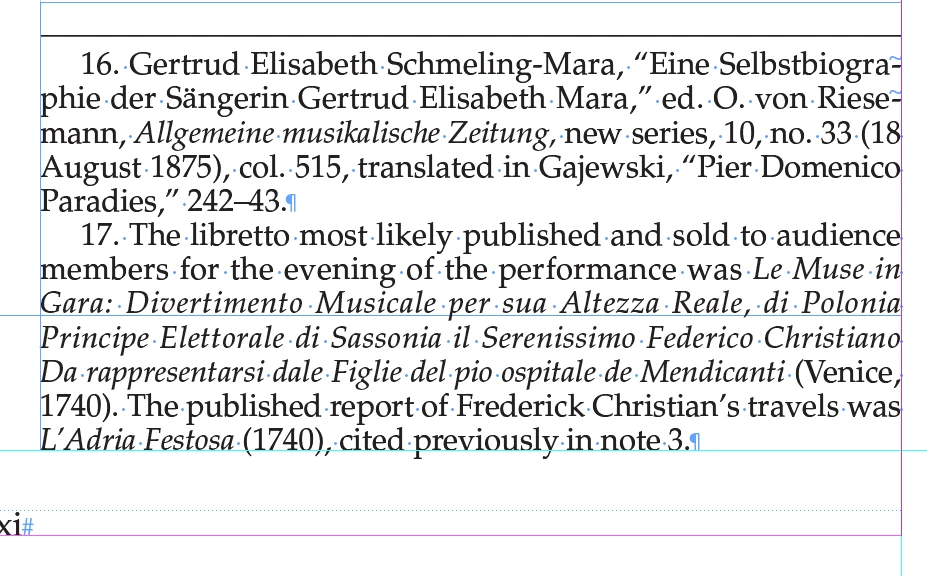
I worked with this footnote to replace auto with hard hyphens, which of course i cannot do everywhere, and it isn't a problem everywhere....
1 Screen shot of ID with two automatic hyphens in footnote 16.
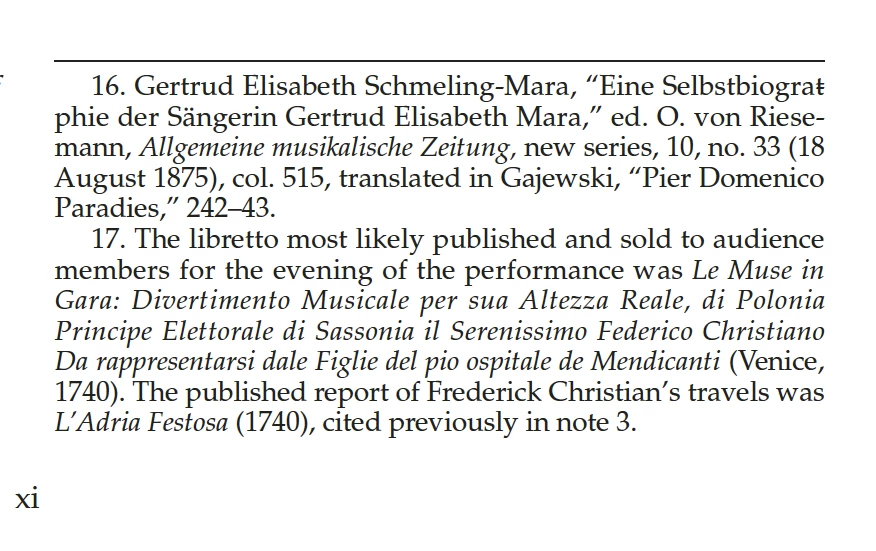
Screenshot of PDF with a letter t over a hyphen. Not in ID at all.
I replaced the first with a hard manual hyphen...
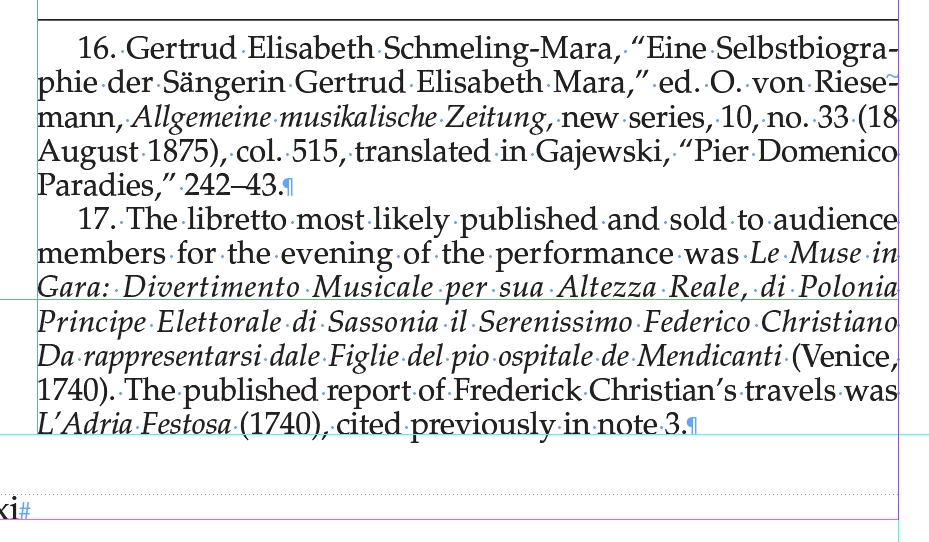
Resulting PDF has t over second hyphen.
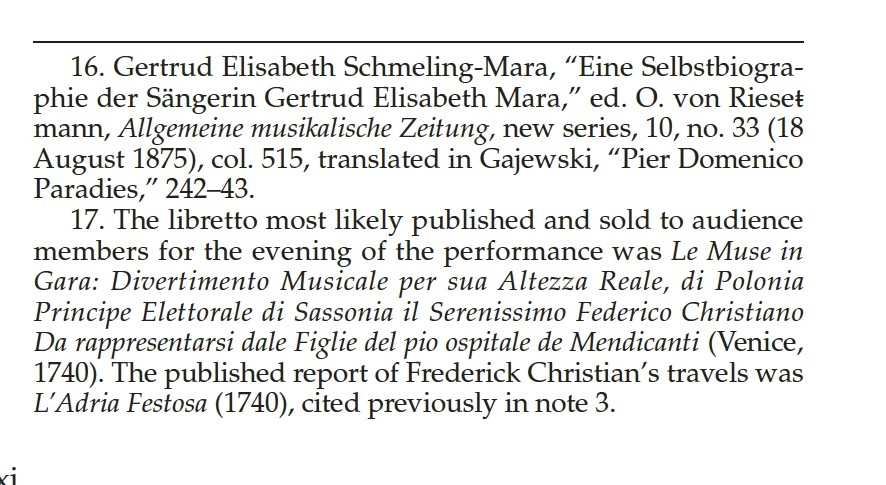
This is obviously terrifying, as I design books that are proofread and checked in great detail, and then I send print-ready PDFs, which, it appears, could have random errors after proofing. I can't really send print PDFs until this is solved.
Thanks for reading,
Carol


 AdChoices