

Automatic links update.
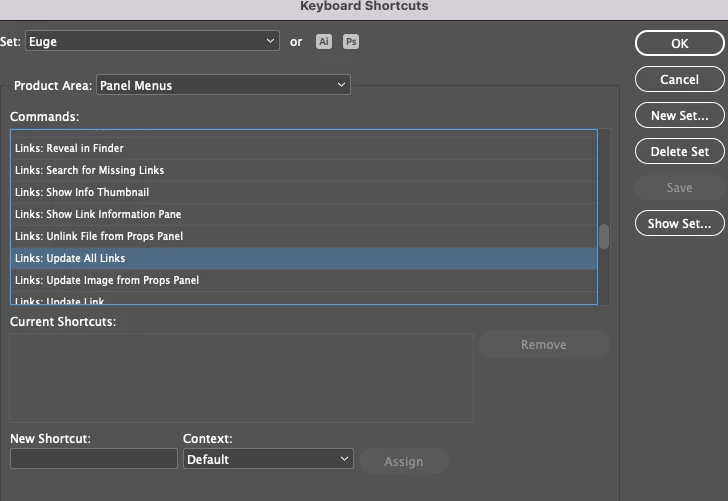
Is there a setting that allows to automatically update the modified links, in order to avoid the repeated and repetitive actions of: go to the panel, go to the tab, select the file and press synchronize?
I work in a file that contains many Illustrator links, which I must frequently adapt as the text is modified, then, I go to one and return to another, I go to one and return to another... I guess I can't avoid that, but having to manually update each link each time it is modified... it is cumbersome, inefficient and ineffective, so it would be very helpful for my work to know how to update the links automatically.
I tried to find this configuration in the panel options, in the linked file menu, and in Preferences > File Management > Links, but I did not find it or could not identify it; what I did find in this last location, with a similar function for the sources, was: Auto-activate Abode sources, I would have imagined that in Links, there was: Update links automatically.
Can you please guide me?
Thank you.
 AdChoices