Answered
Automatic numbering
Hi!
I tried to put automatic number for my differents figures. And now I just copy paste...but when I arrived at Figure 6., the text goes in the center...How come its not like the others?
Thanks!!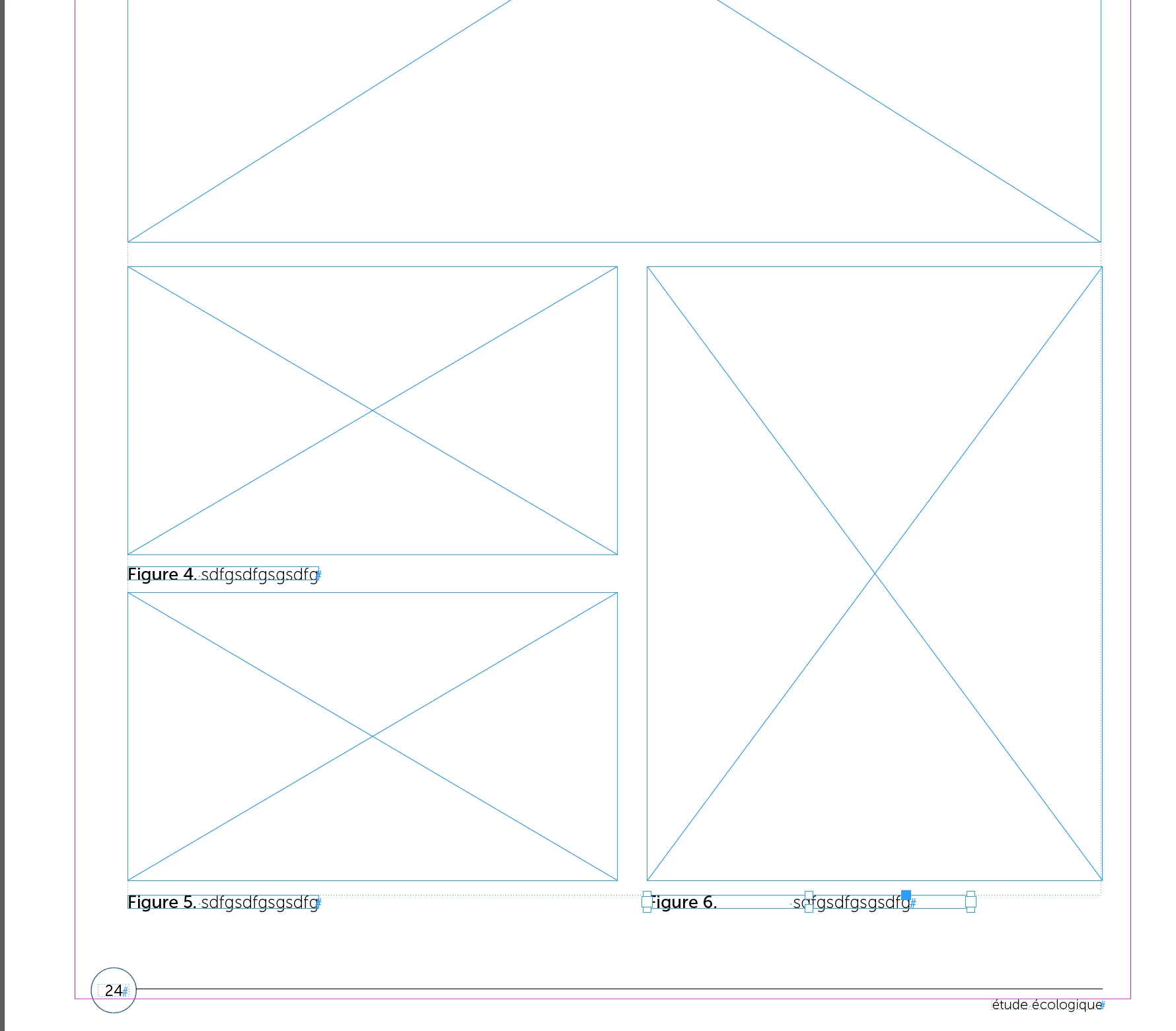

Hi!
I tried to put automatic number for my differents figures. And now I just copy paste...but when I arrived at Figure 6., the text goes in the center...How come its not like the others?
Thanks!!
I sent you a PM!
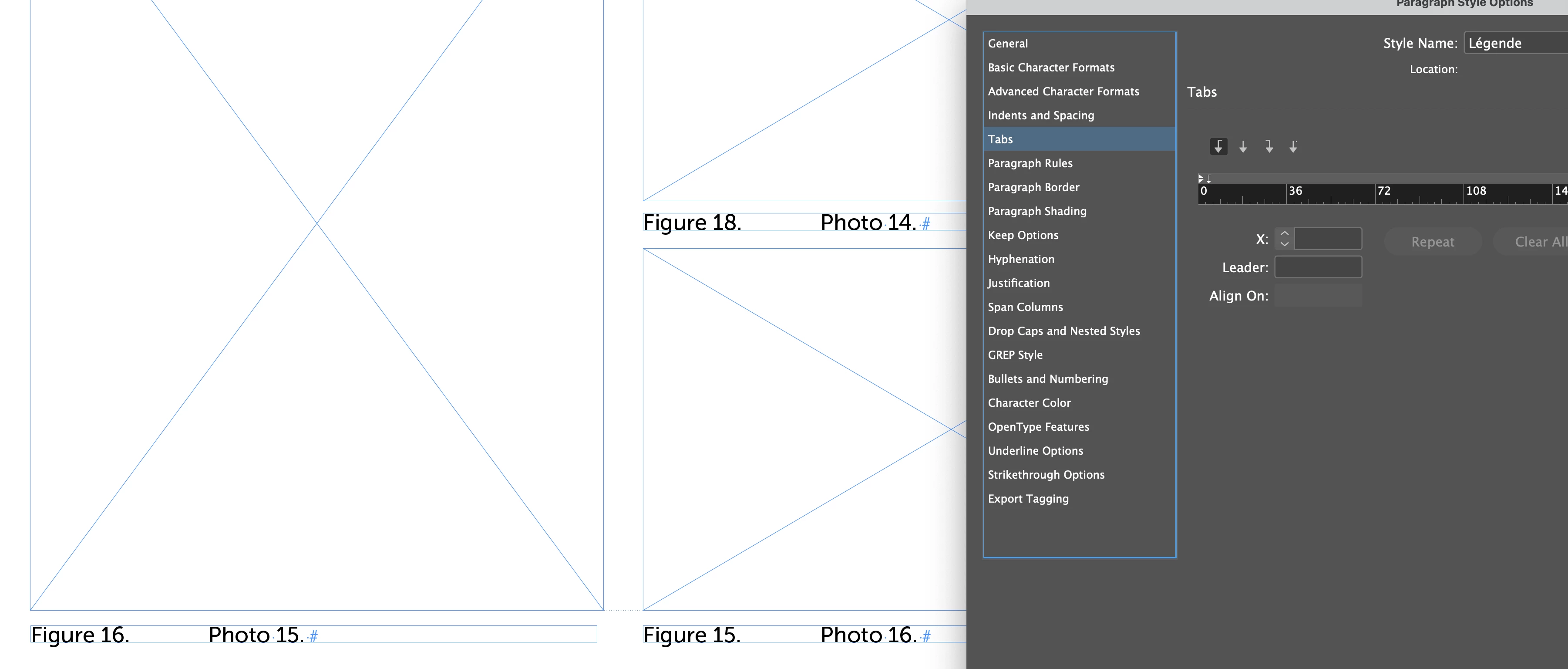
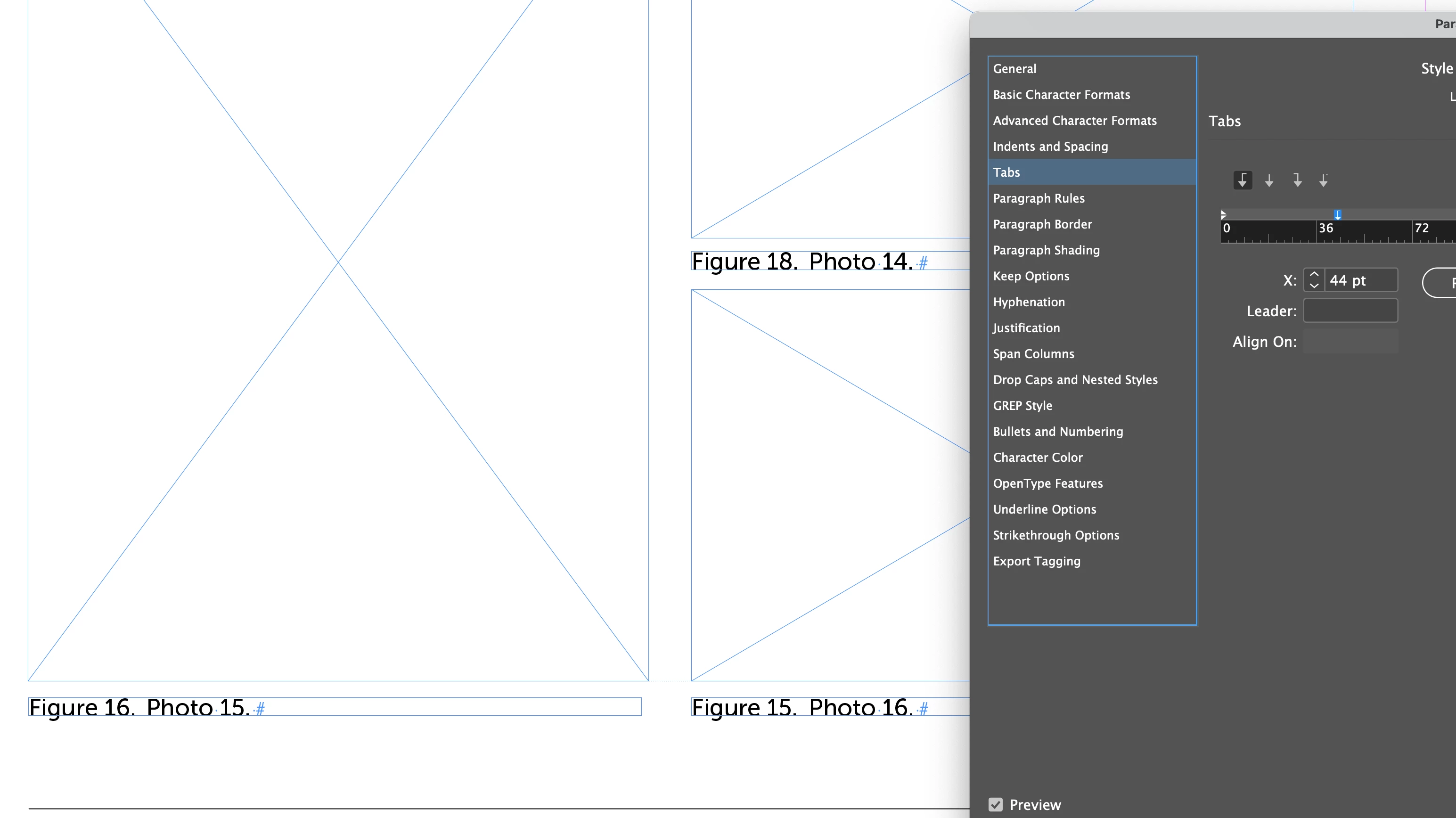
The problem is related to the positon of the tab stop in your Légende paragraph style. Moving it far enough out to accomodate the widest figure numbers fixes it.
Already have an account? Login
Enter your E-mail address. We'll send you an e-mail with instructions to reset your password.
 AdChoices