Participating Frequently
November 16, 2022
Answered

Automatically placing Images(18) from a file into frames (18).

  • November 16, 2022
  • 3 replies
  • 1391 views

Hi I want to automate placing images manually into selected frames.

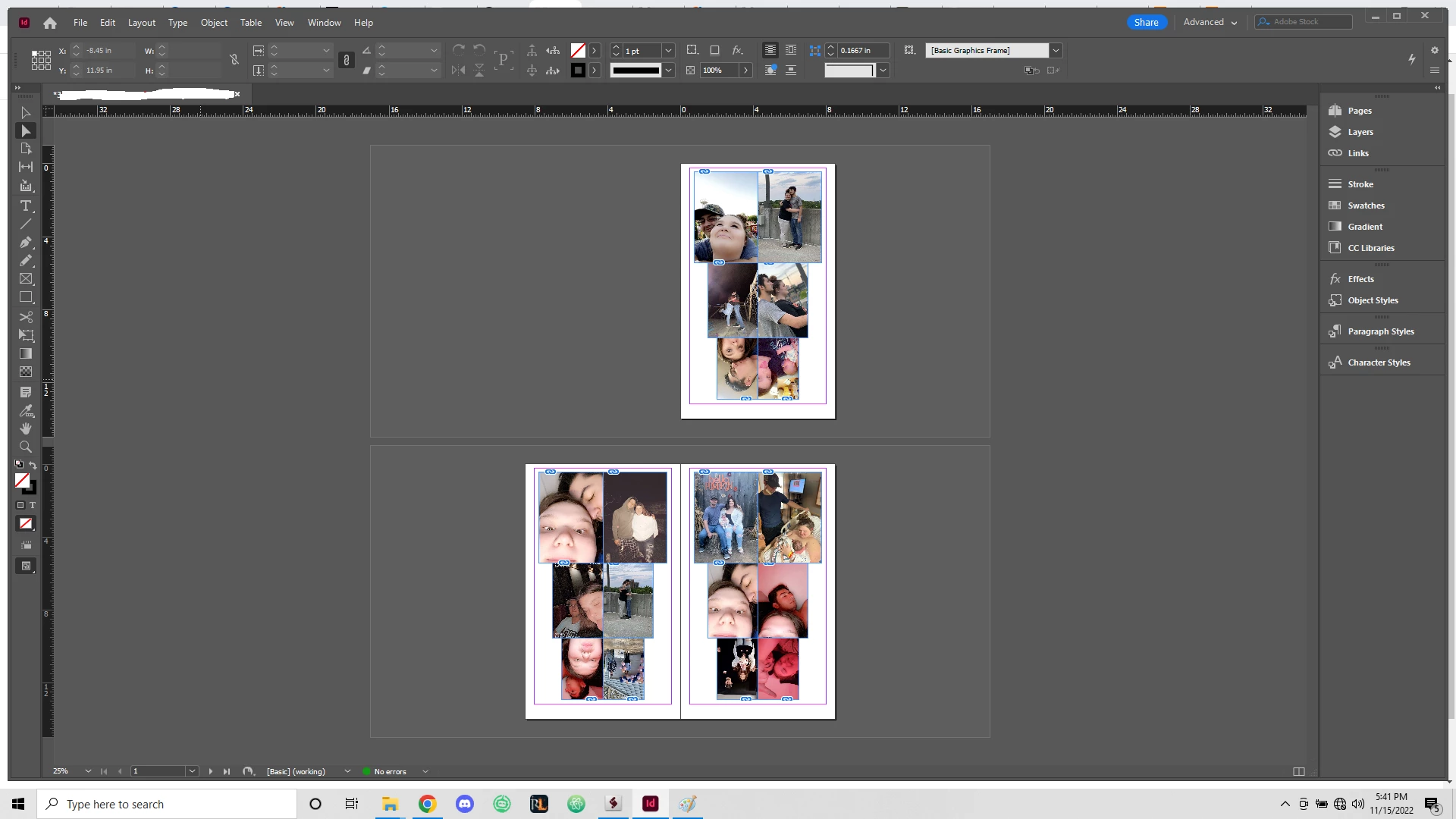
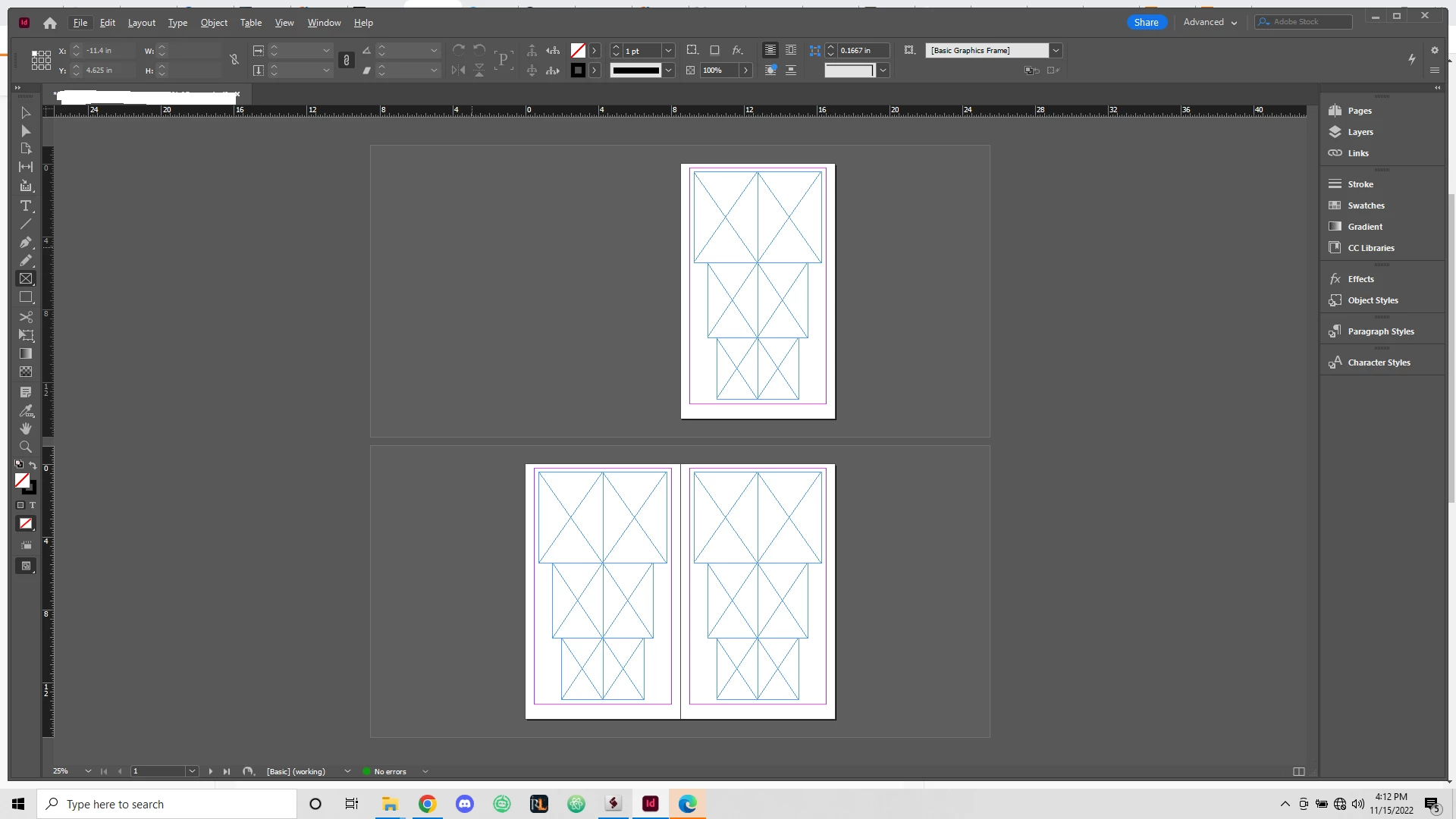
There is 18 different frames (6) large, (6) medium, (6) small. 

Currently I have to manually place the images in these frames from a selected file. 

Is there a script or feature that allows me to automate this workflow? 

Attached below are images of the template before and after images are placed. 
 

This topic has been closed for replies.
Correct answer brian_p_dts

Assuming they are always the same aspect ratio and you have autofitting configured in your template, and placement location doesn't matter, then this should work: 


var afs = File.openDialog("Choose all the photos", "*", true);
try { var doc = app.activeDocument; } catch(e) { exit(); } 
var apis = doc.allPageItems;
var n = apis.length;
var i = 0;
if (n !== afs.length) { alert("Number of files selected doesn't match rectangles on page. Placing as much as we can."); }
for (i; i < n; i++) {
    try { 
        apis[i].place(afs[i]);
    } catch(e) {}
}


3 replies

brian_p_dts
Community Expert
brian_p_dtsCommunity ExpertCorrect answer
Community Expert
November 16, 2022

Assuming they are always the same aspect ratio and you have autofitting configured in your template, and placement location doesn't matter, then this should work: 


var afs = File.openDialog("Choose all the photos", "*", true);
try { var doc = app.activeDocument; } catch(e) { exit(); } 
var apis = doc.allPageItems;
var n = apis.length;
var i = 0;
if (n !== afs.length) { alert("Number of files selected doesn't match rectangles on page. Placing as much as we can."); }
for (i; i < n; i++) {
    try { 
        apis[i].place(afs[i]);
    } catch(e) {}
}


Frank1241Author
Participating Frequently
November 16, 2022

Hello Brian thanks for the reply and script.

I'm getting an error running the script. I'm sure its something super simple but I have no Javascript experience. 

Frank1241Author
Participating Frequently
November 16, 2022

Error was a mistake on my end.

pixxxelschubser
Community Expert
Community Expert
November 16, 2022

Hmmh?

The placement of the 18 images is done with the Place Gun in frames with the automatic adjustment option with 18 clicks in a few seconds. The development of a customised script, on the other hand, could take several hours.

Frank1241Author
Participating Frequently
November 16, 2022

Correct, however I'm processing upwards to 10 of these files a day and expecting more. 

Barb Binder
Community Expert
Community Expert
November 16, 2022

I can't help with scripting, though likely someone else can, but do you know you can load all 18 files at one, and then just drop them into the frames, as a regular InDesign feature?


~Barb


~Barb at Rocky Mountain Training
Frank1241Author
Participating Frequently
November 16, 2022

Hi Barb Thanks for the reply. 

Yes I know about this feature however I want to automate the process of placing in the images one by one.