Hi Kalakus ,
how did you color the object that should be shown in the "bleed" area?
A wild guess:
Did you fill it with color [Paper] and did you redefine [Paper] with a red color perhaps?
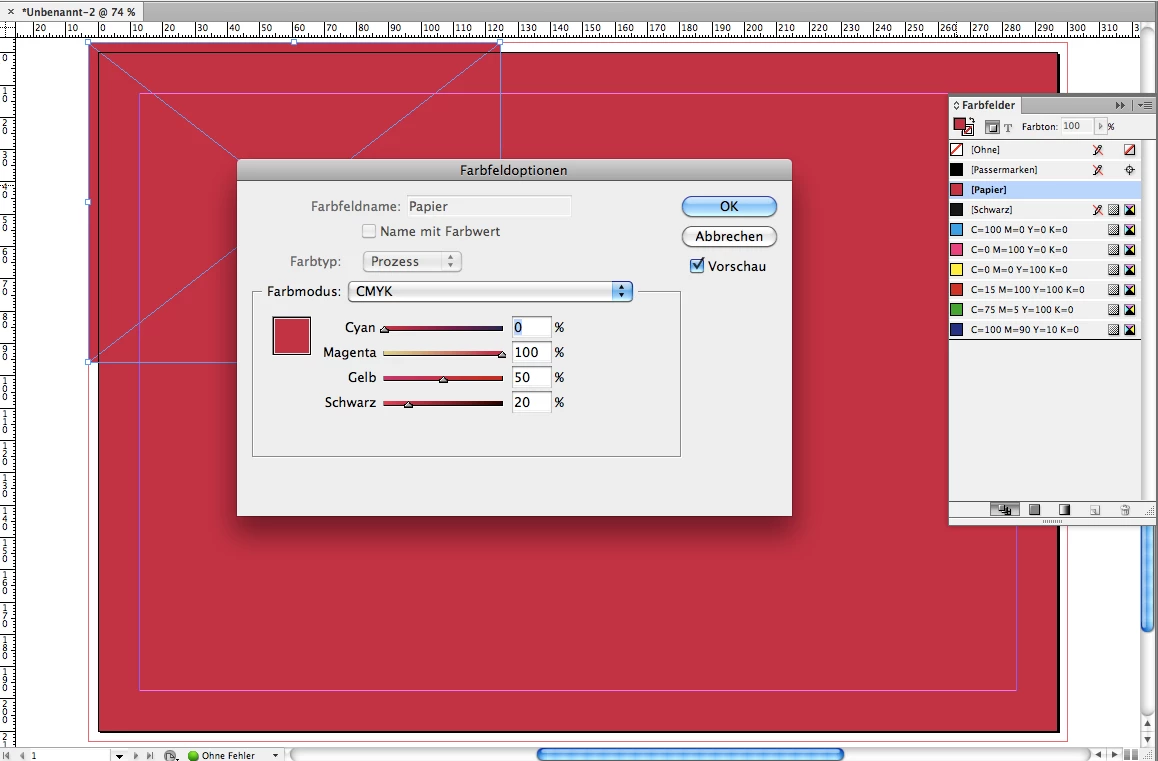
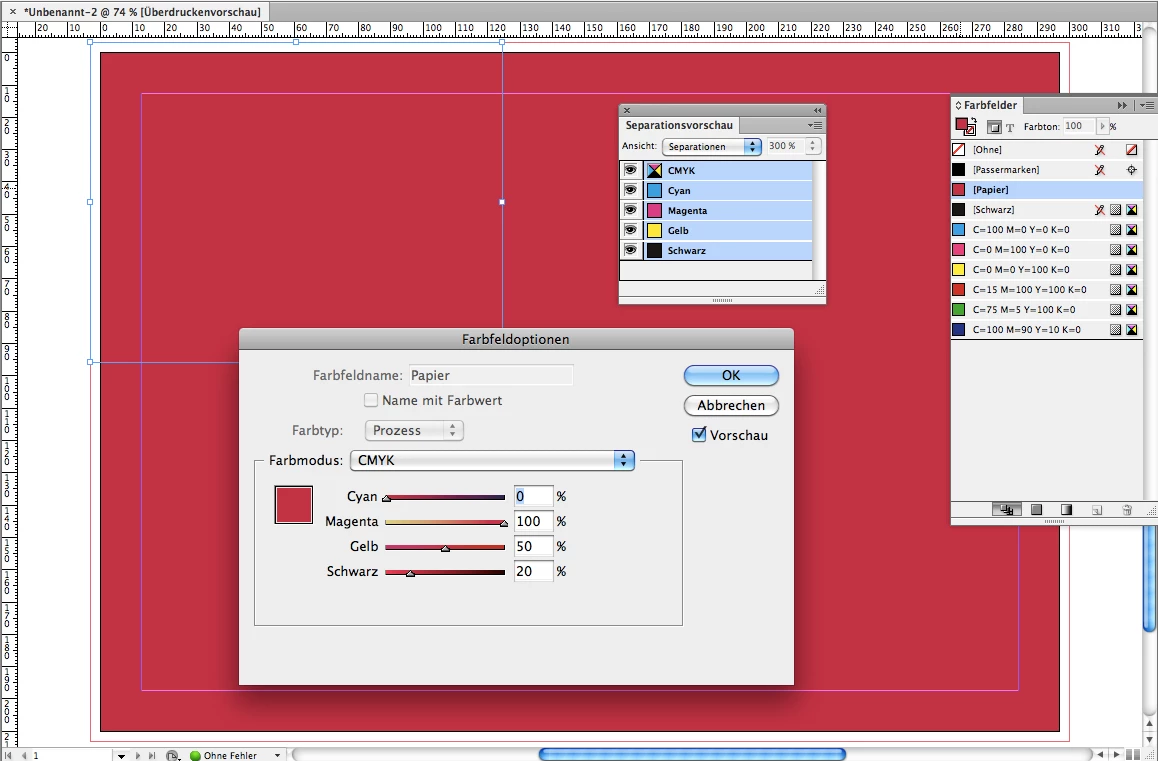
What does "Separation Preview" show in InDesign?
Is the "bleed" area filled with color? In my example below it is not.
However the page's background is showing in color [Paper]:
Exporting to PDF will get you a blank page:
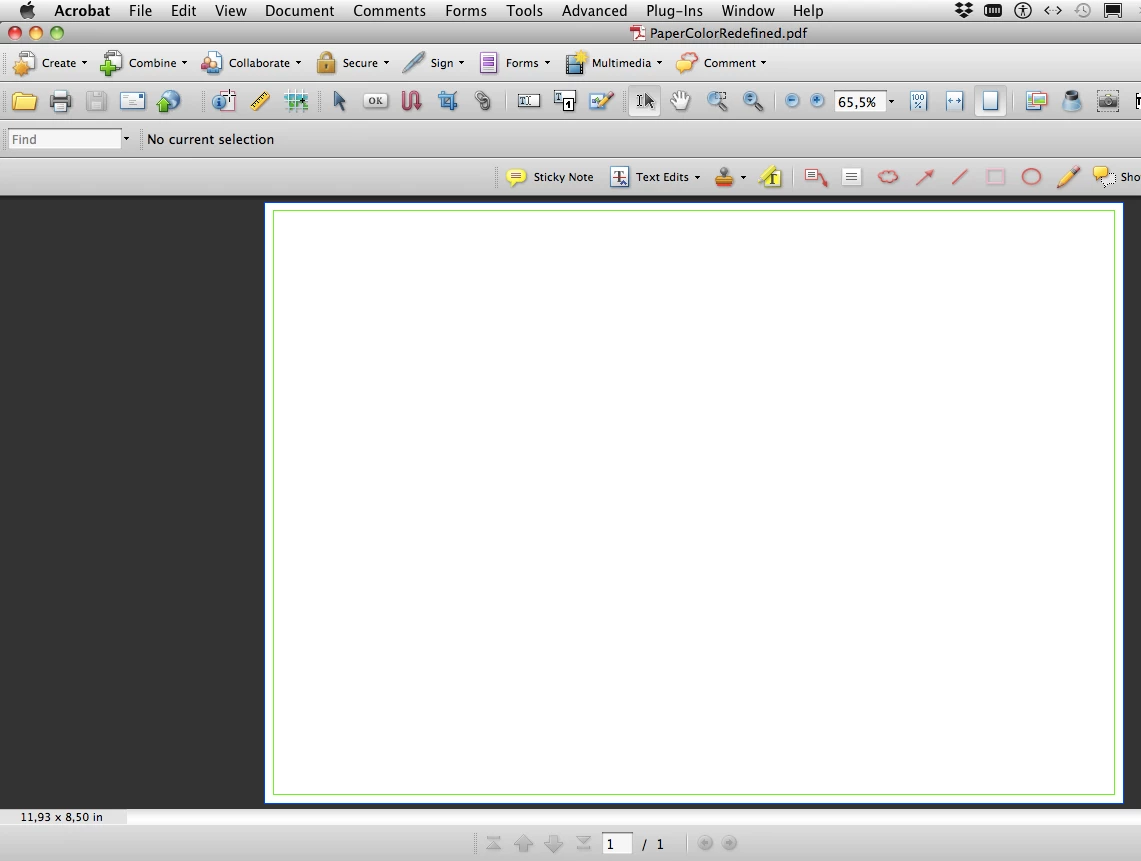
So in essence you do not see what you get if you turn on "Separation Preview" with "Overprint Preview" when you change the appearance of color [Paper]. To change this do a new swatch with your preferred color and fill a rectangle with it. Do not redefine color [Paper].
But this all is pure speculation on my side.
Regards,
Uwe


 AdChoices